Your sensors,now fluent in AI.
Connect Claude, ChatGPT and other AI assistants to your Trackpac sensors, sites and alerts. Ask about the physical world in plain language, and set up facilities just by describing them.
Hosted at mcp.trackpac.ioNothing to installOpen source
Just ask. Like you would a colleague.
- Which sensors have a low battery?
- Show CO₂ in every meeting room this week
- Alert me if the server room goes above 27 °C
- Where is trailer 12 right now?
- Create a geofence around the Leeds warehouse
- Which tanks are below 20%?
- Build a dashboard for Building A
- Set every freezer sensor to report every 10 minutes
- Email a weekly temperature report to facilities
- Has any leak sensor triggered today?
- Which devices haven't reported in 24 hours?
- Move these 14 sensors to the Rotterdam site
- Compare humidity across all three greenhouses
- Who gets notified when the cold room alarms?
How it works
From question to action,
in seconds.
The Trackpac MCP server gives your AI assistant around 130 tools covering the Trackpac API. It picks the right ones, calls them, and tells you what it found or did.
01 · Monitor
Ask about anything your sensors can see.
Your assistant finds the right devices, pulls their readings and history from Trackpac, and answers in plain language, with the numbers to back it up.
02 · Set up
Stand up a new facility in a single sentence.
Describe the site you want. Your assistant draws the geofence, tags the sensors and wires up the alerts, asking you to confirm before it changes anything.
03 · Build
Get a dashboard without building a dashboard.
Ask for the view you need. Your assistant picks the devices, adds the widgets, lays them out and shares a link with your team.
Illustrative examples. Your assistant answers from your own Trackpac data.
Sense
Every sensor in your estate. One conversation.
Temperature, humidity, air quality, leaks, tank levels, soil moisture and location. If it reports into Trackpac, your AI can read it, chart it and act on it.

Water leak
Leak detection
“Has any leak sensor triggered today?”
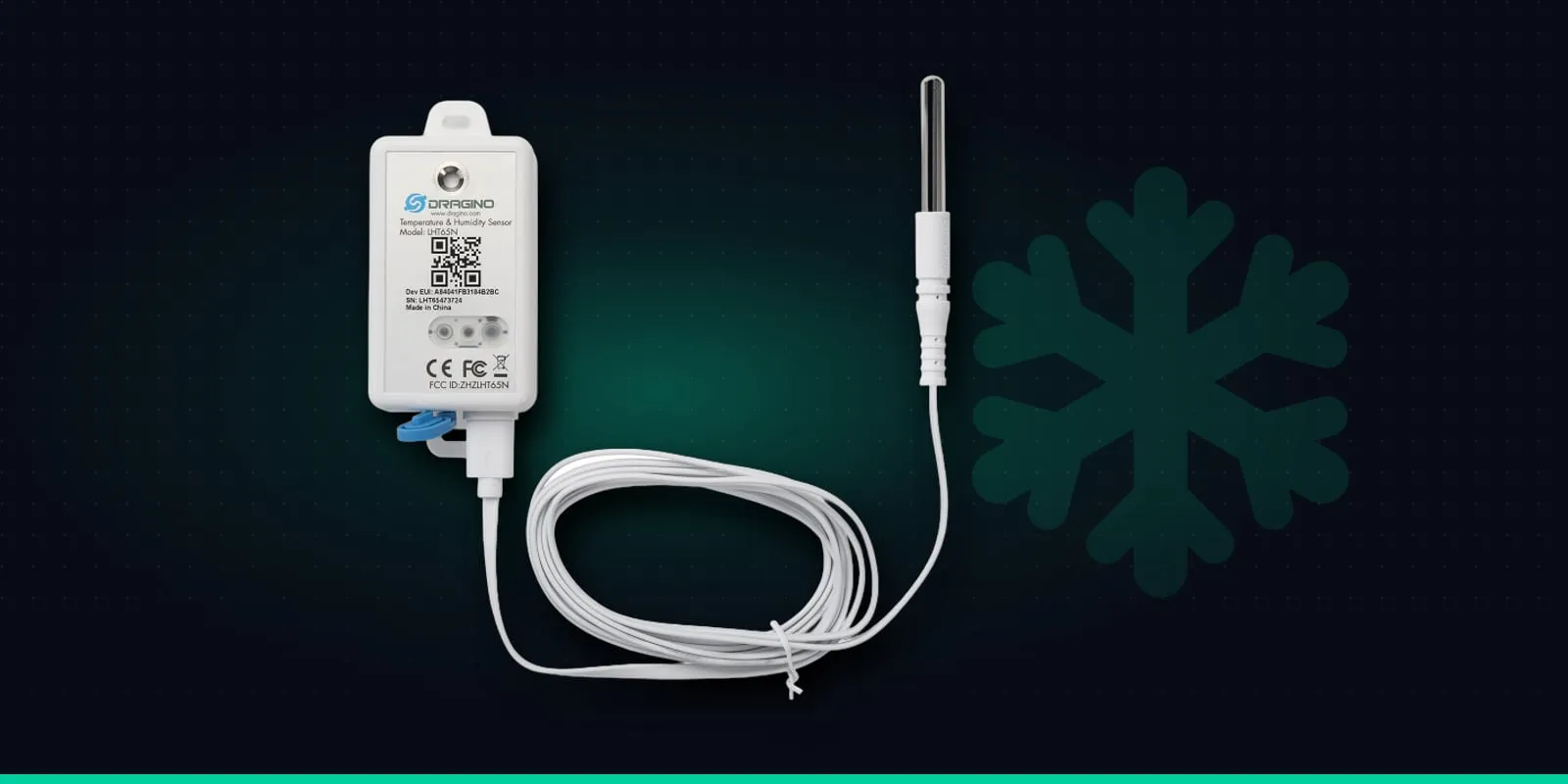
Temperature
Cold storage
“Which fridges ran warm overnight?”
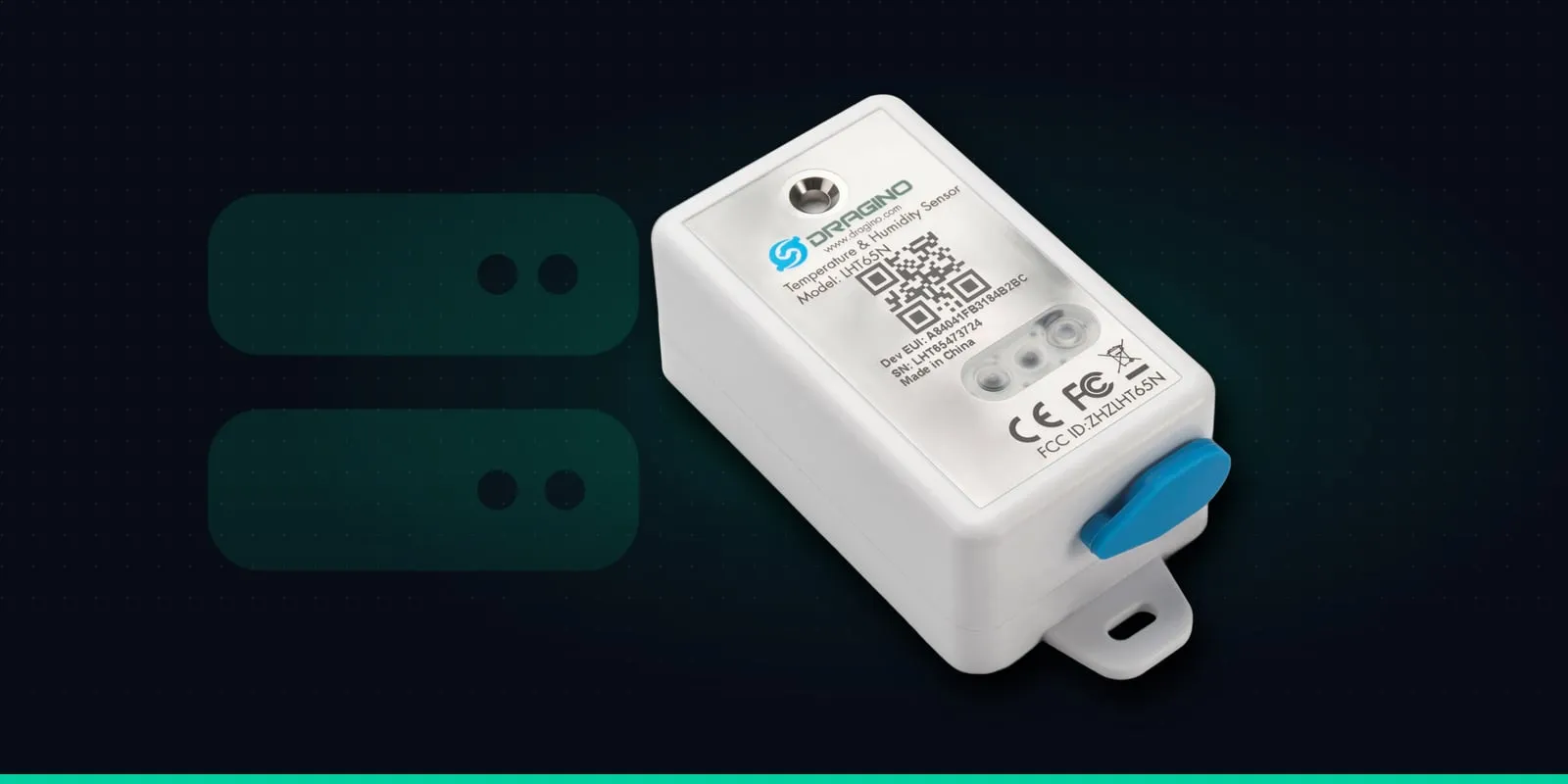
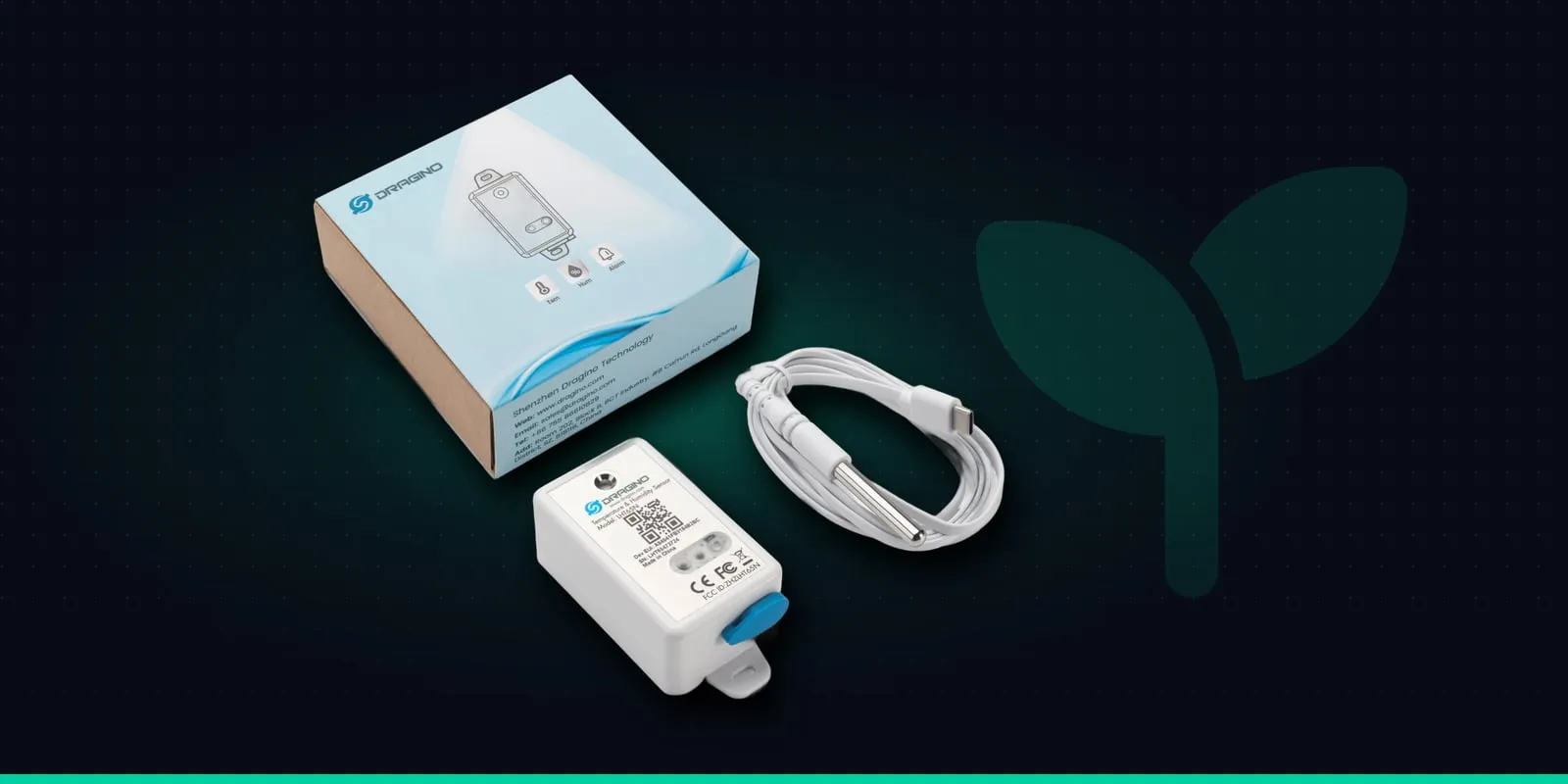
Temperature & humidity
Server rooms
“Alert me above 27 °C.”
Humidity
Greenhouses
“Compare all three greenhouses.”
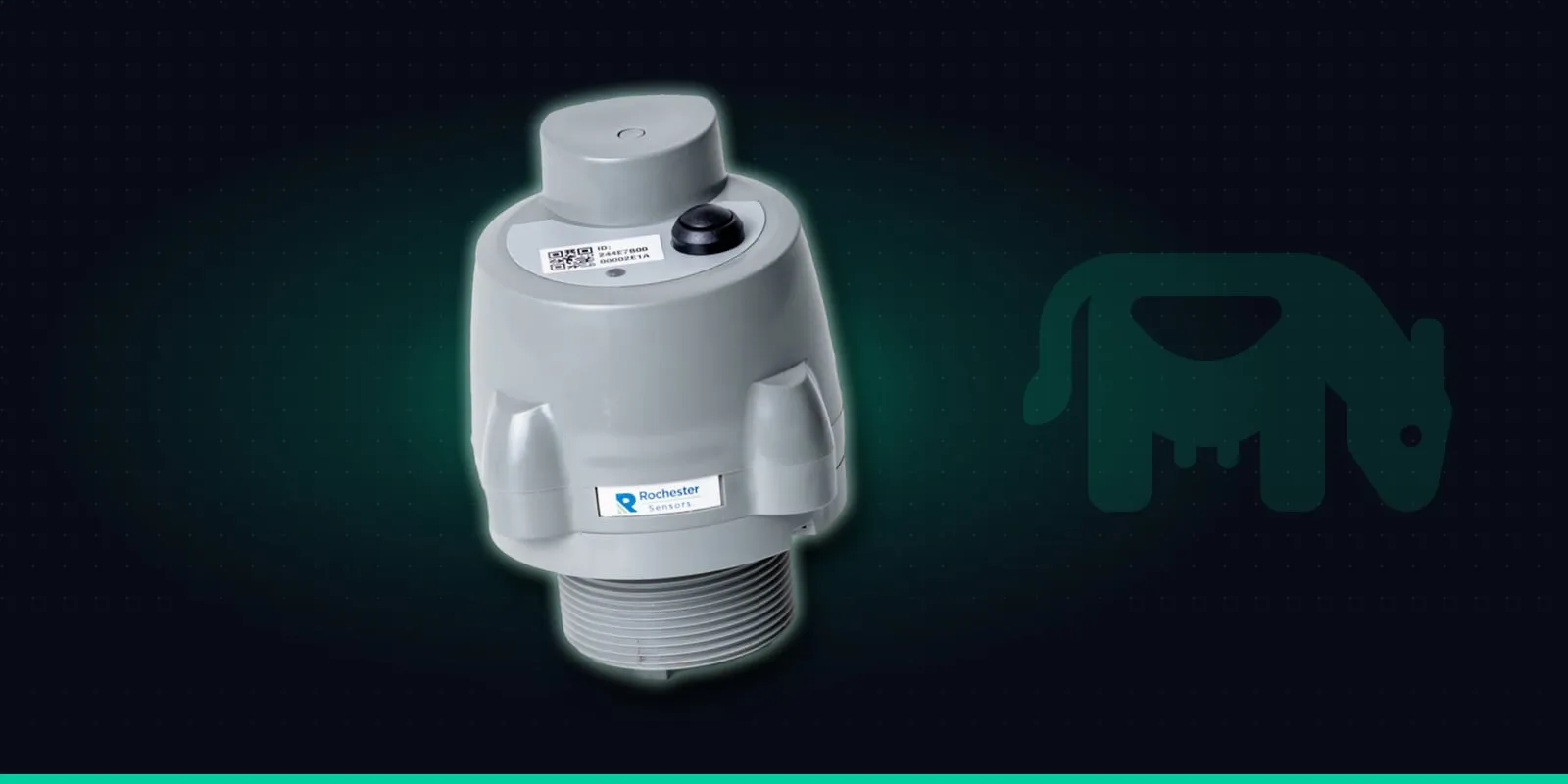
Fill level
Tanks
“Which tanks are below 20%?”
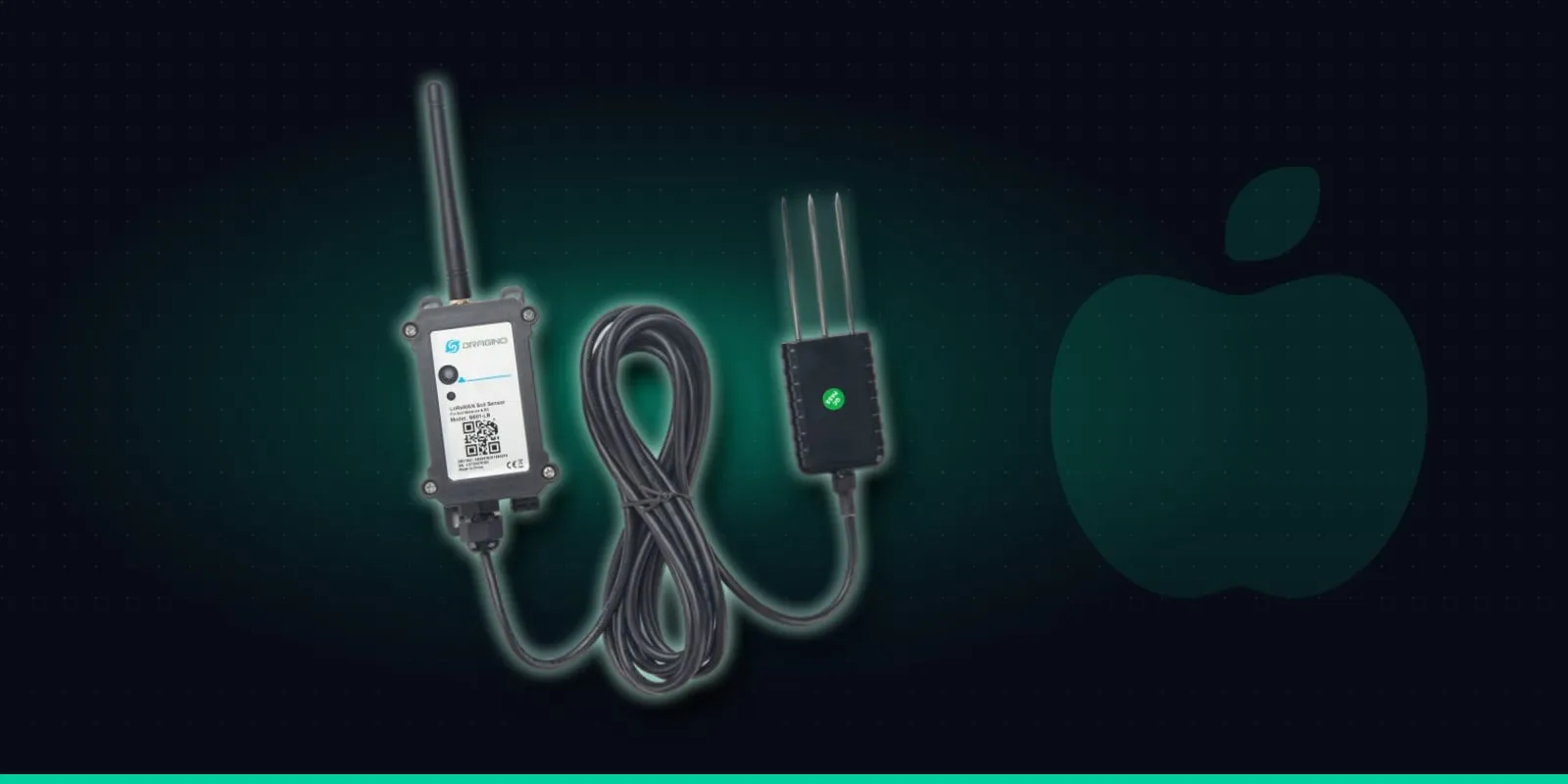
Soil moisture
Fields & vineyards
“Where do we need to irrigate?”
Works with the LoRaWAN hardware Trackpac already supports, from Dragino, Milesight and Browan to RAKwireless, Tekelek and Digital Matter.
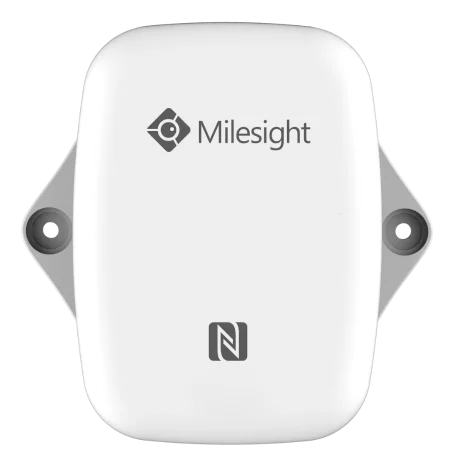
Temperature & humidity
Milesight EM300-TH
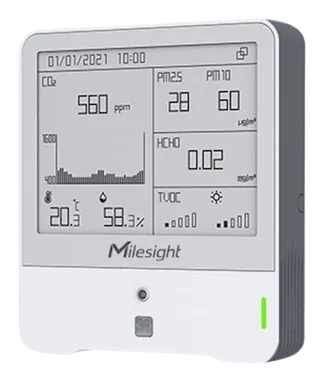
Indoor air quality
Milesight AM319
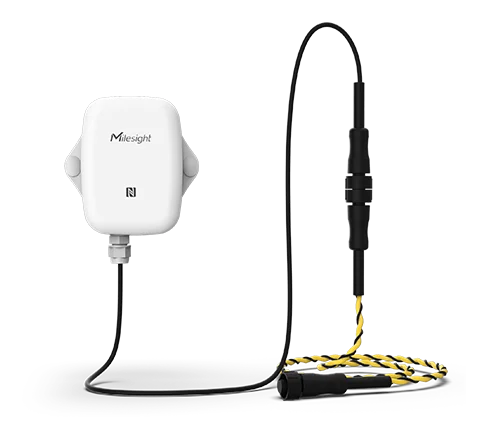
Water leak
Milesight water leak sensor
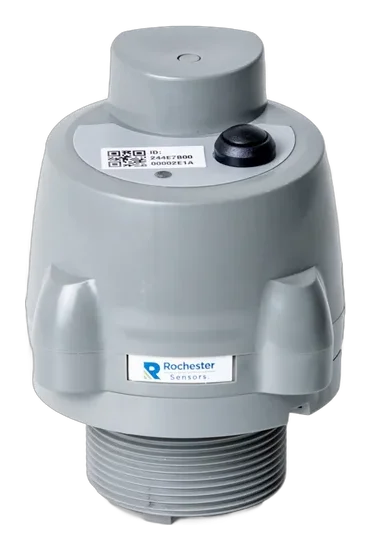
Tank level
Tekelek TEK766
GPS location
Digital Matter Yabby3
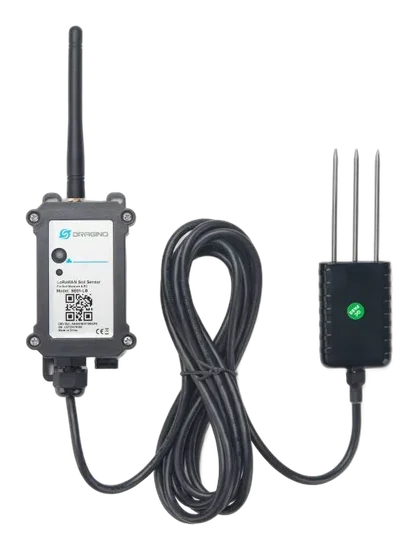
Soil moisture
Dragino SE01-LB
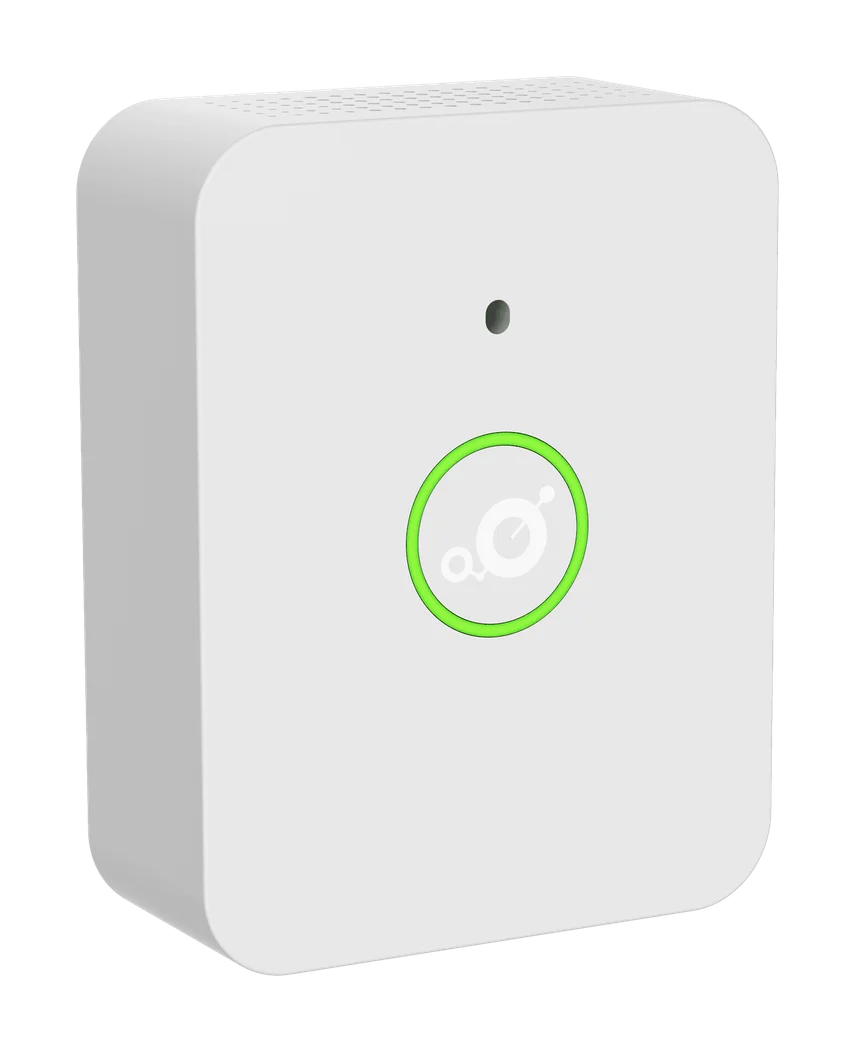
CO₂ & air quality
MerryIoT air quality sensor
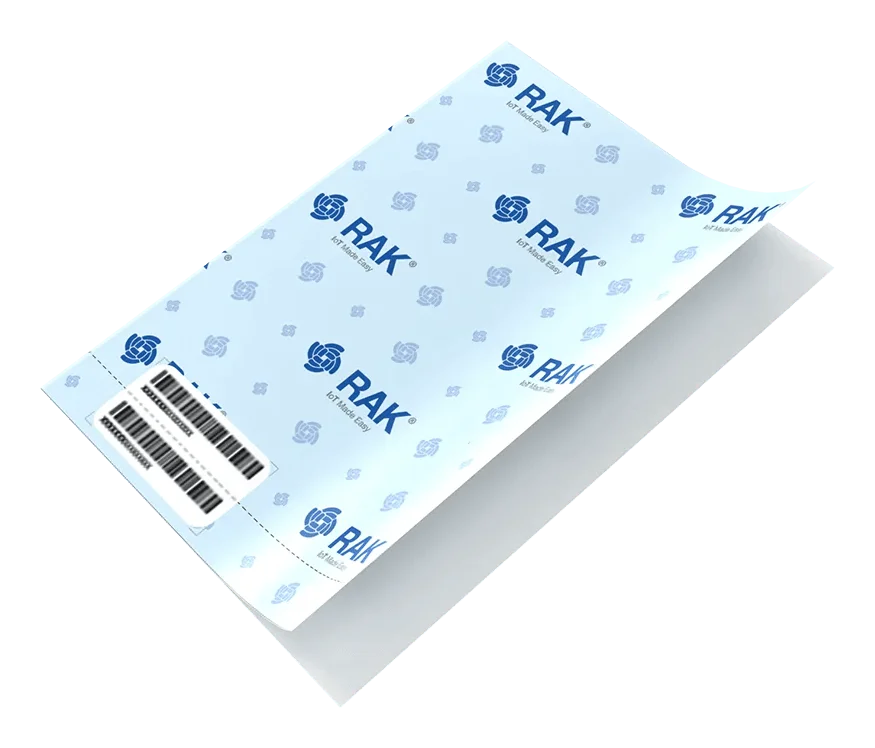
Cold chain tracking
RAKwireless RAK2270
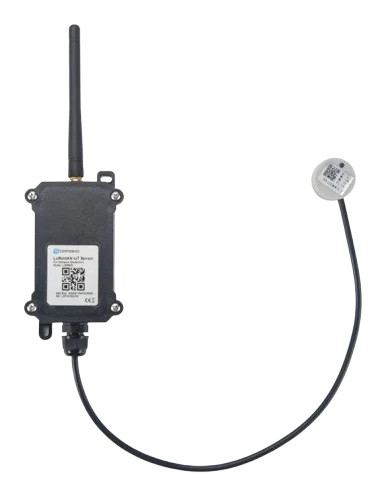
Liquid level
Dragino LDDS20
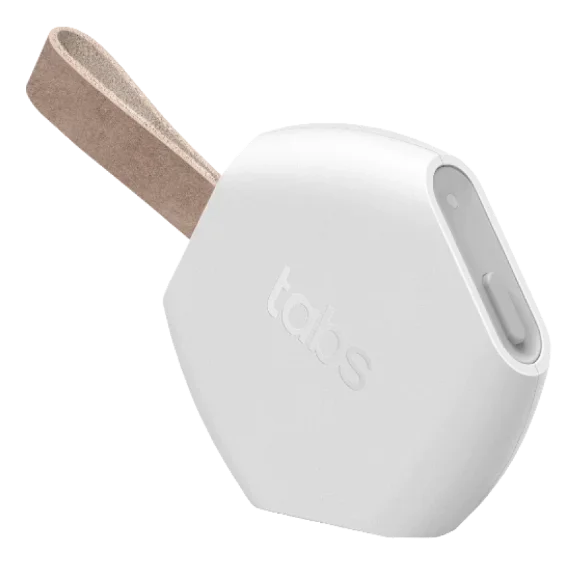
Asset tracking
Browan TBOL100
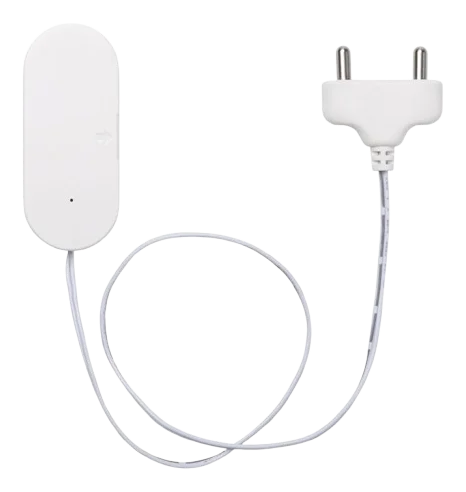
Leak detection
Dragino LWL02
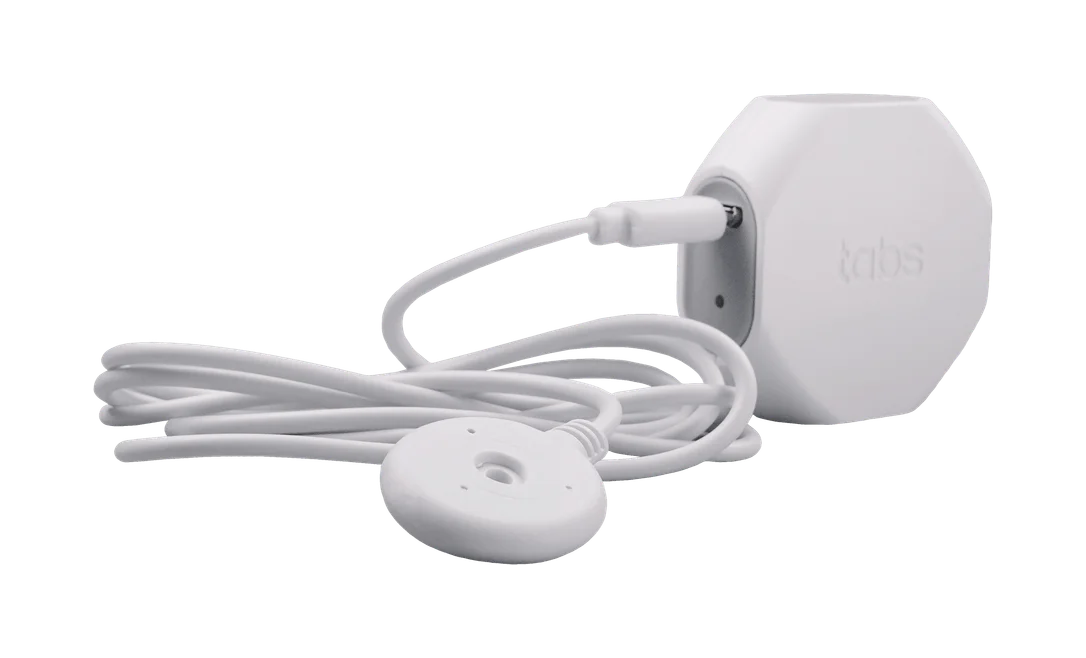
Water leak
Browan TBWL100
Create & manage
Facilities, managed
by conversation.
Your AI doesn't just read sensor data. With your approval, it can create and change things in Trackpac: sites, geofences, dashboards, assets and alerts.
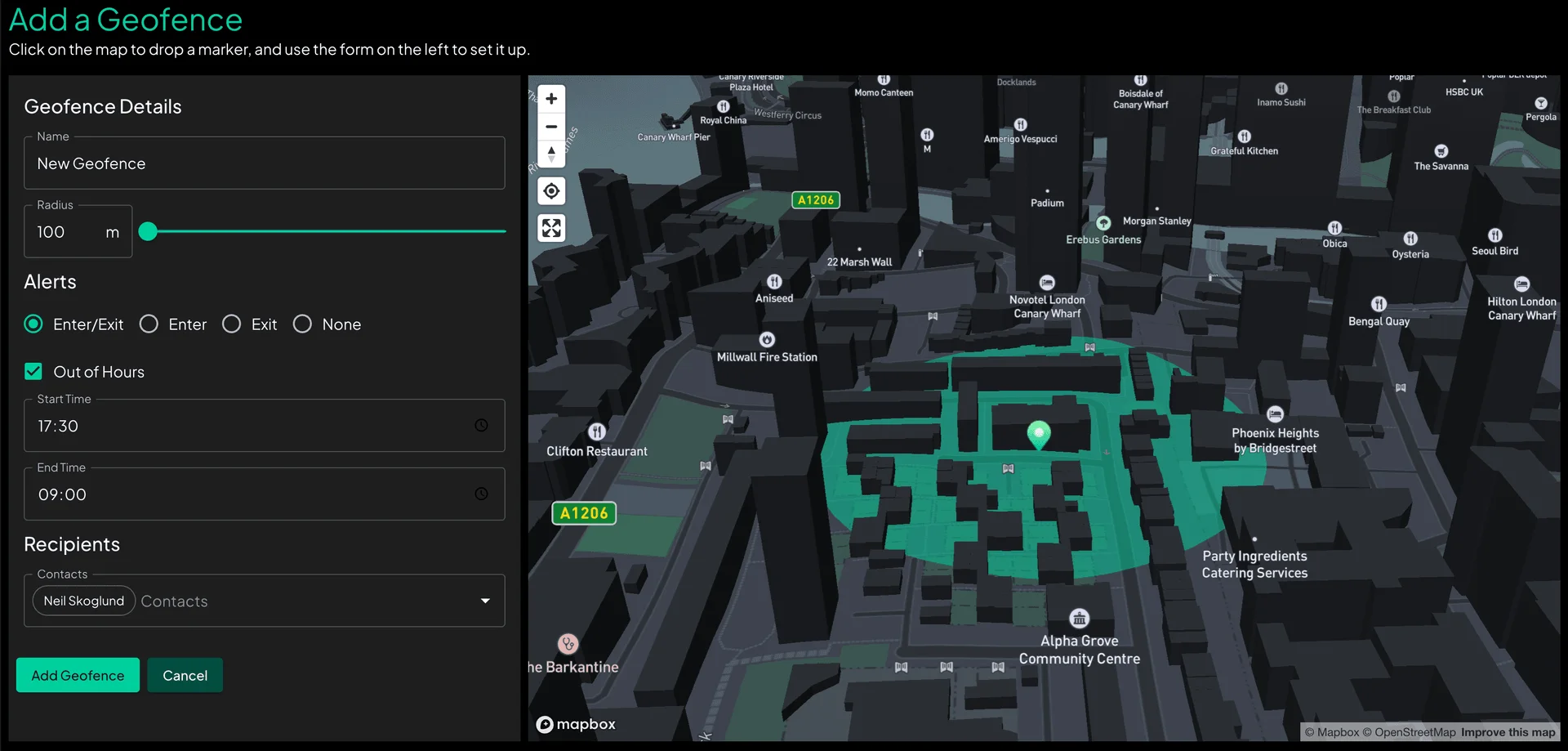
“Put a 250 m geofence around our Rotterdam depot and tell ops when a trailer leaves.”
Geofences
Draw a site with a sentence.
Geofences from a plain description. Your assistant looks up the address, sets the radius, and decides who hears about it when something enters or leaves.
perform_geocoding_location_engine_geocode_postcreate_geofence_geofence_postactivate_geofence_geofence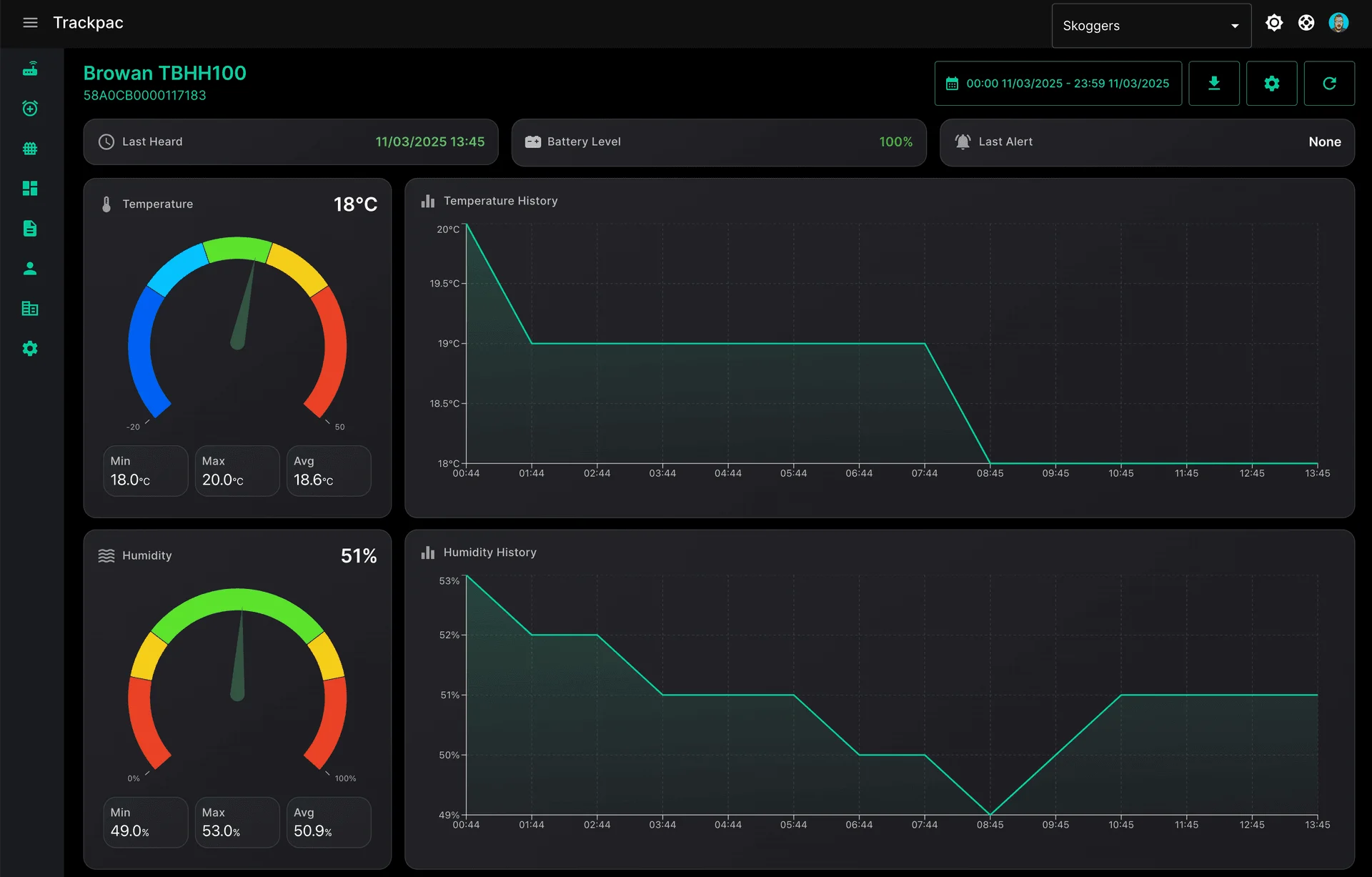
“Build a cold room dashboard with temperature, humidity and battery for every sensor.”
Dashboards
Dashboards that build themselves.
Describe the view you need and get a live Trackpac dashboard: the right devices, the right widgets, laid out and ready to share.
create_dashboard_dashboardadd_widget_to_dashboard_dashboardupdate_dashboard_layout_dashboard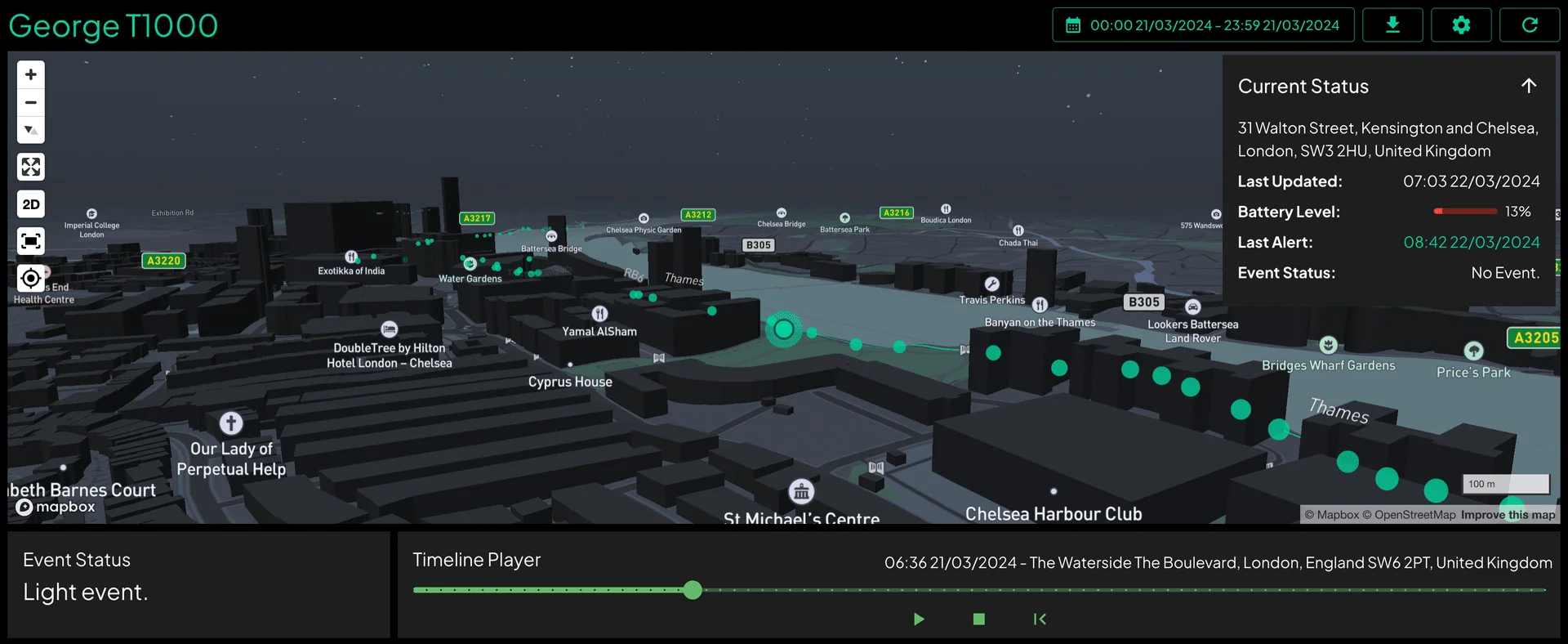
“Which trailers left a site today, and where are they now?”
Assets & tracking
Know where everything is.
Ask where an asset is, where it has been, or which ones left a site today. Your assistant reads location history and geofence presence and gives you the short version.
read_assets_asset_organisationget_geofence_presence_history_geofenceread_frames_asset_history
“Text the on-call engineer if any freezer goes above −18 °C.”
Alerts & actions
Alerts that set themselves up.
Thresholds, contacts and escalation in one request. Trackpac does the watching around the clock and notifies the right people by app, email or SMS.
create_contact_contact_postcreate_action_actionassign_action_action_assign_post0+
MCP tools
covering the Trackpac API
0
API areas
from devices to billing
0
Server URL
hosted by Trackpac
0
Things to install
for Claude.ai and ChatGPT
Capabilities
If Trackpac can do it, your AI can too.
The server is generated from Trackpac's live API spec, so new features show up as new tools automatically.
Devices
List, find, rename, tag, move and claim sensors across organisations.
read_devices_device_getLive & historic data
Latest readings and full history for any device, by day or time range.
read_frames_frameOrganisations
Manage organisations, invite members and set their roles.
invite_user_organisationGeofences
Draw zones, see who's inside, and review presence history.
create_geofence_geofence_postAssets
Track trailers, tools and equipment and the devices attached to them.
read_assets_asset_organisationDashboards
Build, lay out and share dashboards and widgets.
add_widget_to_dashboard_dashboardAlerts & actions
Set thresholds, choose contacts and read the alert log.
create_action_actionReports
Create scheduled reports and fetch the generated files.
create_report_reportDownlinks
Reconfigure devices over the air, like changing reporting intervals.
send_downlink_deviceLocation engine
Geocode addresses and resolve positions from LoRaWAN and Wi-Fi.
resolve_location_location_engine_resolve_postWorks with the AI you already use.
Built on the open Model Context Protocol, so it isn't tied to any one assistant. Every client connects to the same hosted server.
Get started
Connected in minutes. Nothing to install.
Trackpac hosts the MCP server for you. Point your AI assistant at it, then sign in with your Trackpac account or use an API key.
- 1Open app.trackpac.io
Get an API key
Using Claude.ai or ChatGPT? Skip this step. You'll sign in with your Trackpac account instead.
- Open your Trackpac account page.
- Click Generate API key.
- Give it a name, like “Claude Desktop – laptop”.
- Copy the key and keep it somewhere safe.
- 2
Connect your assistant
Every client connects to the same hosted server.
SERVER URL
https://mcp.trackpac.io/mcpSign in with TrackpacClaude.ai setup- In Claude, open Customize → Connectors → Add custom connector.
- Name it Trackpac and paste in the server URL.
- Choose Sign in now and log in with your Trackpac account.
- In a chat, turn on Trackpac under + → Connectors.
Works on claude.ai and in Claude Desktop. On Team or Enterprise plans, an owner adds it in Organization settings → Connectors. Full Claude.ai guide →
Then just ask.
Try “List my Trackpac devices” to check everything is working.
Prefer to run it yourself?
The server is open source under Apache 2.0. Run it locally or with Docker. Self-hosting guide →
Security
Powerful, and still in your hands.
The MCP server is a thin layer over the Trackpac API, and it's open source under Apache 2.0. Your data stays in Trackpac, and every request runs with your own Trackpac permissions.
Your permissions, nothing more
The assistant acts as you. It can only see and change what your Trackpac user already can.
Approve before it acts
Claude and ChatGPT ask before running tools that change things. Keep those prompts on for anything that writes or deletes.
Sign-in or keys you control
Sign in with your Trackpac account, or create a separate API key for each machine and revoke any of them from your account page.