Cold Room & Loading Dock Door Monitoring: Stop Doors Being Left Open with the LDS03A
22nd October 2026•By Neil Skoglund
LDS03A Use Case
A cold room door that doesn't quite shut is an easy mistake to make and a costly one to miss. Warm, moist air pours in, the refrigeration runs harder to keep up, ice builds on the evaporator, and if nobody notices before the end of the shift the temperature creeps up on stock you can't afford to lose. The same goes for a loading dock door left up after the last delivery: heat escapes, the cold chain breaks and the building sits open.
This guide is for food producers, wholesalers, distribution centres, commercial kitchens, supermarkets and anyone running walk-in freezers, cold rooms or dock doors. It shows how a Dragino LDS03A on each door, reporting into Trackpac, alerts the right person when a door is left open too long, and builds up a record of how every door is actually used. For the wider picture of door sensors, see our overview of door and window monitoring.
Why the LDS03A Suits Cold Rooms & Dock Doors
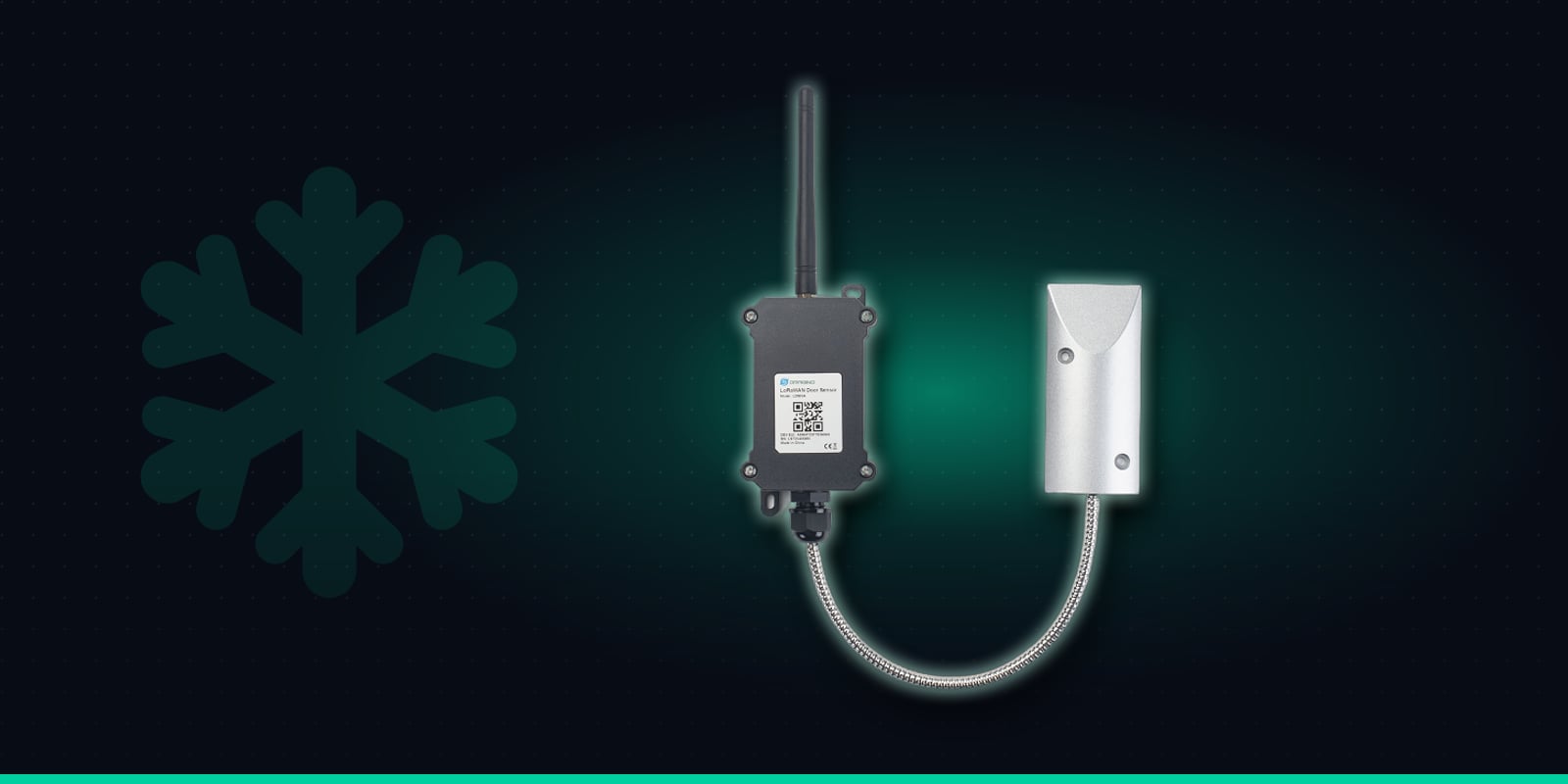
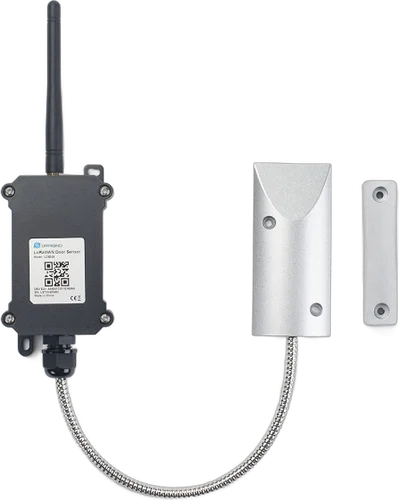
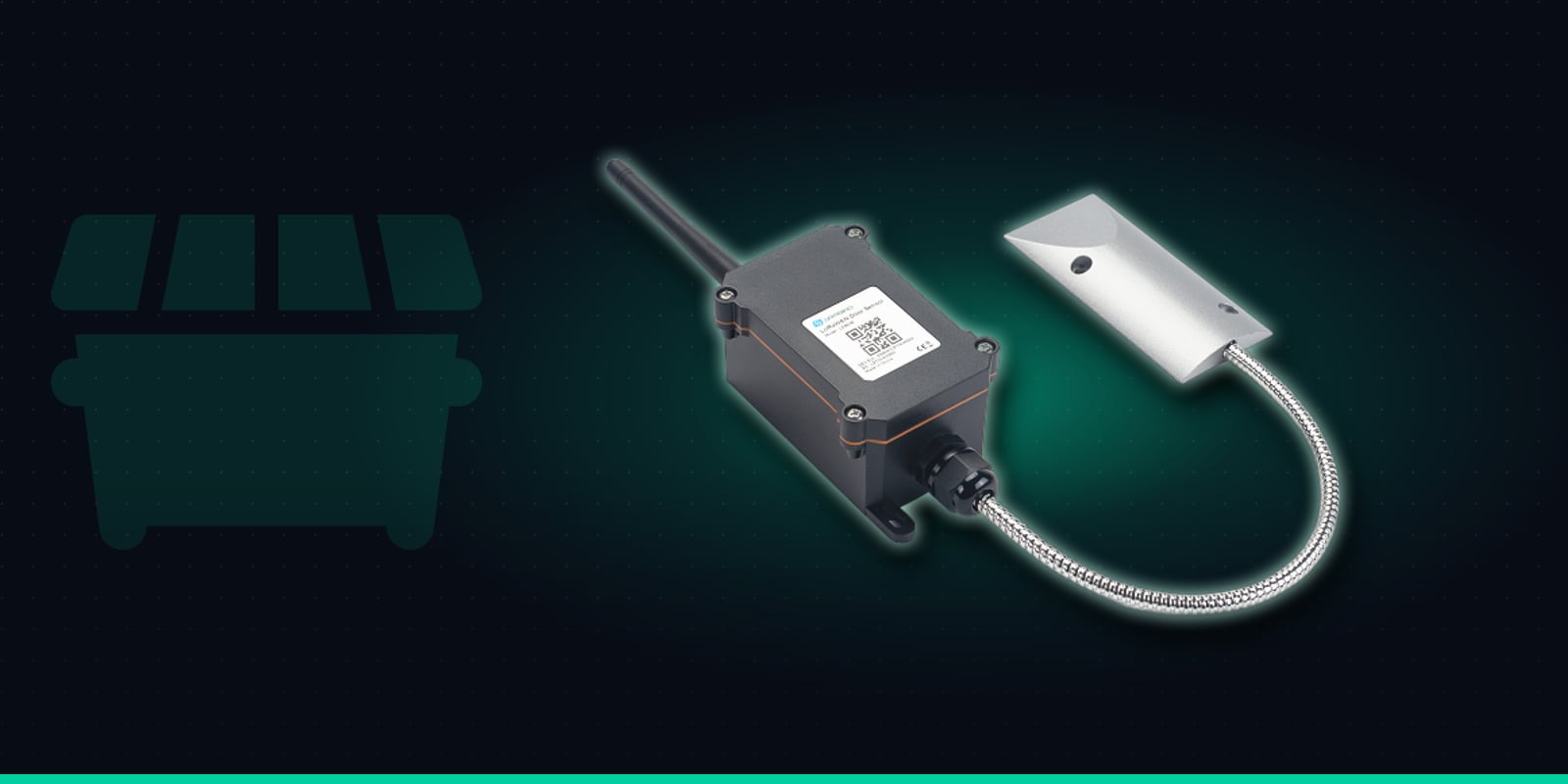
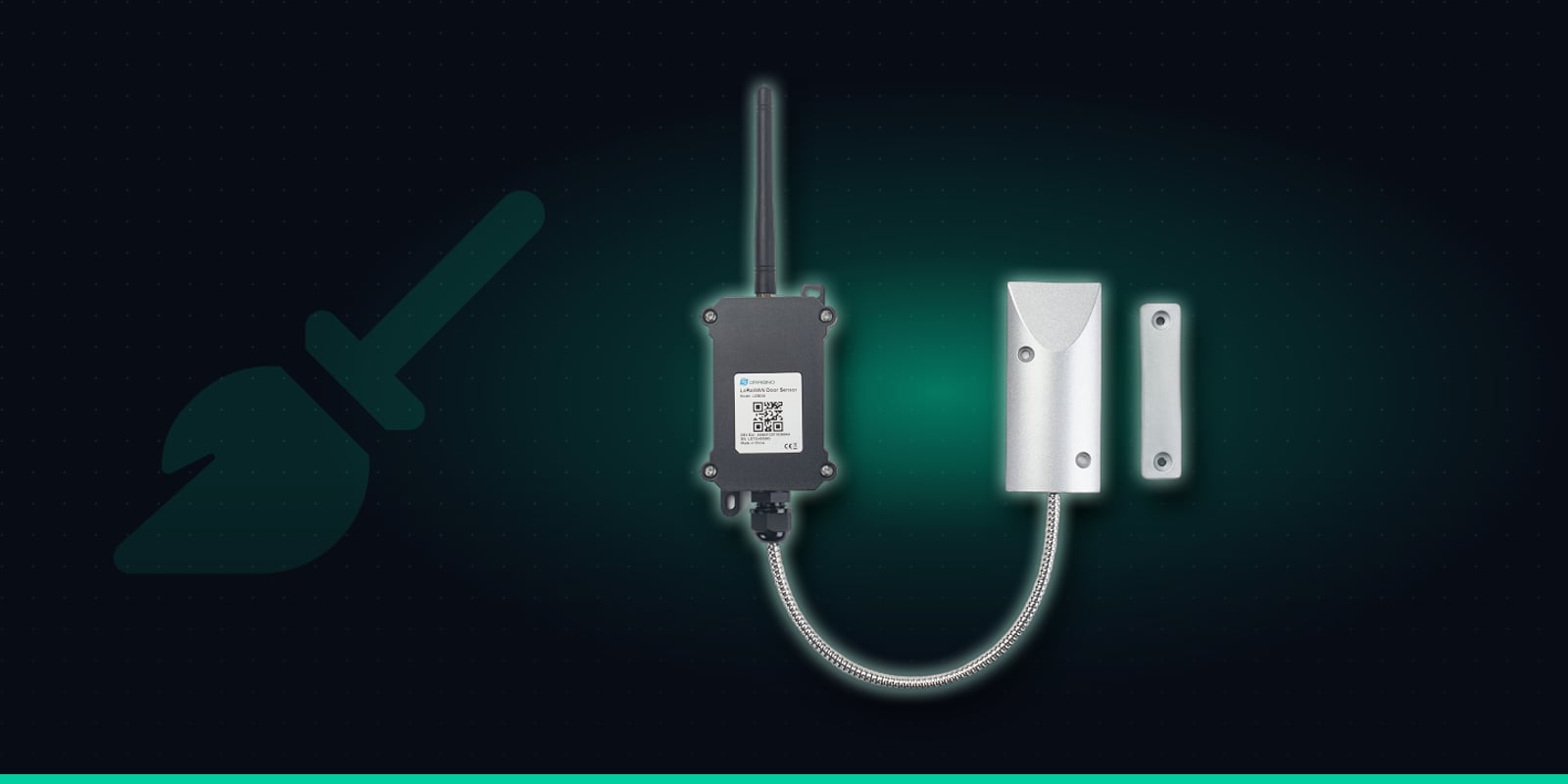
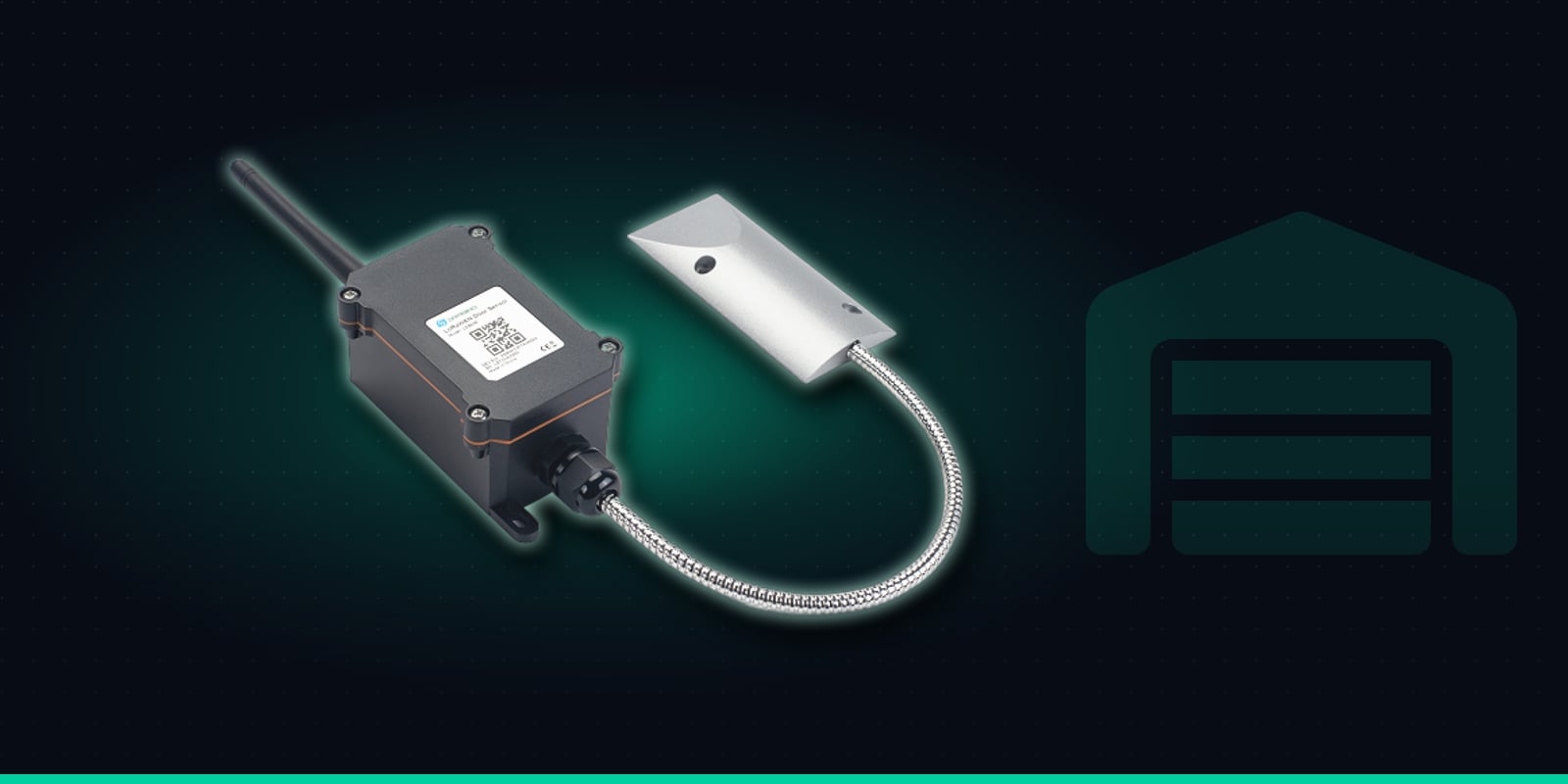
The LDS03A is an outdoor LoRaWAN open/close sensor built for tougher places than an office door. A weatherproof enclosure holds the battery, radio and antenna, and connects by an armoured, steel-sheathed cable to a heavy-duty magnetic contact. A separate magnet fixes to the moving door. It is rated from -40°C to +85°C, so it is at home on the freezer side of a door, and the contact works across a 30-45mm gap on steel - ideal for insulated cold room doors, roller shutters and sectional dock doors that never close to the millimetre.
Magnetic contact
Heavy-duty contact on an armoured cable. Works across a 10-30mm gap on wooden doors and 30-45mm on steel.
Reports every opening
Sends each open and close as it happens, plus a status check every 2 hours.
Open-too-long alarm
Raises an alarm if a door stays open past a time you set.
Counts & durations
Keeps a running total of openings and how long the last one lasted.
Built for outdoors
Weatherproof enclosure, rated from -40 to +85°C.
Up to 10-year battery
8500mAh battery. Life depends on how often the door is used.
Specifications from Dragino's LDS03A documentation.
Crucially for this job, the LDS03A sends an uplink the moment a door opens and again when it closes, rather than waiting for a scheduled report every few hours. A periodic status uplink every 2 hours confirms it is still alive, and if coverage drops the sensor stores events and sends them once the network is back, so short outages don't leave holes in the history.
Catch a Door Left Open Before It Costs You
Cold room doors are opened constantly during a shift, so an alert on every opening would be noise. What matters is the door that stays open. The LDS03A has an open-too-long alarm built in: set a time that fits the door - a few minutes for a walk-in freezer, perhaps longer for a chiller being loaded with a pallet truck - and if the door is still open when it runs out, the sensor raises an alarm straight away.
Trackpac turns that alarm into an email, SMS or push notification to the people on shift, and to the Trackpac mobile app. When the door is closed again, a "resolved" message confirms it, so whoever got the alert knows someone has dealt with it without having to walk over and check. The alarm time can be changed remotely over LoRaWAN, so you can tighten it on a problem door without a site visit.
See Which Doors Are Busiest - and When
Every report from the LDS03A includes a running total of openings and the duration of the last opening. In Trackpac that builds into a history for each door that most sites have never had: how often it is opened, how long it typically stays open, and at what times of day.
Find the problem doors
Compare doors side by side. A freezer that is opened far more often than its neighbours, or one with long openings, is the place to look first when energy use or icing is a concern.
Back up the case for changes
Data makes it easier to decide where strip curtains, door closers or a rapid-roll door would help, or whether a picking process should change so the door isn't opened as often.
Check the effect afterwards
After a change, compare the opening count and durations before and after. If doors are now closing faster, the history shows it; if not, you know to try something else.
Dock door patterns
On loading docks, the history shows when each door goes up and how long it stays up - useful for spotting doors left open between deliveries or after the last vehicle has gone.
Door Data Plus Temperature: The Full Picture
A door sensor tells you a door was open; a temperature sensor tells you whether it mattered. Pairing each LDS03A with an LHT65N temperature sensor inside the same cold room puts both on one Trackpac dashboard, so you can see a long opening and the temperature rise that followed - or confirm the room recovered quickly. It also helps separate a door problem from an equipment problem: if the temperature climbs while the door stayed shut, it's time to call the refrigeration engineer rather than retrain the team. Read our guide to fridge and freezer temperature monitoring with the LHT65N for that side of the setup.
Installing the LDS03A on Cold Room & Dock Doors
There is no wiring to a mains supply or an alarm panel. Each door needs one sensor, because the standard firmware monitors a single door.
1
Order "Trackpac Ready", scan and name it
Buy the LDS03A from Hexaspot with the Trackpac Ready option, scan its QR code in the Trackpac app and give it a clear name like "Depot 1 - Freezer 2 door" or "Dock door 4". Tag it by site and door type so alert rules can be set once per group.
2
Contact on the frame, magnet on the door
Fix the magnetic contact to the fixed frame and the magnet to the moving door, so they line up when the door is fully closed. Keep within about 10-30mm on wooden doors and 30-45mm on steel. On a roller shutter or sectional dock door, mount the contact on the frame or guide at the bottom of the opening, where the door finishes its travel, and keep it clear of the path of forklifts and pallets.
3
Place the enclosure for a good signal
The enclosure is wall-mountable and rated down to -40°C, so it can sit inside a freezer if it has to. Insulated panels and steel cladding weaken radio signals, though, so where the cable allows, mount it outside the cold room rather than deep inside a metal box.
4
Test it and set the alarm time
Open and close the door and check both events appear on the dashboard before you leave. Then set the open-too-long time for that door - it can be adjusted remotely later once you see how the door is really used.
Alert Rules for Shifts & Out of Hours
Trackpac can alert on door opened or closed, the open-too-long alarm and battery level, by email, SMS or push notification. Rules can target tags, so every door tagged "Freezers" or "Site 2 - Dock" shares the same rules, and a new sensor added to the tag picks them up automatically. A typical setup:
Open too long: shift supervisor
During working hours, the open-too-long alarm goes to the shift supervisor by push or SMS, so someone nearby can close the door within minutes.
Out of hours: on-call contact
A time window sends the same alarm to the on-call manager at night and at weekends, and a separate rule can flag any dock door opening outside working hours.
Door closed: resolved
The "resolved" message when the door closes again tells everyone who got the alert that it has been handled.
Low battery: plan a swap
The battery is rated for up to 10 years, but busy doors send more reports and use more of it. A low-battery rule gives you advance notice.
A trigger-lock interval stops a door that keeps being propped open from sending a stream of repeat alerts. The LDS03A also has a count-only mode that saves battery on very busy doors, but it gives up real-time alerts, so for cold rooms and dock doors it usually makes sense to keep per-event reporting on.
Multiple Sites, Audits & Other Systems
Tags by site and door
Tag sensors by site, building and door type, then filter the dashboard to one depot or every freezer across the business.
History & exports for audits
Reports and exports give you a time-stamped record of door discipline - openings, durations and alarms - to review with team leaders or keep alongside your own food safety records.
Shareable dashboards
A read-only dashboard link lets a client, site manager or refrigeration contractor see door activity without being able to change sensors or rules.
Webhooks to your systems
Forward door events and alarms by webhook to a maintenance, work-order or warehouse system, so a repeat offender door can become a job for the facilities team.
One LDS03A per door, rated down to -40°C and happy on steel - with an open-too-long alarm to the shift supervisor or on-call manager, and a full history of every opening on your Trackpac dashboard.
€59.92 ex VAT from Hexaspot, our sister company in the Connect IoT group. VAT is added at checkout based on your country.
Choose the Trackpac Ready option and the sensor arrives pre-registered on Trackpac - scan the QR code and it's live on your dashboard.
Trackpac covers connectivity, dashboard, alerts and data storage from £15 / €18 per sensor per year.
Can the LDS03A be fitted to a walk-in freezer door?↓
Yes. Dragino rates the LDS03A for -40°C to +85°C, so the contact, cable and enclosure can be mounted on the freezer side as well as in a chilled corridor or on the warm side of the door. Fit the contact to the fixed frame and the separate magnet to the moving door, within about 10-30mm on wooden doors or 30-45mm on steel. Where you have the choice, mounting the enclosure on the outside of an insulated cold room usually helps the radio signal get out.
How quickly will I know a cold room door has been left open?↓
As soon as the open-too-long time you set runs out, give or take a few seconds and subject to LoRaWAN coverage. The LDS03A sends an uplink as soon as a door opens and again when it closes, and its open-too-long alarm fires if the door stays open past the time you configure - for example a few minutes. Trackpac then sends the alert by email, SMS or push notification to whoever the rule targets.
Will it work on steel loading dock doors?↓
Yes. The heavy-duty magnetic contact works across a gap of about 30-45mm on iron and steel doors, so it suits roller shutters, sectional dock doors and steel personnel doors. Mount the contact on the fixed frame or guide rail and the magnet on the door itself, positioned so they line up when the door is fully closed. Use one LDS03A per door.
Does Trackpac show who left the door open?↓
No. The LDS03A records when a door opened, when it closed and how long it stayed open, along with a running count of openings. It doesn't identify people. Because every event is time-stamped, you can line the history up with shift patterns, deliveries or your own records to see when doors are being left open and work out why.
Where can I buy the LDS03A for use with Trackpac?↓
The Dragino LDS03A is sold by Hexaspot, Trackpac's sister company in the Connect IoT group, for €59.92 ex VAT, with VAT added at checkout based on your country. Choose the 'Trackpac Ready' option and the sensor is pre-registered on Trackpac, so you only need to scan its QR code. A Trackpac subscription from £15 / €18 per sensor per year covers connectivity, the dashboard, alerts and data storage.