Usage-Based Cleaning: Clean Where It's Used with LDS03A Door Counts
22nd October 2026•By Neil Skoglund
LDS03A Use Case
Most cleaning rotas are written once and then followed whether the facility is busy or not. The quiet toilet block at the far end of the park gets the same three visits a day as the one next to the café, and the changing rooms are checked at the same times on a match day as on a wet Tuesday. The result is effort spent where it isn't needed, and busy facilities that look tired long before the next scheduled round.
This guide is for facilities managers and cleaning contractors looking after public toilets, changing rooms, washrooms in offices and venues, and welfare units on construction sites and at events. It shows how a Dragino LDS03A on each facility door, reporting into Trackpac, counts how often the door is used, so you can see which facilities are busy, on which days, and plan cleaning around real demand. For a general introduction to door sensors, read our overview of door and window monitoring.
Why Fixed Rotas Miss the Mark
A fixed rota is easy to write and easy to check, but it assumes every facility is used the same amount every day. In practice usage swings widely: weekends against weekdays, summer against winter, an event or a busy shift pattern against a quiet week. A rota built for the average cleans quiet facilities too often and busy ones too late.
What's usually missing is data. Cleaners and supervisors have a good feel for which blocks are busiest, but it's hard to put a number on it, to compare sites fairly, or to show a client why the schedule should change. Counting door openings gives you that number - a practical proxy for how much each facility is used, per day and per week, without cameras or people counters inside the facility itself.
How the LDS03A Counts Door Openings
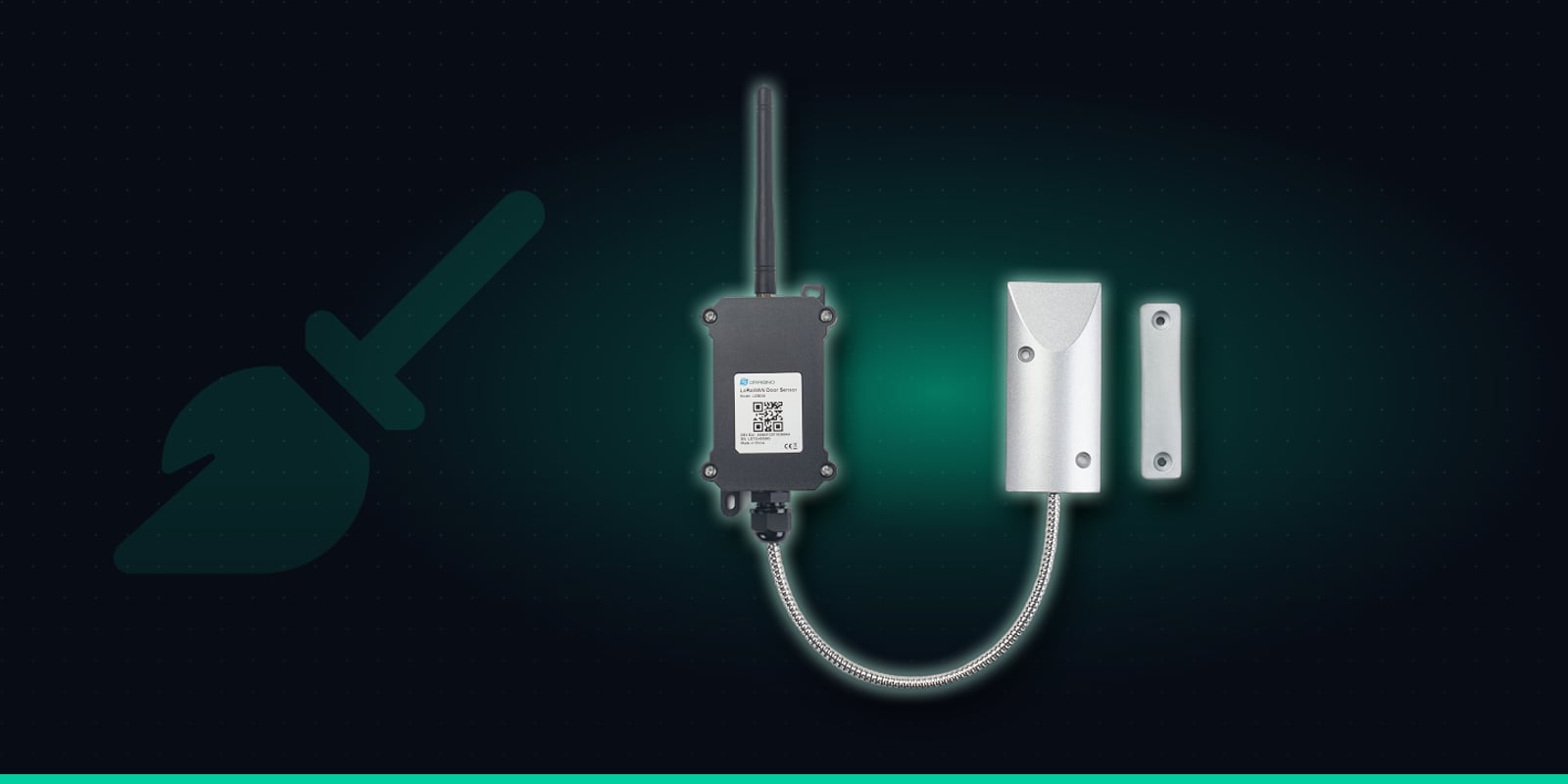
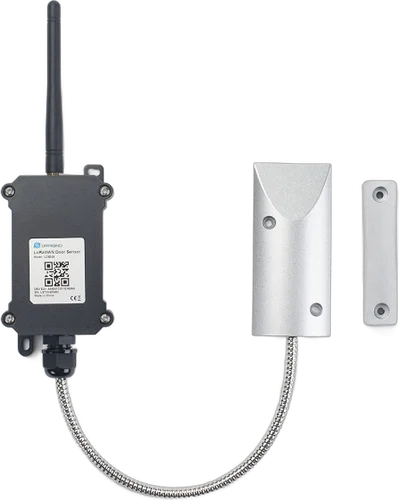
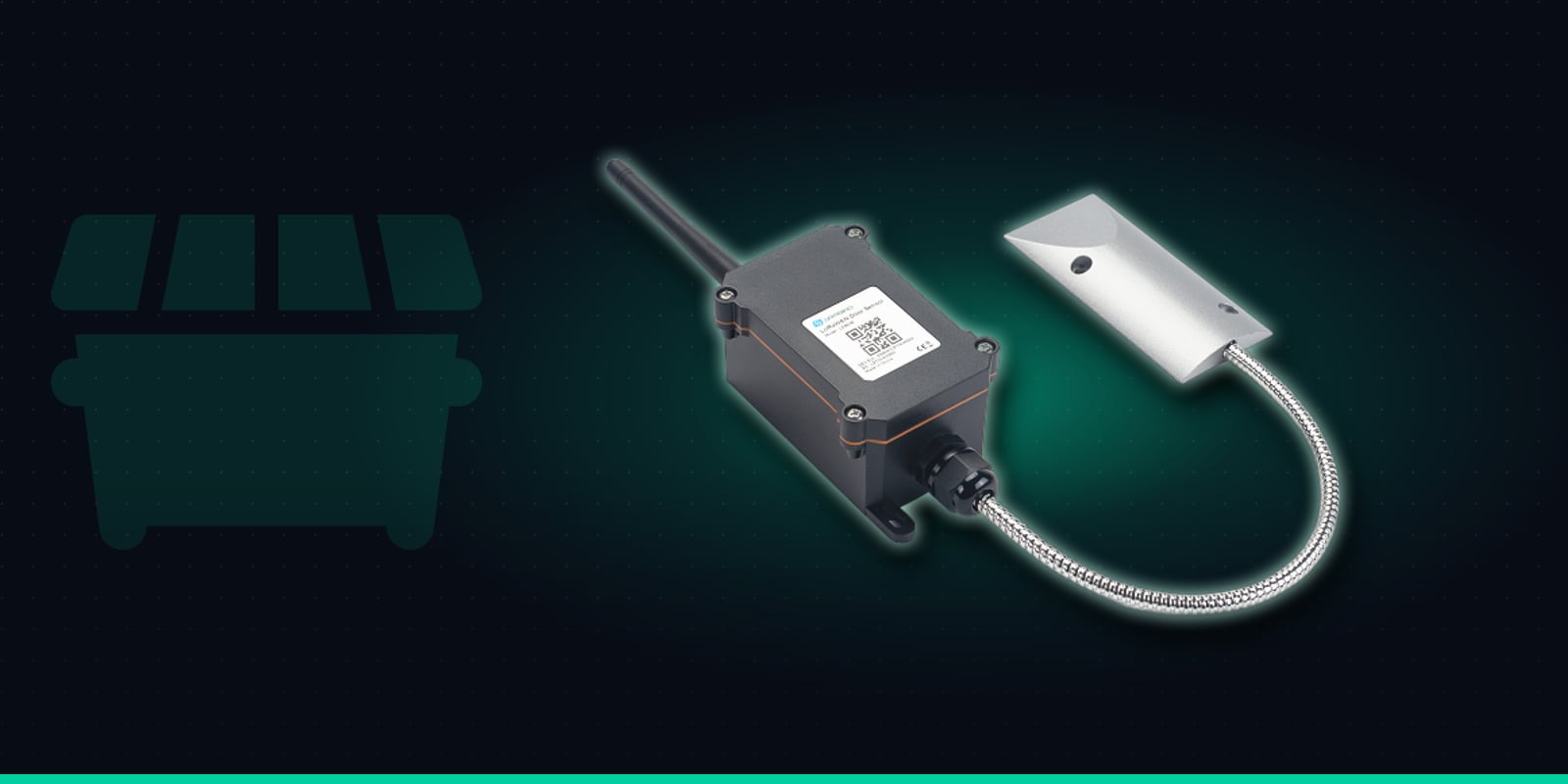
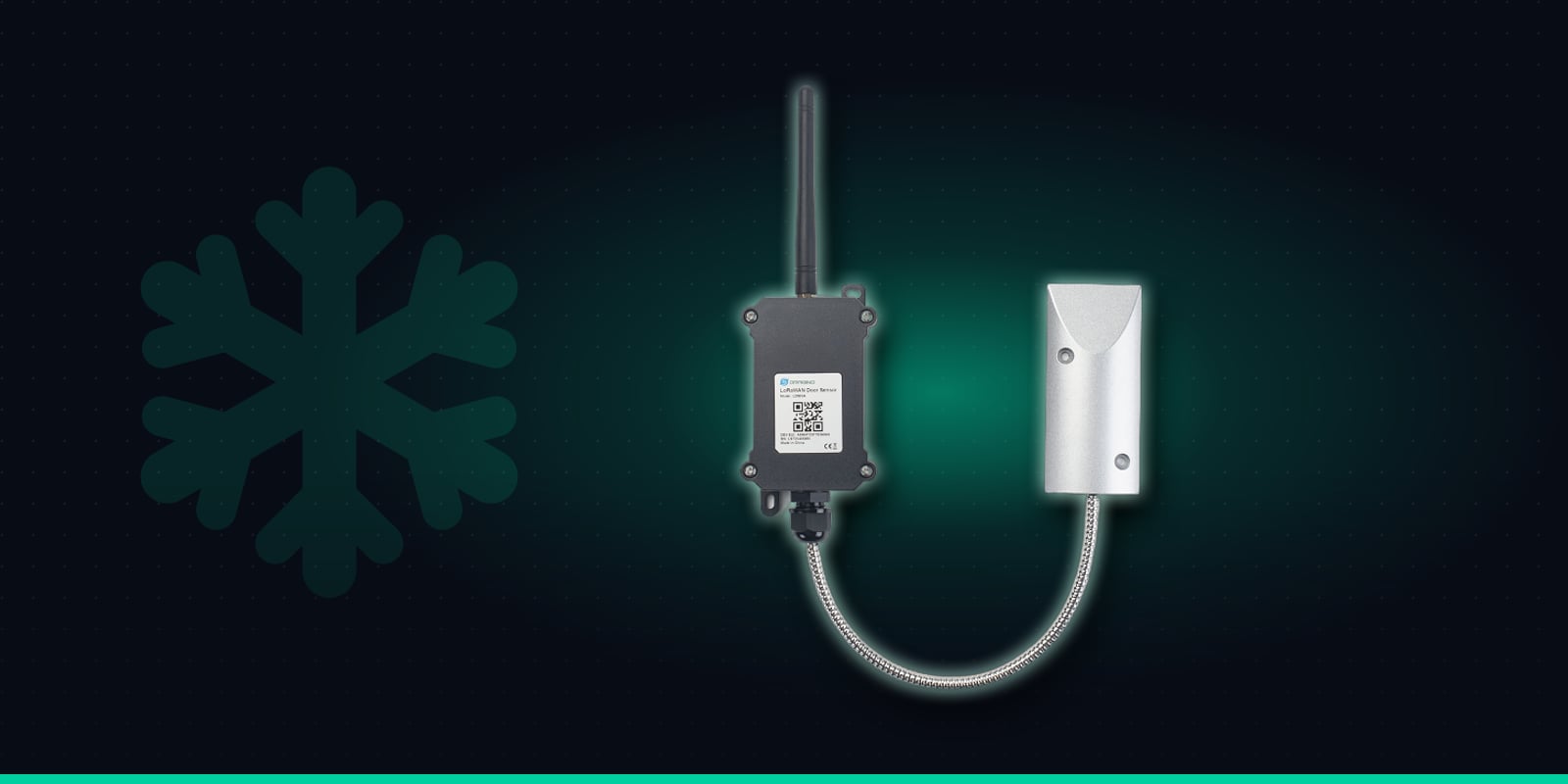
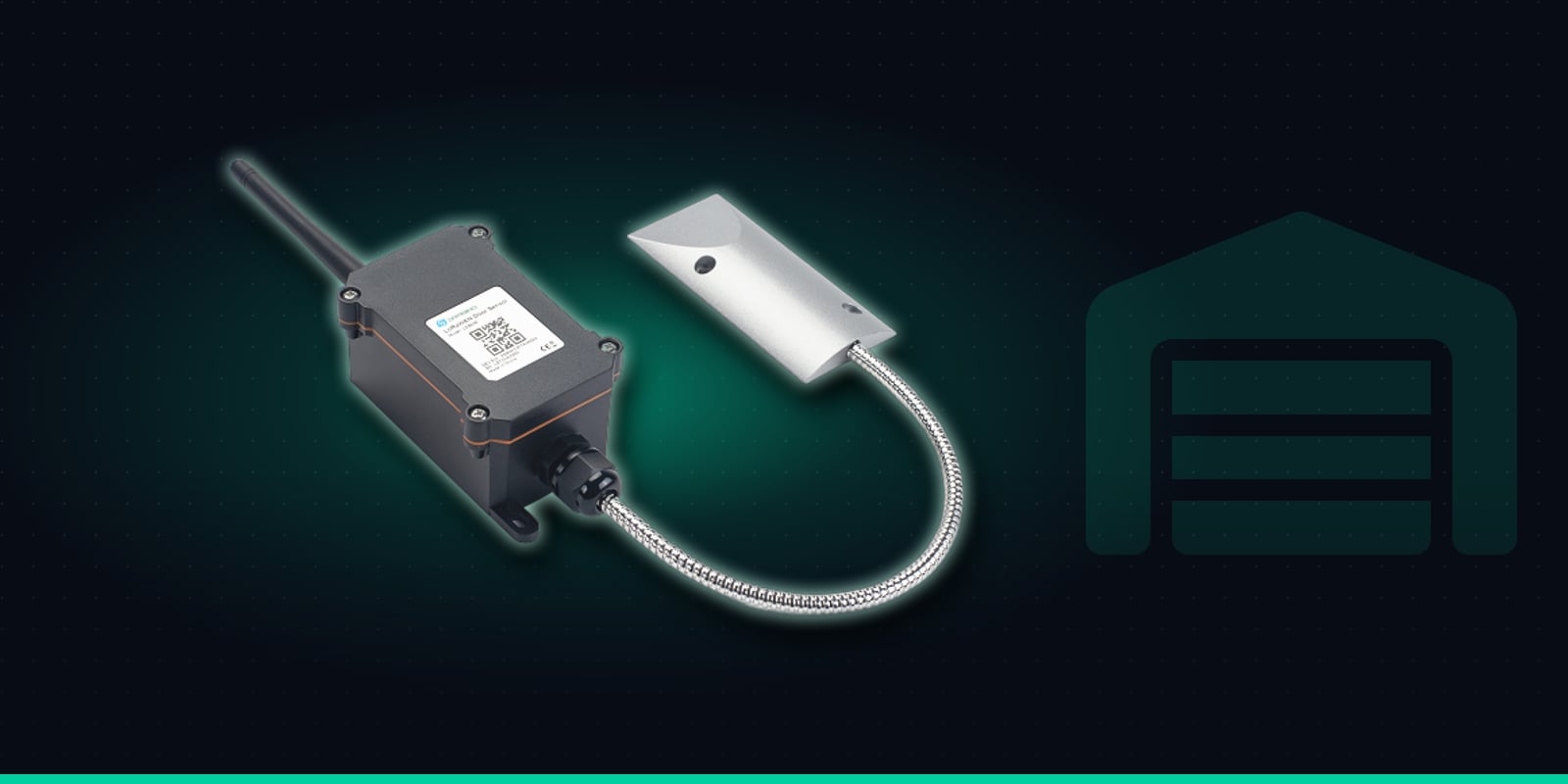
The LDS03A is an outdoor LoRaWAN open/close sensor. A weatherproof enclosure holds the battery, radio and antenna, and an armoured cable runs from it to a heavy-duty magnetic contact. A separate magnet is fixed to the door. Every time the door opens, the sensor adds one to a running total of openings, and each report it sends includes that total, the open or closed status, an alarm flag and how long the last opening lasted. Trackpac stores every report, so the history shows how the count builds up through each day.
Magnetic contact
Heavy-duty contact on an armoured cable. Works across a 10-30mm gap on wooden doors and 30-45mm on steel.
Reports every opening
Sends each open and close as it happens, plus a status check every 2 hours.
Open-too-long alarm
Raises an alarm if a door stays open past a time you set.
Counts & durations
Keeps a running total of openings and how long the last one lasted.
Built for outdoors
Weatherproof enclosure, rated from -40 to +85°C.
Up to 10-year battery
8500mAh battery. Life depends on how often the door is used.
Specifications from Dragino's LDS03A documentation.
What a Door Count Can and Can't Tell You
It's worth being clear about what you're measuring. A door count is an approximation of usage, not a headcount. One opening might be one person, or a parent and children, or a group going into a changing room together. If a door is propped open, people walk in and out without it being counted at all. A facility with a single door used for both entry and exit will usually show a different pattern from one with a separate way out.
That doesn't make the figure less useful. Measured the same way every day, it shows you consistently whether a facility was busier on Saturday than Tuesday, whether this block sees twice the traffic of that one, and whether usage has changed since the season turned. The count is also a running total that keeps climbing rather than resetting each day or after each clean, so the useful figures are the differences over time - openings per day or per week - which is exactly what Trackpac's history, reports and exports show you.
From Door Counts to a Cleaning Schedule
A few weeks of data is often enough to see the shape of demand at each facility. From there, the counts feed straight into how you plan rounds, staff peaks and report to your client.
Rounds built around real use
Openings per day by facility show which blocks need more visits and which can safely have fewer. Shift effort from the quiet end of the site to the busy end, rather than adding hours.
Staffing for peaks
Weekly history makes the patterns obvious: weekends, school holidays, summer evenings, match days and events. Plan extra rounds where the peaks are, and scale back when they pass.
Compare sites like for like
Tag sensors by site, contract or route and compare usage across parks, venues or office floors. It's a fairer basis for allocating hours than a rota inherited from years ago.
Evidence for the client
Share a read-only dashboard with the client so they can see usage for their facilities, and use reports and exports in service reviews to back up a change of schedule or staffing.
Where Door Counts Earn Their Keep
Public toilets & changing rooms
Parks, sports grounds, seafronts and car parks where usage depends heavily on the weather and the season. Counts show when a block needs an extra round and when it barely gets used.
Office & venue washrooms
Hybrid working can mean some floors are busy on certain days and almost empty on others. Venues swing between event days and quiet ones. Counts per washroom show where cleaning time is best spent.
Construction welfare units
Welfare cabins and toilet units on site often get heavy use at set times of day. The LDS03A's gap tolerance on steel doors and its outdoor enclosure suit site cabins, and the data helps plan servicing visits across several sites.
Event & temporary facilities
At multi-day events, counts show which toilet blocks are taking the strain so you can send cleaning teams there first, and give the organiser usage figures for planning the next event.
Busy Doors and Battery Life: Use Count-Only Mode
Out of the box, the LDS03A sends a report the moment a door opens and again when it closes, plus a status report every 2 hours. That's ideal for a gate or a storeroom that opens a few times a day and where you want to know straight away. On a public toilet door that opens again and again through a busy day, it means a lot of radio traffic and a battery that runs down much faster than on a quiet door. The battery is rated for up to 10 years, but that rating depends on how many reports the sensor sends.
For usage-based cleaning you don't need a message for every opening - you need an accurate total. The LDS03A's count-only mode switches off the per-event reports and simply reports the running total periodically. You give up real-time open alerts, which aren't the goal here, and save battery on your busiest doors. The sensor can be configured remotely over LoRaWAN, and quieter facilities can stay on the default mode if you also want to know when they're used out of hours.
Fitting the LDS03A on a Facility Door
There's no wiring or mains power to arrange, and it's one sensor per door. For a block with separate ladies', gents' and accessible toilets, fit one to each entrance door you want to count, rather than to individual cubicles.
1
Order "Trackpac Ready", scan and name it
Buy the LDS03A from Hexaspot with the Trackpac Ready option, scan its QR code in the Trackpac app and give it a clear name like "North Park - gents". Tag it by site, contract or cleaning route so reports and dashboards group facilities the way you work.
2
Fit the contact to the frame and the magnet to the door
Mount the contact on the fixed frame and the magnet on the door leaf, near the opening edge, so they line up when the door is shut. It works whether the door opens inwards or outwards - fit both parts on whichever face keeps them closest together and away from the hinge side. Keep within the gap the sensor tolerates: about 10-30mm on wooden doors and 30-45mm on steel ones.
3
Put the enclosure out of reach
Public toilets can attract tampering, so mount the enclosure high on the wall, or inside a lobby, cleaner's store or service duct, and route the armoured cable to the contact. Fitting the contact and magnet on the inside face of the door, and high up, makes them less of a target. Use tamper-resistant fixings where you can.
4
Check it on the dashboard, then set the mode
Open and close the door a few times and confirm the count goes up on the Trackpac dashboard before you leave. Then decide whether this door stays on the default mode or moves to count-only mode - we can help you configure it.
Alert Rules Worth Setting
Usage-based cleaning is mostly about history and reports, but a few alerts are still useful. Trackpac sends them by email, SMS or push notification, and rules can target tags so every facility on a contract shares the same rules.
Door left propped open
The LDS03A's open-too-long alarm flags a door that's been wedged open, which also means openings aren't being counted. The "resolved" message confirms when it's shut again.
Opened while locked up
For facilities locked overnight and left on the default mode, an out-of-hours rule alerts you to openings outside opening times.
Low battery on a busy door
Busy doors use battery faster, so a low-battery rule lets you plan a replacement before a gap appears in your usage data.
Forward to your work-order system
Webhooks send each report on to a cleaning-management or work-order system, which can apply its own scheduling logic to the counts.
A trigger-lock interval stops a door that keeps being wedged open from sending repeated alerts, and time windows let you send routine alerts to a supervisor during working hours only. If you rely on the open-too-long alarm on a door in count-only mode, check the configuration with us so the alarm still reaches you.
Coverage, Costs & Getting Started
The LDS03A reports over LoRaWAN, so there's no Wi-Fi or SIM card per door and nothing to connect to a venue's or client's network. If coverage drops, the sensor stores its events and sends them once the network is back, so the usage history stays complete. Toilet blocks in parks and welfare units on remote sites are where coverage is worth checking first - read what to check about LoRaWAN coverage before you plan a rollout.
One LDS03A per facility door, counting openings into a Trackpac dashboard - so you can plan rounds around real demand and show your client the figures.
€59.92 ex VAT from Hexaspot, our sister company in the Connect IoT group. VAT is added at checkout based on your country.
Choose the Trackpac Ready option and the sensor arrives pre-registered on Trackpac - scan the QR code and it's live on your dashboard.
Trackpac covers connectivity, dashboard, alerts and data storage from £15 / €18 per sensor per year.
Does a door count tell me exactly how many people used a toilet or washroom?↓
No, it's an approximation. The LDS03A counts how many times the door opened. One opening might be one person or a small group, and if a door is propped open nobody passing through is counted. What a count does give you is a consistent, like-for-like measure of how busy each facility is from day to day and week to week, which is what you need to plan cleaning rounds around real demand.
Can Trackpac alert me after a set number of uses since the last clean?↓
Not as a built-in alert. The LDS03A reports a running total of openings that keeps climbing rather than resetting after each clean, so Trackpac shows usage over time in the history, reports and exports - openings per day or per week by facility. You use those figures to set and adjust your schedule. If you run a cleaning-management or work-order system that can do its own counting, Trackpac webhooks can forward each report to it.
How long will the battery last on a busy toilet door?↓
The LDS03A has an 8500mAh battery rated for up to 10 years, but that depends on how many reports it sends. By default it sends a report on every opening and every closing, so a very busy door uses far more battery than a quiet one. For busy facilities, switch the sensor to count-only mode: it stops sending per-event reports and just reports the running total periodically, which saves battery. You lose real-time open alerts, but for usage-based cleaning you don't need them.
Can our client see the usage figures?↓
Yes. Trackpac dashboards can be shared as a read-only link, so a client, venue manager or site manager can see opening counts and history for their facilities without being able to change sensors or alert rules. Reports and exports give you the figures for a monthly service review or to back up a change to the cleaning schedule.
Where can I buy the LDS03A for use with Trackpac?↓
The Dragino LDS03A is sold by Hexaspot, Trackpac's sister company in the Connect IoT group, for €59.92 ex VAT, with VAT added at checkout based on your country. Choose the 'Trackpac Ready' option and the sensor arrives pre-registered on Trackpac, so you only need to scan its QR code. A Trackpac subscription from £15 / €18 per sensor per year covers connectivity, the dashboard, alerts and data storage.