Deep Freezer & Blast Chiller Monitoring with the LSN50v2-D20
22nd October 2026•By Neil Skoglund
LSN50v2-D20 Use Case
A compressor trips on a Friday night. A walk-in freezer door is left resting on a box after the last delivery. A blast chiller cycle stalls halfway. None of it is obvious until the next morning, when someone opens the door to soft ice cream, a thawed tray of portions or a cold room full of stock that now has to be written off.
This guide is for kitchens, food producers, butchers, bakeries and ice-cream makers running deep freezers, walk-in freezers, display cabinets and blast chillers. It shows how a Dragino LSN50v2-D20 probe sensor, with only its probe inside the cold space, sends readings and alerts to Trackpac, keeps a temperature record for every unit and helps you protect stock and product quality. For the wider case for live temperature data, see our overview of real-time temperature monitoring.
Why Freezers Are Hard to Monitor
A freezer is designed to keep things in, and that includes radio signals. Insulated metal walls and tight door seals tend to weaken or block a wireless sensor sitting inside, so readings go missing exactly where you need them. Very low temperatures are also hard on batteries, and a sensor that lives at freezer temperature all year has a tougher time than one in the room outside.
For fridges and freezers running at everyday temperatures, an all-in-one air sensor inside the cabinet often works well, and our guide to fridge and freezer monitoring with the LHT65N covers that approach. Deep freezers, large walk-ins, heavily used display cabinets and blast chillers push things further: colder air, more metal, more door openings and fast temperature swings during a cycle.
The other problem is time. Freezers usually fail out of hours, when the kitchen is closed and the building is quiet. A manual check at opening tells you something went wrong overnight, not when it started or how warm it got, and by then the decision on the stock has often been made for you.
Why the LSN50v2-D20 Suits Freezers & Blast Chillers
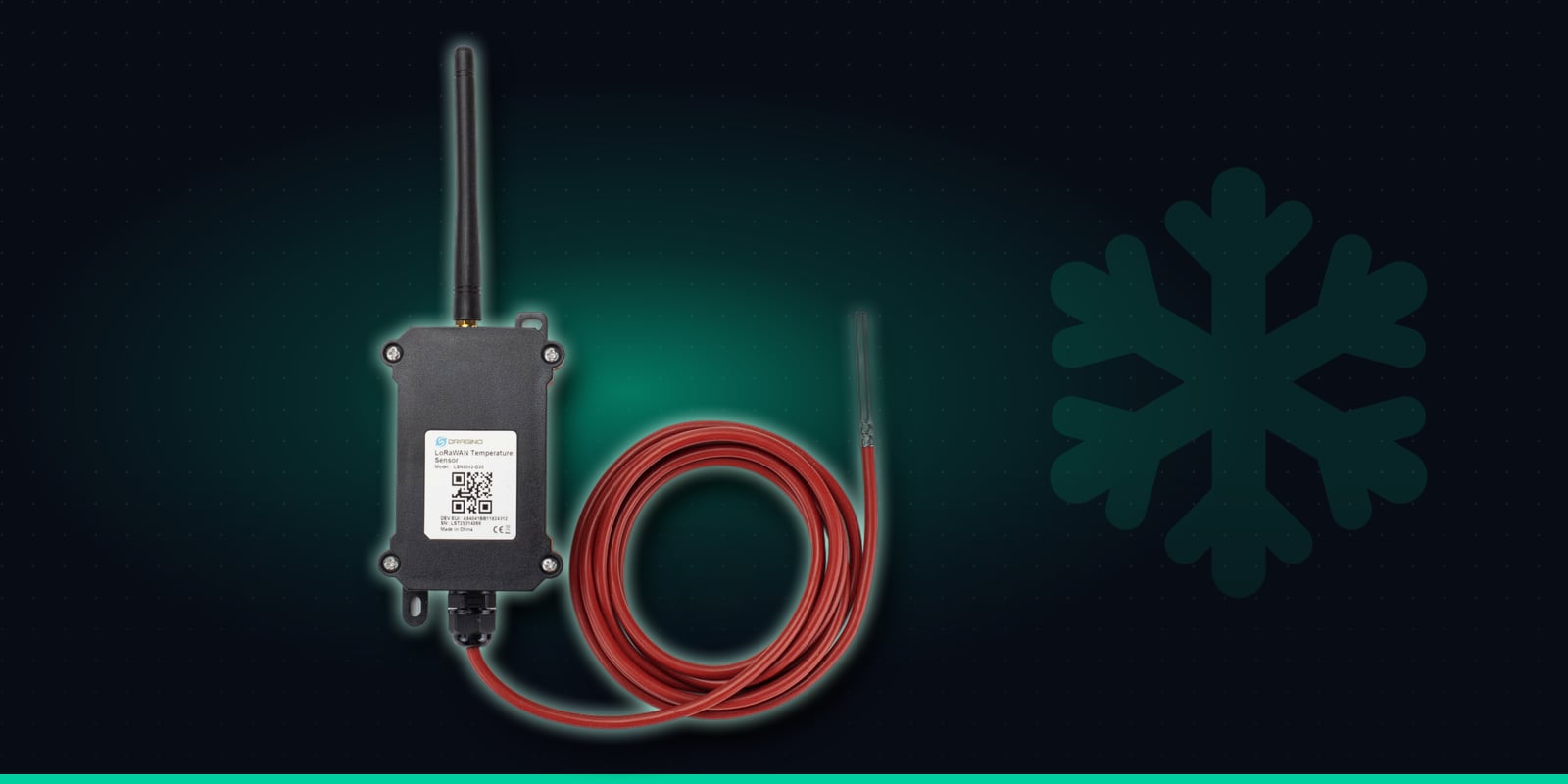
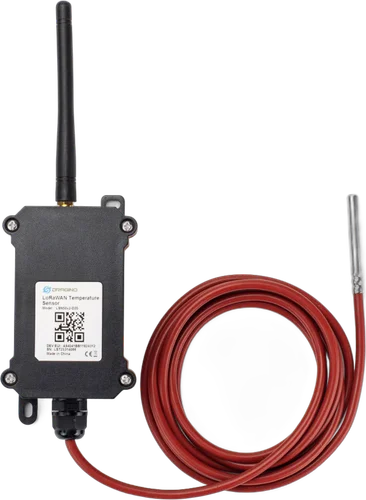
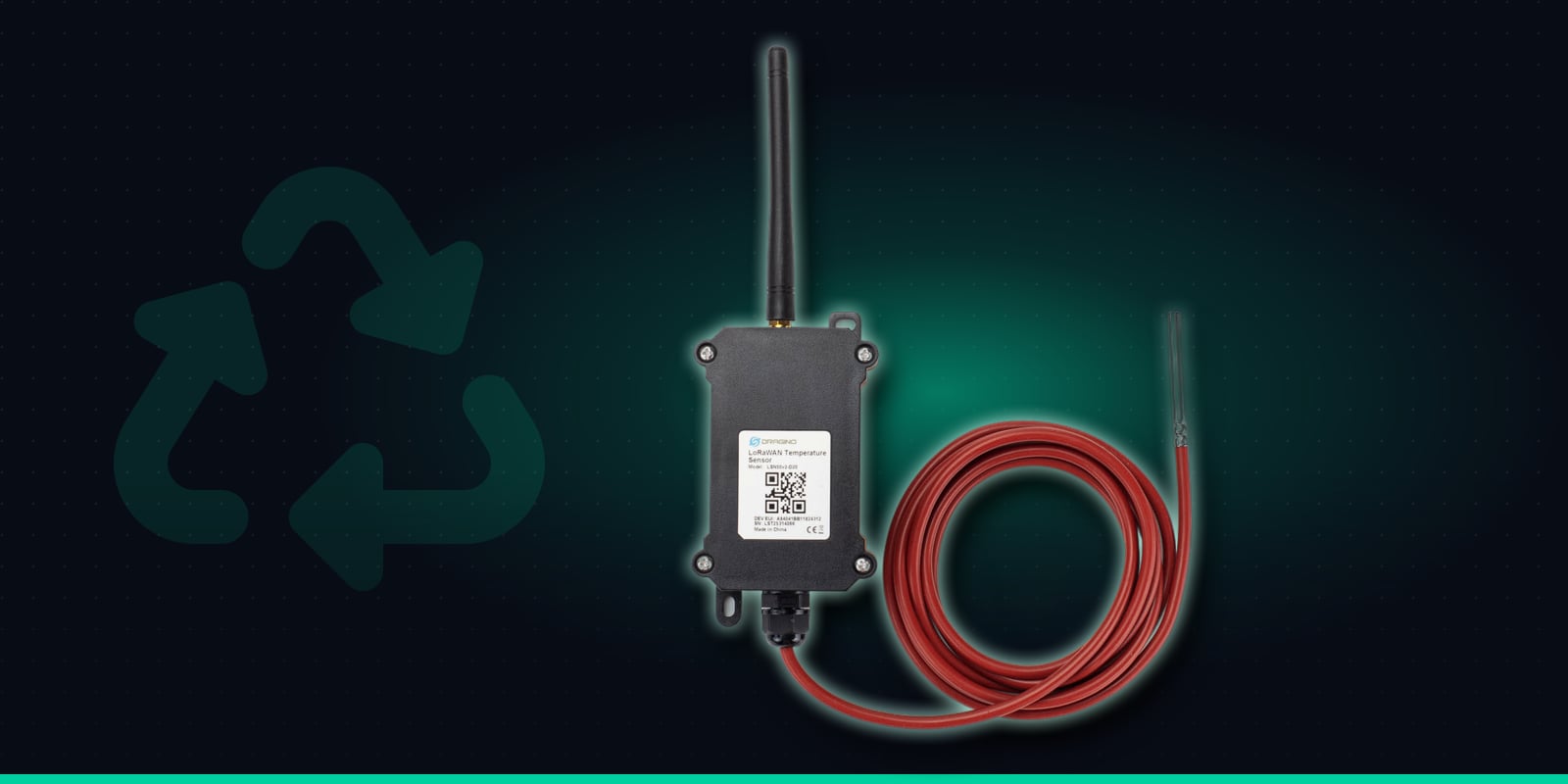
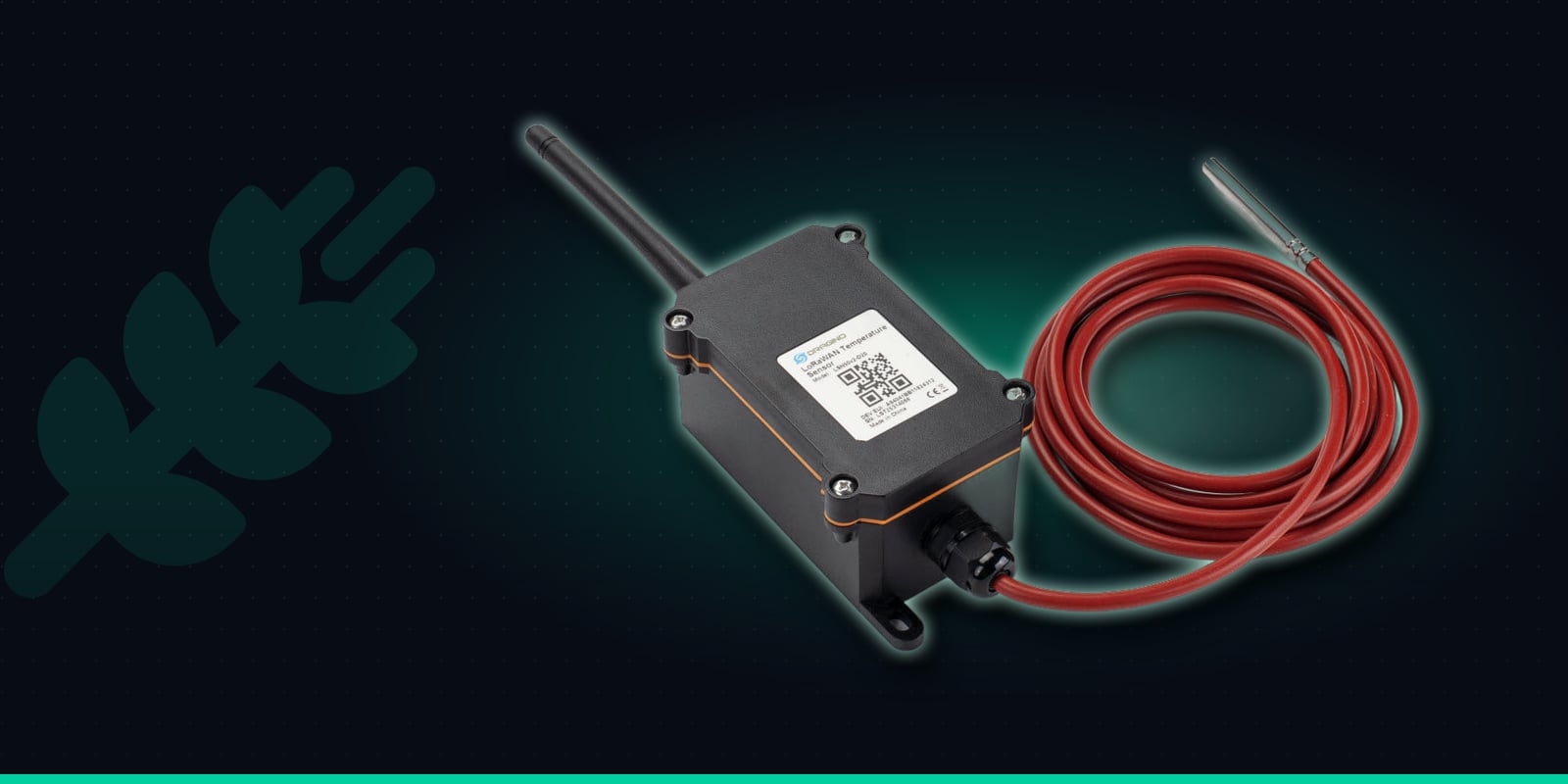
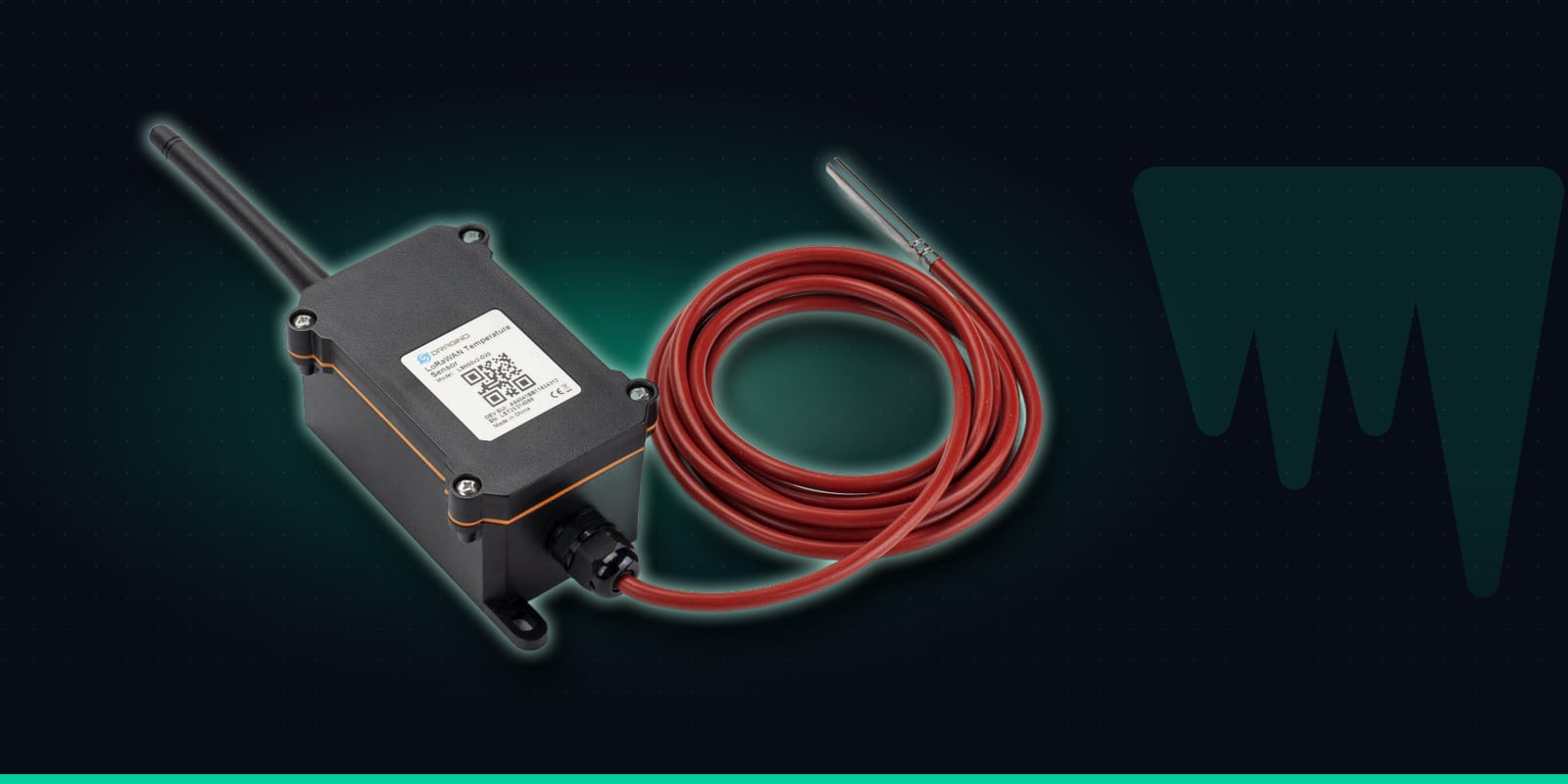
The LSN50v2-D20 splits the job in two. A rugged main unit holds the battery, the radio and an external antenna. A single stainless-steel DS18B20 probe, sealed where the tube meets its 2 metre silicone cable, goes into the cold space. The main unit stays outside the freezer on a wall or the side of the cabinet, with a clearer radio path to the gateway and its battery kept at room temperature rather than freezer temperature.
The probe reads from -55°C to 125°C, so it comfortably covers deep freezers, blast freezers and the warm start of a chilling cycle. It reports every 20 minutes by default, and an on-device high/low alarm checks the probe every minute and sends a message straight away if the reading leaves the range you set. It runs on an 8500mAh battery rated for up to 10 years depending on reporting interval, and talks over LoRaWAN, so there's no mains wiring, no Wi-Fi and no SIM card.
Waterproof probe
Stainless-steel DS18B20 probe on a 2m silicone cable. Reads -55 to 125°C.
±0.5°C accuracy
Typical accuracy of ±0.5°C (±2°C worst case across the full range).
High/low alarm
Checks the probe every minute and reports straight away when it goes outside the limits you set.
Regular readings
Reports every 20 minutes by default, adjustable remotely.
8500mAh battery
Rated for up to 10 years, depending on how often it reports.
Outdoor enclosure
Rugged main unit rated -40 to 85°C, with the probe placed where the reading matters.
Specifications from Dragino's LSN50v2-D20 documentation.
Where One Probe Sensor Pays Its Way
Each LSN50v2-D20 has one probe, so it watches one cold space. Use one sensor per freezer, cabinet or chiller. These are the units where it tends to matter most:
Walk-in freezers
The biggest concentration of stock value on most sites, with thick insulated walls that are hard for radio to get through. Put the main unit on the outside wall and the probe inside.
Chest & upright deep freezers
Back-of-house and storeroom freezers that nobody opens for days. A quiet failure in one of these can go unnoticed until someone goes looking for stock.
Ice-cream & display freezers
Opened constantly through the day and often in warm front-of-house spaces. Texture and presentation suffer quickly if a cabinet drifts warm, so it pays to know before customers do.
Blast chillers & blast freezers
Used by kitchens, bakeries, butchers and food producers to bring product down quickly. A temperature history for every cycle shows whether it ran as expected and gives you a record to keep.
Installing the LSN50v2-D20 on a Freezer
The rule to remember: only the probe goes inside. The main unit stays outside the cold space, within reach of the 2 metre cable.
1
Order pre-onboarded, scan and name it
Buy the LSN50v2-D20 from Hexaspot with the Pre-onboard to Trackpac option, scan its QR code in the Trackpac app and give it a clear name such as "Kitchen - walk-in freezer". Tag it by site or kitchen so it picks up the right alert rules.
2
Mount the main unit outside the cold space
Fix it to the wall beside the freezer or to the outside of the cabinet, clear of compressor heat and of trolleys and pallets, and with the antenna unobstructed. Keep it within 2 metres of where the probe will sit.
3
Route the cable without harming the door seal
Use an existing cable port, spare gland or drain or service opening where the unit has one. Otherwise, the hinge side of the door is usually the gentlest route past the seal. Check with your equipment supplier or refrigeration engineer before running a cable past a seal or drilling anything, and make sure the door still closes fully afterwards.
4
Place the probe: air or simulant
A probe in free air, away from the evaporator fan and the door, shows the cabinet temperature and reacts fast. Many operators instead sit it in a small sealed bottle of glycol or a food simulant, which damps the spikes from door openings so the reading follows the stock more closely. For blast chillers, place the probe where it represents the load, not right in the cold airflow.
5
Watch a normal week before tightening alerts
Check the first readings arrive on the dashboard, then leave it a week or two. The graph will show each unit's normal running temperature, its defrost pattern and how busy service affects it, which tells you where to set sensible thresholds.
Alert Rules for Kitchens & Food Production
Trackpac rules can alert when a temperature goes above or below a threshold and when the battery runs low, by email, SMS or push through the Trackpac mobile app. Rules can target a tag, so every freezer on a site shares the same contacts and new sensors inherit them. A few rules cover most kitchens:
Too warm: compressor fault or door ajar
An above-threshold alert to the head chef, site manager or production lead. Set it with enough headroom above normal running temperature that a routine defrost or a busy hour of service doesn't trigger it.
Out of hours: a different contact
Time windows let you send overnight and weekend alerts by SMS to whoever is on call, while daytime alerts go to the team on shift by push or email.
Still warm: no message flood
A trigger-lock interval stops a sustained problem sending a message with every reading, and a "resolved" message follows when the unit is back in range, so you know it has recovered.
Low battery: plan ahead
The battery is rated for years, but a low-battery alert gives you plenty of warning to plan a replacement around service rather than finding a silent sensor.
Without the on-device alarm, Trackpac sees each regular report, every 20 minutes by default. If you want the sensor itself to report the moment a probe crosses a limit, the high/low alarm can be configured on the device, with a minimum gap between alarm messages; Hexaspot or Trackpac support can help you set it up.
If you log faults in a maintenance or helpdesk system, webhooks can forward alerts there for your refrigeration contractor to pick up. Trackpac passes the alert on; it doesn't control the freezer or call an engineer out itself.
What the Graphs Tell You
Defrost cycles
Regular short rises that recover on schedule are normal. Rises that get longer, or don't fully recover, are worth raising with your engineer before they become a breakdown.
A struggling compressor
A unit that slowly runs warmer week by week, or takes longer to pull down after a delivery, often shows the trend on the graph well before it fails outright.
Doors left ajar
A steady climb that starts just after a delivery or close of service usually points to a door not quite shut, and the timing helps you fix the habit as well as the incident.
Blast chiller cycles
Each cycle shows as a curve from start to finish. For shorter cycles, shorten the reporting interval remotely to capture more points, accepting some reduction in battery life.
If the probe or its cable is ever damaged or disconnected, the sensor reports an obviously invalid reading, so a fault with the sensor itself shows up on the dashboard rather than hiding behind a normal-looking number.
Records Without the Clipboard
Every reading is stored automatically, so each freezer and chiller builds its own temperature history without anyone filling in a sheet. Reports and CSV exports let you pull the record for a unit, a site or a date range when you need it, and a read-only dashboard link lets an auditor, head office or a client see the readings without being able to change sensors or rules. For what kitchens typically record and how automatic logging fits in, see our UK food temperature records and HACCP guide.
Several sites, one dashboard
Tag sensors by site, kitchen or production area and every unit appears on one screen, with any warm freezer standing out.
Better stock decisions
When something does go wrong, the history shows when it started and how warm the unit got, so decisions about the stock are based on data rather than guesswork.
One LSN50v2-D20 per freezer, cabinet or blast chiller: the probe inside reading down to -55°C, the battery and radio outside where they work best, and an alert to your team when a unit starts to warm.
€55.37 ex VAT from Hexaspot, our sister company in the Connect IoT group. VAT is added at checkout based on your country.
Choose Pre-onboard to Trackpac and the sensor arrives registered on Trackpac - scan the QR code and it's live on your dashboard.
Trackpac covers connectivity, dashboard, alerts and data storage from £15 / €18 per sensor per year.
Why use a probe sensor in a freezer instead of a sensor that sits inside?↓
A freezer is an insulated metal box, which tends to block or weaken radio signals, and very low temperatures are hard on batteries. With the LSN50v2-D20 only the stainless-steel probe goes inside, on its 2 metre cable. The main unit, with the battery, radio and antenna, stays outside in the kitchen or plant area, where it has a clearer radio path to the gateway and its battery isn't sitting at freezer temperatures. The probe itself reads down to -55°C.
How do I get the probe cable into the freezer without damaging the door seal?↓
Where possible, use an existing route: many walk-in freezers, cabinets and blast chillers have a cable port, a spare gland or a drain or service opening that a slim probe cable can pass through. If there isn't one, running the cable along the hinge side of the door, where the seal is compressed least as the door swings, is a common approach. Every unit is different, so check with your equipment supplier or refrigeration engineer before routing a cable past a seal or drilling anything, and check afterwards that the door still closes fully.
Will a freezer defrost cycle or door opening trigger false alerts?↓
They can, because a probe hanging in the air reacts quickly to warm air rushing in or to a defrost cycle. Two things help. Many operators put the probe in a small sealed bottle of glycol or a food simulant, which smooths out short spikes so the reading follows the stock rather than the air. And alert thresholds can be set with some headroom above normal running temperature, with a trigger-lock interval in Trackpac so a brief excursion doesn't send a stream of messages. Watch the graphs for a week or two to see what normal looks like for each unit before you tighten anything.
Can the LSN50v2-D20 record blast chiller cycles?↓
It can record the cabinet or product temperature over time, so you can see each cycle on the history graph and export the readings as CSV for your records. By default it reports every 20 minutes, which is enough to see a cycle's overall shape. For a closer record of shorter cycles the reporting interval can be shortened remotely, at the cost of some battery life. It records temperature only; it doesn't start, stop or control the chiller.
Where can I buy the LSN50v2-D20 for use with Trackpac?↓
The Dragino LSN50v2-D20 is sold by Hexaspot, Trackpac's sister company in the Connect IoT group, for €55.37 ex VAT, with VAT added at checkout based on your country. Choose 'Pre-onboard to Trackpac' when ordering and Hexaspot registers the sensor on Trackpac before it ships, so you only need to scan its QR code. A Trackpac subscription from £15 / €18 per sensor per year covers connectivity, the dashboard, alerts and data storage.