Grain & Crop Store Temperature Monitoring with the LSN50v2-D20
22nd October 2026•By Neil Skoglund
LSN50v2-D20 Use Case
Once the harvest is in the store, its value depends on keeping it in condition until it's sold. A warm spot in a grain heap, a box of potatoes that won't cool down or damp air settling on an onion stack can all start quietly, weeks before anyone notices a smell, a crust or a rejected load.
This guide is for arable farmers, grain merchants and anyone storing potatoes, onions or other root crops. It shows how a Dragino LSN50v2-D20 probe sensor pushed into the stored crop, reporting into Trackpac, gives you regular temperature readings from every store without walking round with a spear and a thermometer, alerts you when a reading climbs, and keeps a record you can show a buyer. For the wider case for temperature sensors, see our overview of real-time temperature monitoring.
Why Temperature Matters in a Crop Store
Stored grain and root crops are still alive, and a lot of what goes wrong in storage shows up as heat first. It's widely accepted that a steady rise in temperature at one spot in a heap or bin is an early warning that insects, mould or damp may be getting established there. Catch it early and you have options: run the ventilation fans, cool the store, turn or move the crop, or sell that part first. Find it late and you may be dealing with a downgraded or rejected load.
Temperature also tells you how well your store is doing its job. After harvest, most growers want to bring grain down and hold it cool, and potato and onion stores are run to a target temperature for the variety and the market. Graphs of each probe show whether cooling is actually reaching the crop and how long it's taking, rather than just whether the fans have been running.
The traditional answer is a round of the stores with a spear or probe thermometer and a notebook. It works, but it's easy to skip in a busy week, the readings are only as regular as the person taking them, and outlying stores get checked least. Sensors don't replace looking at the crop, but they make sure the numbers are taken every time.
Why the LSN50v2-D20 Suits Grain & Crop Stores
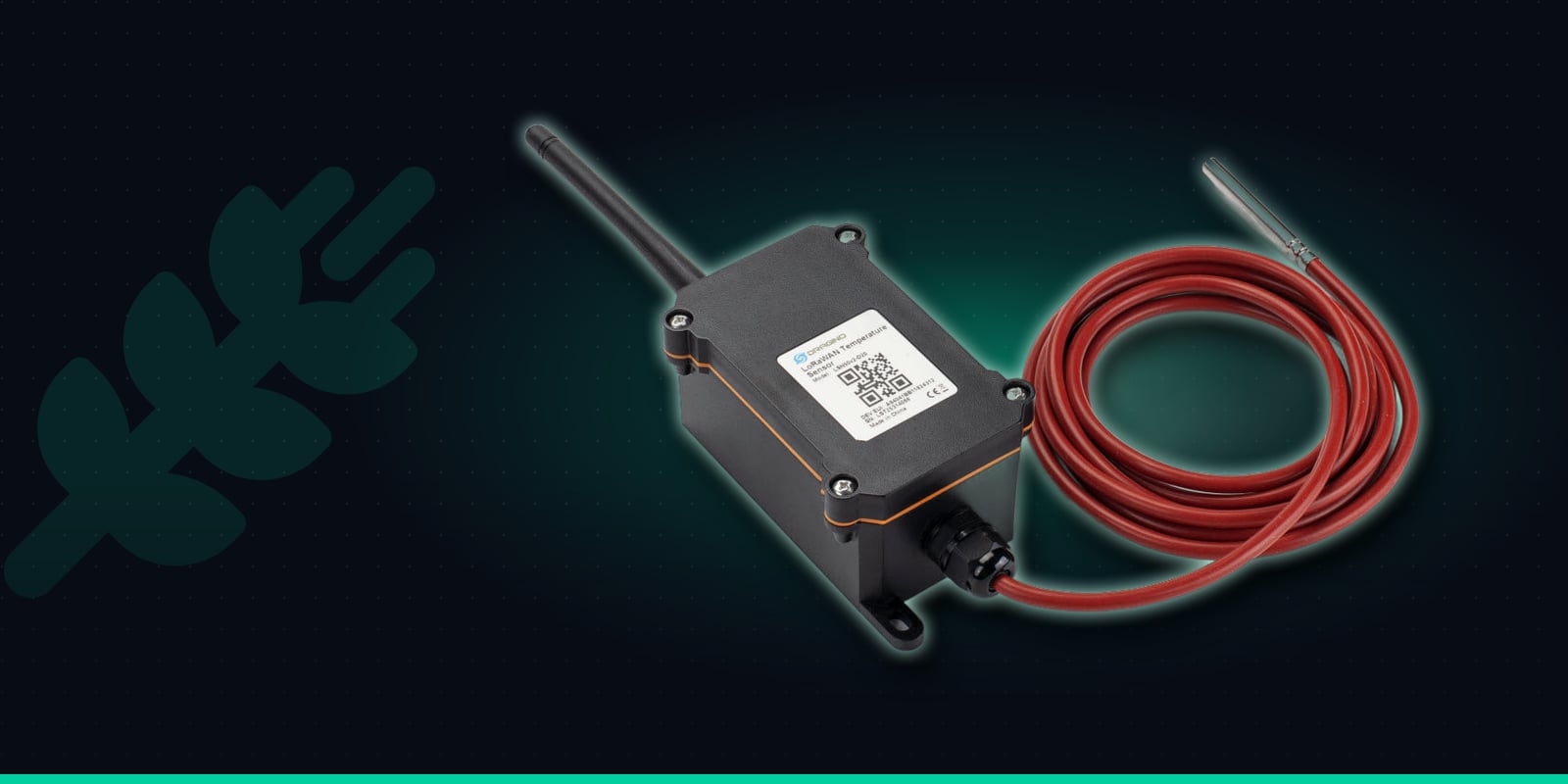
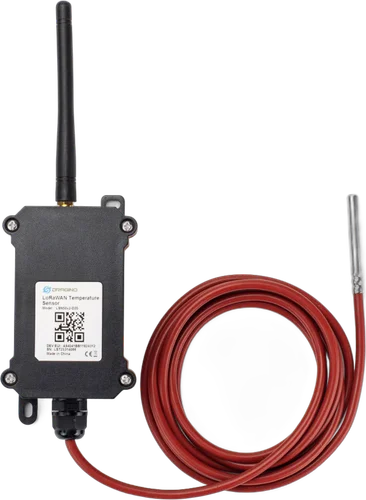
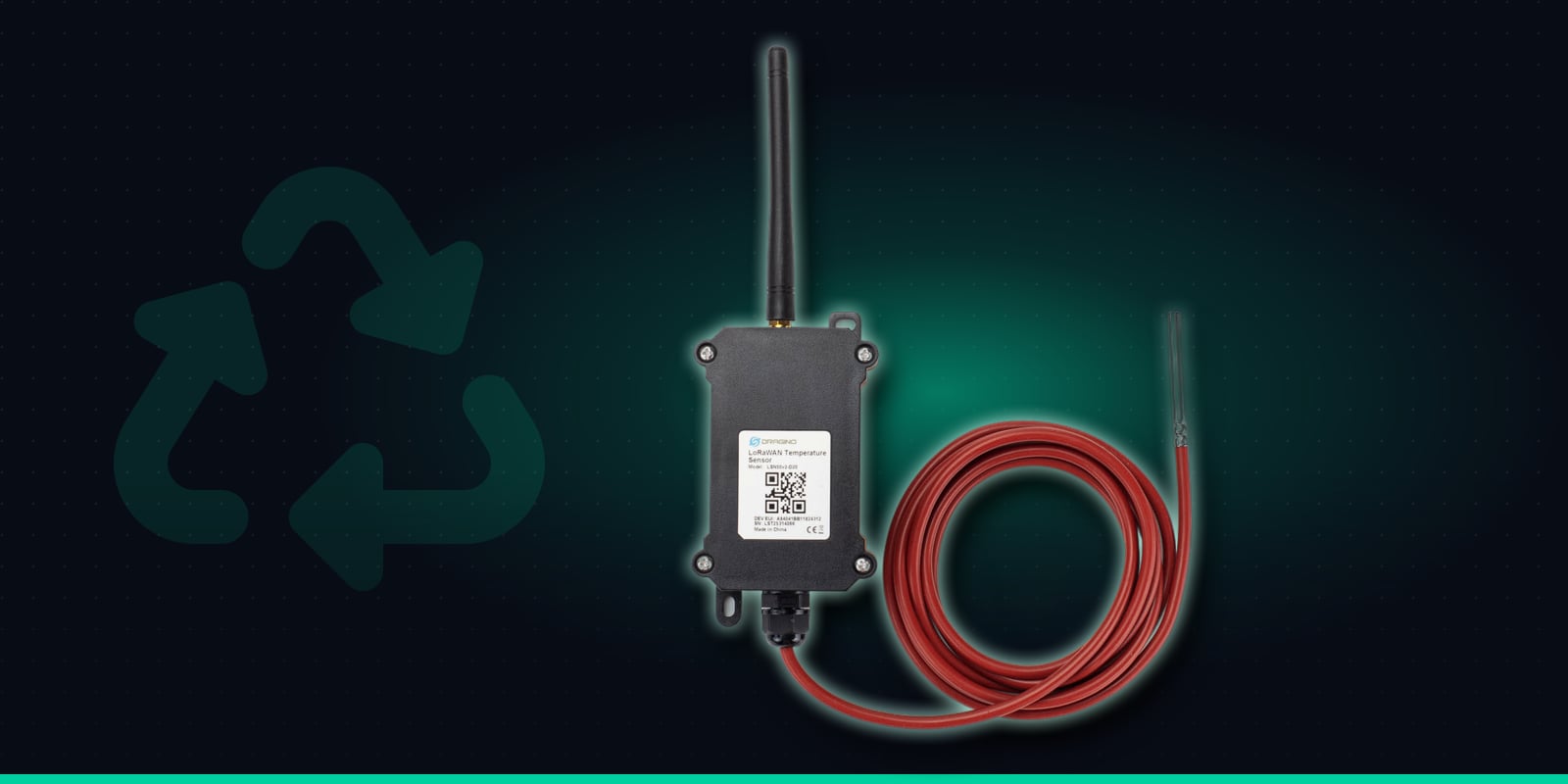
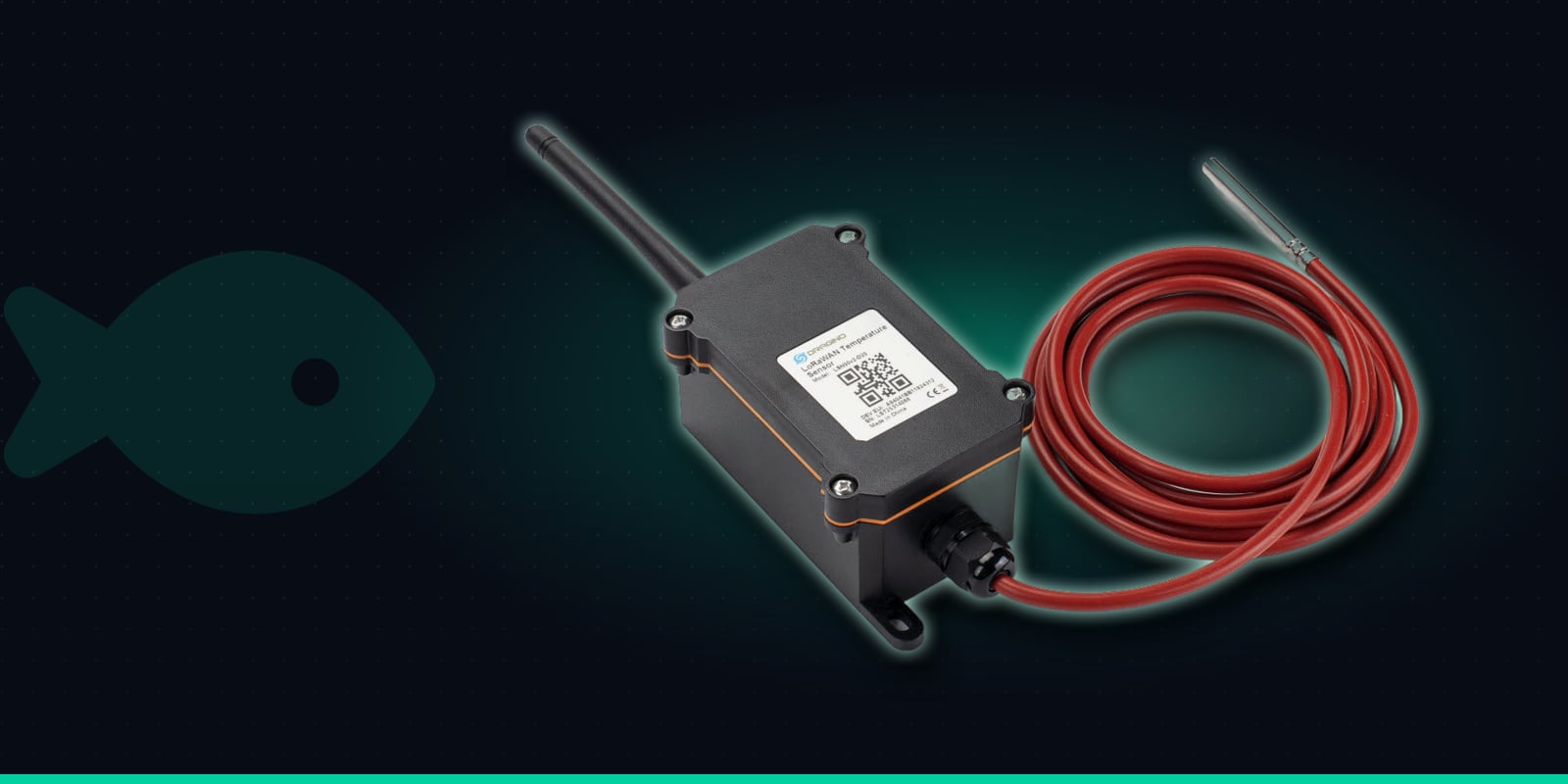
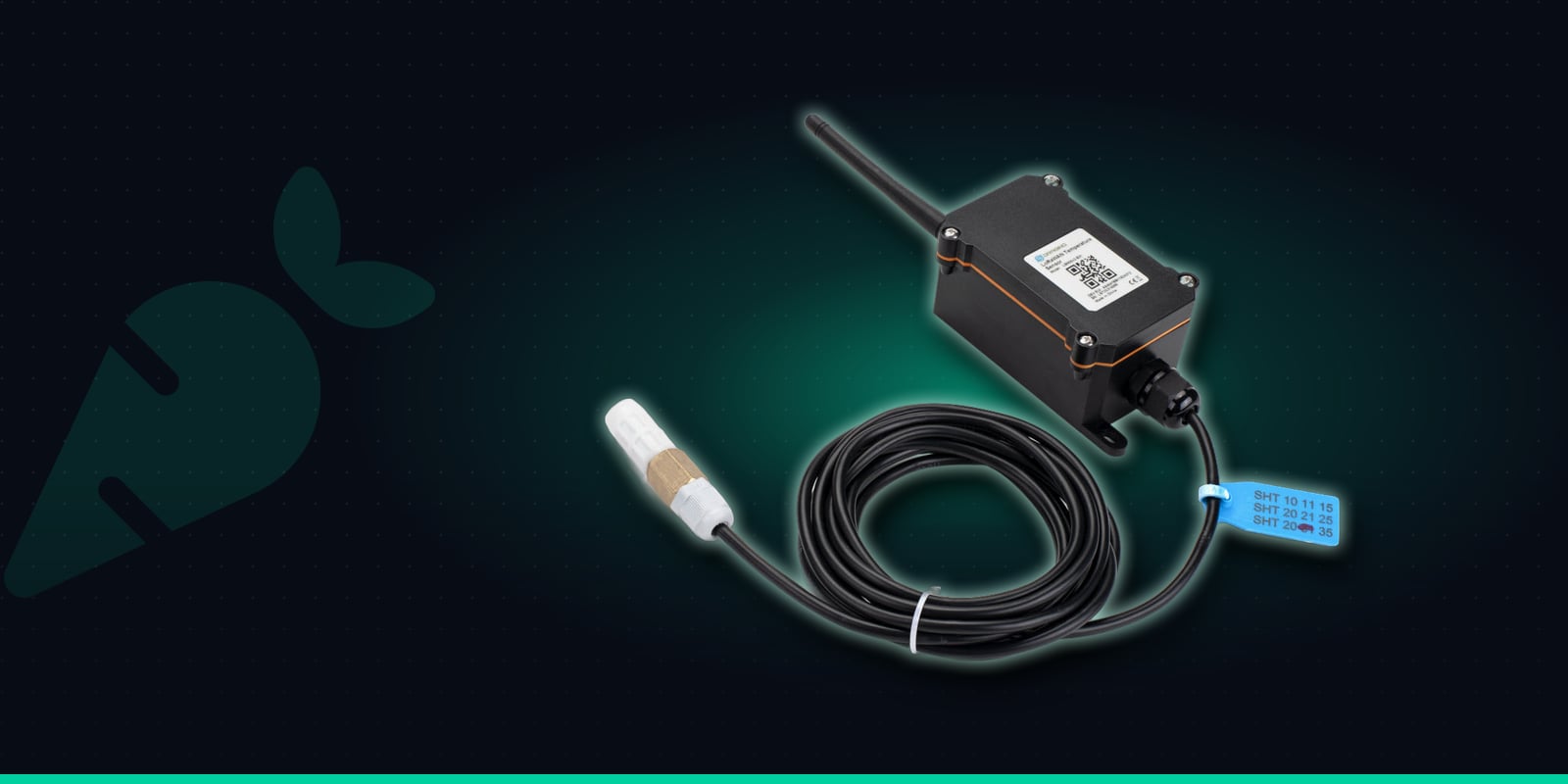
The LSN50v2-D20 splits into two parts. A rugged outdoor enclosure holds the battery, radio and external antenna, and a 2 metre silicone cable runs to a sealed stainless-steel probe. The probe is the part that goes into the crop; the enclosure fixes to the store wall, the bin side or a post nearby, out of the way of loaders and augers.
It reports every 20 minutes by default, and you can change that remotely. It can also hold its own high and low limits: it checks the probe every minute and sends an alarm straight away if the reading crosses one, rather than waiting for the next scheduled report. It runs on an 8500mAh battery rated for up to 10 years depending on the reporting interval, and talks over LoRaWAN, so there's no cabling across the yard, no Wi-Fi and no SIM card, even in a barn at the far end of the farm.
Waterproof probe
Stainless-steel DS18B20 probe on a 2m silicone cable. Reads -55 to 125°C.
±0.5°C accuracy
Typical accuracy of ±0.5°C (±2°C worst case across the full range).
High/low alarm
Checks the probe every minute and reports straight away when it goes outside the limits you set.
Regular readings
Reports every 20 minutes by default, adjustable remotely.
8500mAh battery
Rated for up to 10 years, depending on how often it reports.
Outdoor enclosure
Rugged main unit rated -40 to 85°C, with the probe placed where the reading matters.
Specifications from Dragino's LSN50v2-D20 documentation.
Where to Put Sensors in Your Stores
Each LSN50v2-D20 has one probe, so it reads one spot. Because the cable is 2 metres long, that spot is within reach of the surface or the edge of the crop, not the middle of a deep bulk. That's often where trouble shows first, for example under the surface where warm, damp air meets a cold roof, but for larger stores plan on several sensors rather than one.
On-floor grain stores
Spread sensors across the heap, with probes in the top layer and near walls or doors where moisture and temperature differences tend to build. Fix each enclosure to the wall or a push wall above the grain line.
Grain bins
Run the probe in from the top hatch or through a tube on the bin side, so it sits in the grain near the surface or the wall, and mount the enclosure on the outside within reach of the cable.
Potato box stores
Push the probe into the crop in a box at the top or edge of the stack, or one that sits away from the airflow, and repeat in a few positions to compare different parts of the store.
Onion & root crop stores
Put probes into the crop in bulk heaps or boxes, especially in corners and at the far end from the fans, so you can see whether cooling and drying air is getting through.
Installing the LSN50v2-D20 in a Store
Fitting is easiest as the store is filled, but you can add sensors to a full store too. The probe goes into the crop; the enclosure stays on the wall or bin side, within 2 metres of the probe.
1
Order "Pre-onboard to Trackpac", scan and name it
Buy the LSN50v2-D20 from Hexaspot with the Pre-onboard to Trackpac option, scan its QR code in the Trackpac app and name it by store and position, such as "Store 3 - north wall, top". Tag it with the store so it picks up that store's alert rules.
2
Get the probe into the crop
Many people fix the probe to the end of a spear or rod, or run it down a plastic tube or conduit pushed into the heap, so it reaches the depth you want and can be pulled back out at unloading. Don't drag the probe by its cable through the crop.
3
Mount the enclosure out of harm's way
Fix the main unit to the wall, bin side or a post, above the crop and clear of loaders, augers and conveyors. Route the cable so it won't be caught when the store is emptied.
4
Check the readings come through
Watch the first few readings on the dashboard and compare them with a hand thermometer in the same spot. If a probe is ever damaged or disconnected, the sensor reports an obviously invalid reading, so a faulty probe stands out on the graph.
5
Set limits on the device if you want instant alarms
The on-device high and low alarm is set on the sensor itself, and Hexaspot or Trackpac support can help you configure it. Without it, Trackpac still sees every regular report, every 20 minutes by default.
Alert Rules for Grain & Crop Stores
Trackpac rules can alert when a reading goes above or below a threshold and when a battery runs low, by email, SMS or push through the Trackpac mobile app. Rules can target a tag, so every sensor in a store shares the same limits and contacts, and new sensors pick them up automatically. Set the limits to suit your crop and how you run the store; a few rules cover most farms:
Above your limit: check that spot
SMS and push to whoever looks after the store when a probe goes above the temperature you've chosen. Good sensor names tell them which store and which part of the heap to look at.
Too cold: protect the crop
A low threshold warns you if a potato or root crop store is being cooled further than you want, for example by cold outside air on a frosty night.
Back in range: resolved
Once ventilation or cooling brings the reading back, a "resolved" message follows. A trigger-lock interval stops a slow excursion sending a text with every reading.
Low battery: plan a swap
The battery is rated for years, and a low-battery alert lets you swap it between seasons rather than in the middle of a full store.
Time windows let you send alerts to a different person out of hours or at weekends. Trackpac has no automatic rate-of-change alert, so for a slow creep that hasn't yet hit a limit, check the graphs: a probe climbing steadily over several days while its neighbours stay flat is the pattern to look for. Trackpac sends the alert and keeps the data; it doesn't switch fans or coolers on itself.
Records for Buyers & Assurance
Tag sensors by farm, store and bay and the dashboard shows every store on one screen, with history graphs for each probe across the whole storage season. You can see when each store reached its target after harvest, how it held through the winter and what happened after any alert.
Reports and CSV exports give you storage temperature records to keep with your farm assurance paperwork or send to a buyer who asks how the crop was kept. A read-only dashboard link lets a merchant, agronomist or store manager see the readings without being able to change sensors or alert rules, and webhooks can forward alerts to another system if you already use one.
A waterproof probe in the crop and a battery-powered unit on the wall, with no mains and no Wi-Fi - sending store temperatures to Trackpac and alerting you when a reading starts to climb.
€55.37 ex VAT from Hexaspot, our sister company in the Connect IoT group. VAT is added at checkout based on your country.
Choose Pre-onboard to Trackpac and the sensor arrives registered on Trackpac - scan the QR code and it's live on your dashboard.
Trackpac covers connectivity, dashboard, alerts and data storage from £15 / €18 per sensor per year.
How deep into the grain or crop can the LSN50v2-D20 measure?↓
The probe sits on a 2 metre cable and the main unit has to stay within 2 metres of it, so each sensor reads a point within reach of the surface or the edge of the heap, bin or box stack. That is often where condensation and warm spots first show, but it isn't the centre of a deep bulk. For larger heaps and bins, use several sensors spread across the store, each reading a different spot.
Does the LSN50v2-D20 measure grain moisture?↓
No. It has one stainless-steel probe and measures temperature only. Moisture still needs testing with a meter or a sample. Temperature is useful alongside it, because a rise in a stored crop is a widely used early sign that something, such as insects, mould or damp, may be developing at that spot.
Can Trackpac switch my store ventilation fans on?↓
No. Trackpac doesn't control fans, coolers or any other equipment. It sends email, SMS and push alerts when a reading goes above or below the limit you set, and shows the readings on graphs so you can decide when to run fans, cool the store or move the crop. Webhooks can forward alerts to another system if you already use one for the store.
Will it work in a remote barn with no power or Wi-Fi?↓
Yes, as long as there is LoRaWAN coverage. The LSN50v2-D20 runs on an 8500mAh battery rated for up to 10 years depending on how often it reports, and it sends readings over LoRaWAN, so it needs no mains power, no Wi-Fi and no SIM card. LoRaWAN is long range, but steel-clad buildings and full bins can weaken the signal, so check coverage at each store before you roll out.
Where can I buy the LSN50v2-D20 for use with Trackpac?↓
The Dragino LSN50v2-D20 is sold by Hexaspot, Trackpac's sister company in the Connect IoT group, for €55.37 ex VAT, with VAT added at checkout based on your country. Choose 'Pre-onboard to Trackpac' and Hexaspot registers the sensor on Trackpac before dispatch, so you only need to scan its QR code. A Trackpac subscription from £15 / €18 per sensor per year covers connectivity, the dashboard, alerts and data storage.