Heating Flow & Return Temperature Monitoring with the LSN50v2-D20
22nd October 2026•By Neil Skoglund
LSN50v2-D20 Use Case
Most heating problems in managed buildings are found the same way: someone complains. A classroom is cold on Monday morning, a block of flats has lukewarm radiators, or an office is warm at midnight with nobody in it. By then the fault has been there for hours or days, and you're sending a contractor in without much to go on.
This guide is for housing associations, landlords, schools, office managers and facilities teams looking after boilers, heat pumps and communal or district heating. It shows how a Dragino LSN50v2-D20 on the flow pipe and another on the return, reporting into Trackpac, tell you whether the heating is actually running, how hard it's working and when it's on out of hours. For the wider case for temperature sensors, see our overview of real-time temperature monitoring.
What Flow & Return Temperatures Tell You
The flow pipe carries heated water out from the boiler, heat pump or heat exchanger to the radiators or underfloor circuits. The return pipe brings it back after it has given up some of its heat to the building. Those two temperatures, and how they change over the day, are one of the simplest ways to see what a heating system is really doing.
A cold flow pipe during heating hours means no heat is going out, whatever the controller says. A flow temperature that climbs higher than usual can point to a control or setting problem. A flow pipe that stays warm at night or over a weekend means you're paying to heat an empty building. And the gap between flow and return shows how much heat the building is actually taking from the water.
That gap is worth watching. As a general rule of thumb, condensing boilers tend to run more efficiently when the return comes back cool enough for them to condense (a figure of around 55°C is often quoted), and heat pumps generally prefer lower flow temperatures than a traditional boiler. If flow and return sit very close together, water may be circulating quickly without delivering much heat, which can suggest a balancing, pump or control issue worth asking your heating engineer about. The right figures depend on how the system was designed, so treat the readings as a prompt for a conversation, not a diagnosis.
Why the LSN50v2-D20 Suits Plant Rooms
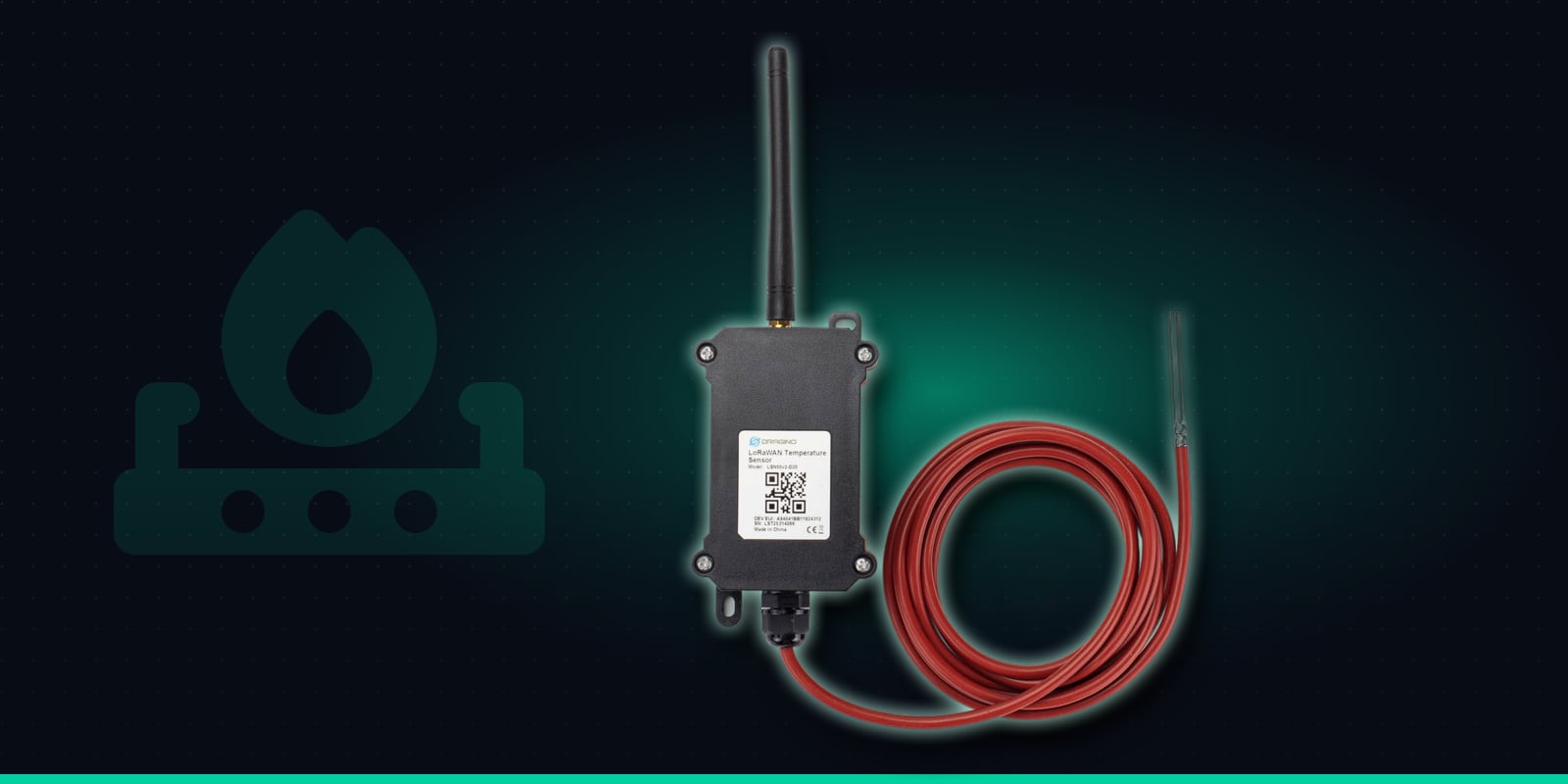
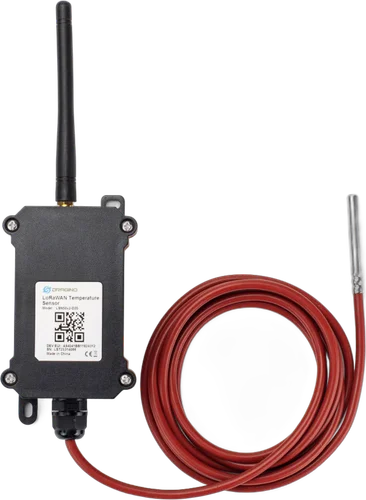
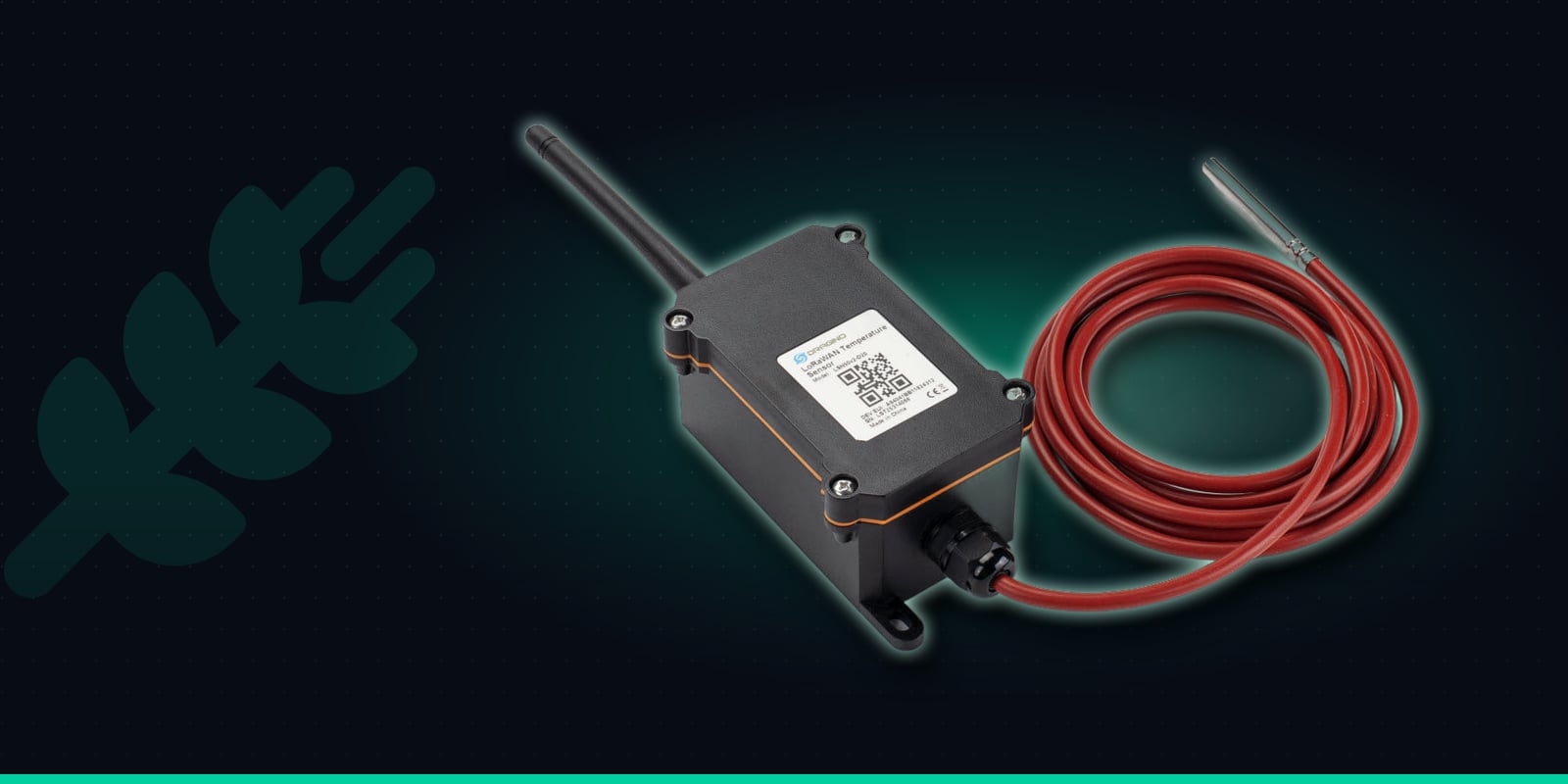
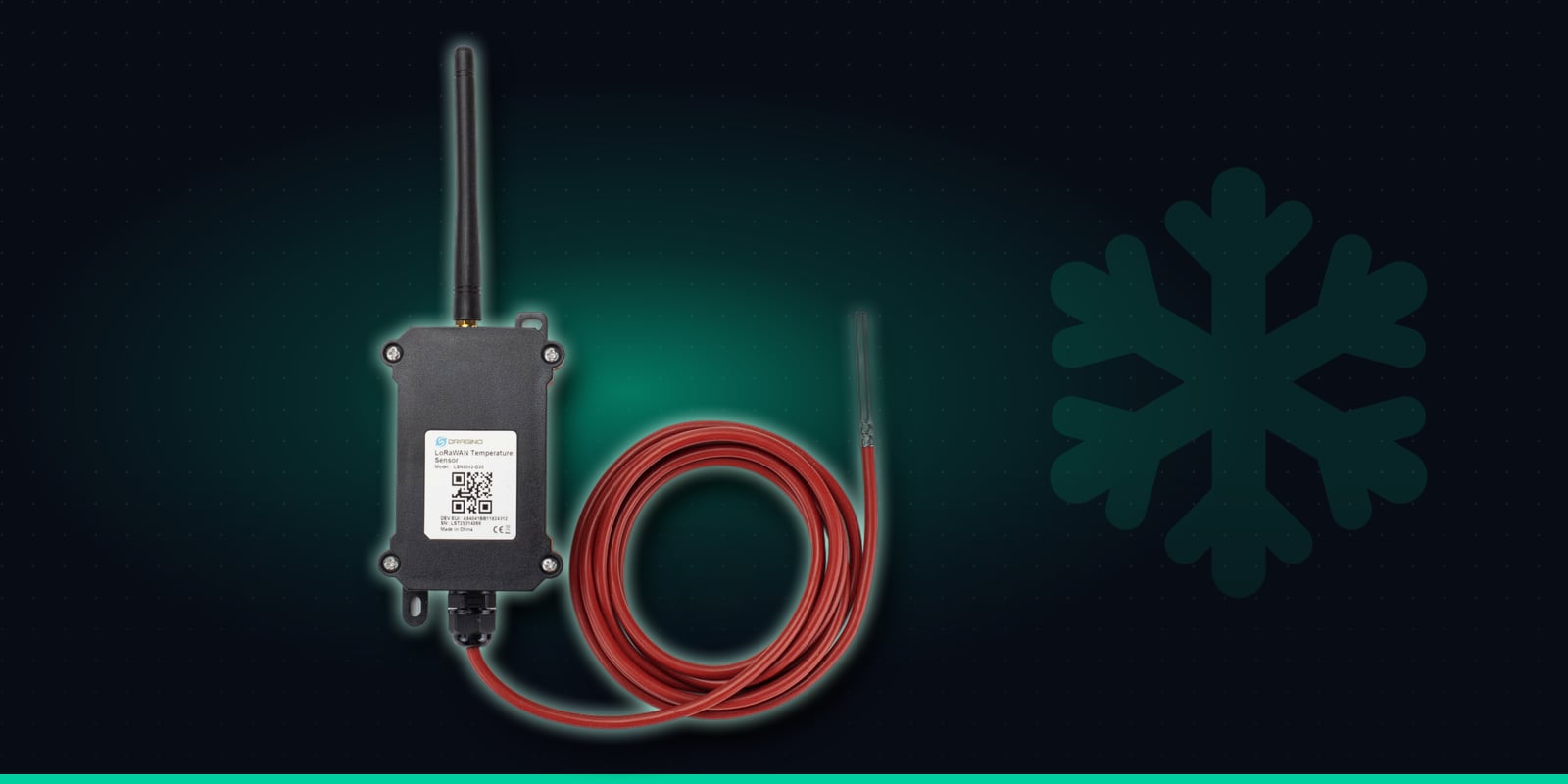
The LSN50v2-D20 is a rugged outdoor enclosure holding the battery, LoRaWAN radio and an external antenna, with a single stainless-steel temperature probe on a 2 metre silicone cable. The probe reads from -55°C to 125°C, which comfortably covers any wet heating system, and it straps neatly to a pipe. The main unit fixes to the plant room wall within reach of the probe.
It runs on an 8500mAh battery rated for up to 10 years depending on how often it reports, so there's no need for a spare socket or an electrician. The probe clamps to the outside of the pipe and nothing connects to the boiler or heat pump controls. And because it uses LoRaWAN rather than Wi-Fi or a SIM, it can reach a gateway from a basement plant room or an external boiler house where the building's Wi-Fi never reaches.
By default it reports every 20 minutes. It also checks the probe every minute against high and low limits configured on the device itself, and sends an alarm straight away if the reading goes outside them. Hexaspot or Trackpac support can help you set those limits.
Waterproof probe
Stainless-steel DS18B20 probe on a 2m silicone cable. Reads -55 to 125°C.
±0.5°C accuracy
Typical accuracy of ±0.5°C (±2°C worst case across the full range).
High/low alarm
Checks the probe every minute and reports straight away when it goes outside the limits you set.
Regular readings
Reports every 20 minutes by default, adjustable remotely.
8500mAh battery
Rated for up to 10 years, depending on how often it reports.
Outdoor enclosure
Rugged main unit rated -40 to 85°C, with the probe placed where the reading matters.
Specifications from Dragino's LSN50v2-D20 documentation.
Problems You Can Spot
With a sensor on each pipe and a few weeks of history, the patterns become familiar quickly, and anything out of the ordinary stands out on the graph:
Heating that has stopped
A boiler lockout, a tripped heat pump or a failed pump shows as a flow pipe falling to room temperature during heating hours. You can know before the first tenant, teacher or member of staff picks up the phone.
Running hotter
A flow temperature creeping above its usual level can mean a changed setting or a control fault. For a heat pump in particular, higher flow temperatures usually mean higher running costs.
Cycling on and off
A saw-tooth pattern on the flow graph can suggest a boiler or heat pump short-cycling. Fast cycles can fall between 20-minute readings, so shorten the reporting interval for a while if you want a clearer picture, at some cost to battery life.
Heating on out of hours
A warm flow pipe at 2am in an office, or all weekend in a school, is energy you're paying for with nobody there to use it. Overridden timers and wrong clock settings are easy to miss without data.
Fitting a Probe to Flow & Return Pipes
Fitting takes a few minutes per pipe and doesn't involve draining anything or touching the controls. The aim is good contact between the probe and the pipe, with insulation over the top so the reading follows the water rather than the plant room air.
1
Order "Pre-onboard to Trackpac", scan and name it
Buy two sensors from Hexaspot with the Pre-onboard to Trackpac option, scan each QR code in the Trackpac app and name them clearly, such as "Block A boiler - flow" and "Block A boiler - return". Tag both with the building so they pick up its alert rules.
2
Pick the right spot on each pipe
Choose a straight run of bare metal pipe close to the boiler, heat pump or heat exchanger, so the flow probe sees the water as it leaves and the return probe sees it as it comes back. If you're unsure which pipe is which, ask your heating engineer or check the labels on the system.
3
Strap the probe on and lag over it
Lay the probe tube along the pipe and fix it firmly with cable ties or a pipe clip so it presses against the metal along its length. Then wrap pipe insulation over the probe and a short stretch of pipe either side.
4
Mount the main unit within 2m
Fix the enclosure to a wall within reach of the cable, away from hot flues and surfaces, and as high and open as practical to help the radio signal out of the plant room. Keep the cable clear of anything that gets moved during servicing.
5
Check the readings make sense
With the heating running, confirm both sensors are reporting and that flow reads warmer than return. If they look the wrong way round, the labels have been swapped. Let a week of data build up before setting tight alert thresholds.
Alert Rules for Heating Systems
Trackpac rules can alert on temperatures above or below a threshold and on low battery, by email, SMS or push through the Trackpac mobile app. Time windows let a rule apply only during certain hours, which is exactly what heating needs, and rules can target a tag so every new building you add inherits them. A few rules cover most sites:
Flow too cool in heating hours
A low-temperature rule on the flow sensor, active only while the heating should be on, tells the facilities team or contractor that heat isn't getting out, usually well before complaints start.
Flow warm out of hours
A high-temperature rule on the flow sensor, active overnight and at weekends, flags heating left running in an empty building, so someone can check the timer the next working day.
One alert, not one per reading
A trigger-lock interval stops a sustained fault sending a message with every report, and a "resolved" message follows when the reading returns to normal, so you know the fix has worked.
Low battery and sensor faults
A low-battery alert gives plenty of notice to plan a swap at the next service visit. If a probe is damaged or disconnected, the sensor reports an obviously invalid reading, which stands out on the dashboard.
If your team logs faults in a helpdesk, maintenance or building management system, webhooks can forward alerts to it. Trackpac reports what the pipes are doing; it doesn't switch the heating on or off, change any settings or call out an engineer itself.
Comparing Flow & Return Over Time
Trackpac alerts on each sensor's own reading. It doesn't raise an automatic alert on the difference between two sensors, so the flow-versus-return comparison is something you read from the dashboard, the history graphs or an export.
Put the flow and return sensors for each plant room side by side on a dashboard and the shape of a normal day becomes obvious: the morning warm-up, the steady running period and the evening cool-down. A gap that has narrowed since last month, a warm-up that now starts earlier, or a return that runs hotter after a change of settings is easy to see once you have a baseline to compare against.
For deeper analysis, export both sensors to CSV and line them up in a spreadsheet to work out the difference across a heating season. That record is useful when reviewing energy use, deciding whether a heat pump is set up well, or checking whether a system that was rebalanced is now behaving differently.
Managing Heating Across Many Buildings
Tag sensors by estate, school, block or plant room and the dashboard groups them for you, so a housing association or multi-site facilities team can see every heating system on one screen and pick out the one that has gone cold. New buildings join the right group and pick up the right alert rules as soon as they're tagged.
Contractors can be given a read-only dashboard link for the sites they maintain. Before they attend, they can see when the flow dropped, how the return behaved and whether the system had been cycling, which makes for a better-informed first visit. After a repair, the same graphs show whether the fix has held, and exports give you a record to share in contract reviews or when a fault keeps coming back.
One LSN50v2-D20 on the flow pipe and one on the return, with no wiring and no Wi-Fi - so you know when heating stops, runs hot or stays on out of hours, before anyone has to complain.
€55.37 ex VAT from Hexaspot, our sister company in the Connect IoT group. VAT is added at checkout based on your country.
Choose Pre-onboard to Trackpac and the sensor arrives registered on Trackpac - scan the QR code and it's live on your dashboard.
Trackpac covers connectivity, dashboard, alerts and data storage from £15 / €18 per sensor per year.
How accurate is a pipe-surface reading compared with the water temperature?↓
A probe strapped to the outside of a pipe reads the pipe wall, not the water itself, so it will usually sit a little below the true water temperature. With the probe pressed firmly against bare metal and insulated over, the difference is normally small and, more importantly, consistent. For spotting heating that has stopped, a boiler running hot or heating left on overnight, that consistency matters more than the exact figure. The DS18B20 probe itself is accurate to ±0.5°C typical (±2°C maximum).
Do I need one sensor or two for flow and return?↓
Two. Each LSN50v2-D20 has a single probe, so you fit one sensor on the flow pipe and one on the return. Trackpac shows both on the same dashboard so you can compare them side by side. If you only want to know whether the heating is running at all, a single sensor on the flow pipe is enough.
Can Trackpac alert me when the difference between flow and return is wrong?↓
Not automatically. Trackpac alert rules work on each sensor's own reading: above or below a threshold, with optional time windows. Comparing flow against return is done by viewing both sensors on the dashboard and history graphs, or by exporting the data to CSV. In practice, threshold alerts on each pipe catch the urgent problems, and the side-by-side view is where you spot slower efficiency or balancing issues.
Will the sensor work in a basement plant room?↓
Often, yes. The LSN50v2-D20 uses LoRaWAN, which has a long range and copes with walls better than Wi-Fi, and it has an external antenna. Basements and plant rooms surrounded by concrete and metal can still be difficult, so check LoRaWAN coverage at the building first and mount the main unit as high and as close to a door or outside wall as the 2m probe cable allows.
Where can I buy the LSN50v2-D20 for use with Trackpac?↓
The Dragino LSN50v2-D20 is sold by Hexaspot, Trackpac's sister company in the Connect IoT group, for €55.37 ex VAT, with VAT added at checkout based on your country. Choose 'Pre-onboard to Trackpac' when ordering and the sensor is registered on Trackpac before dispatch, so you only need to scan its QR code. A Trackpac subscription from £15 / €18 per sensor per year covers connectivity, the dashboard, alerts and data storage.