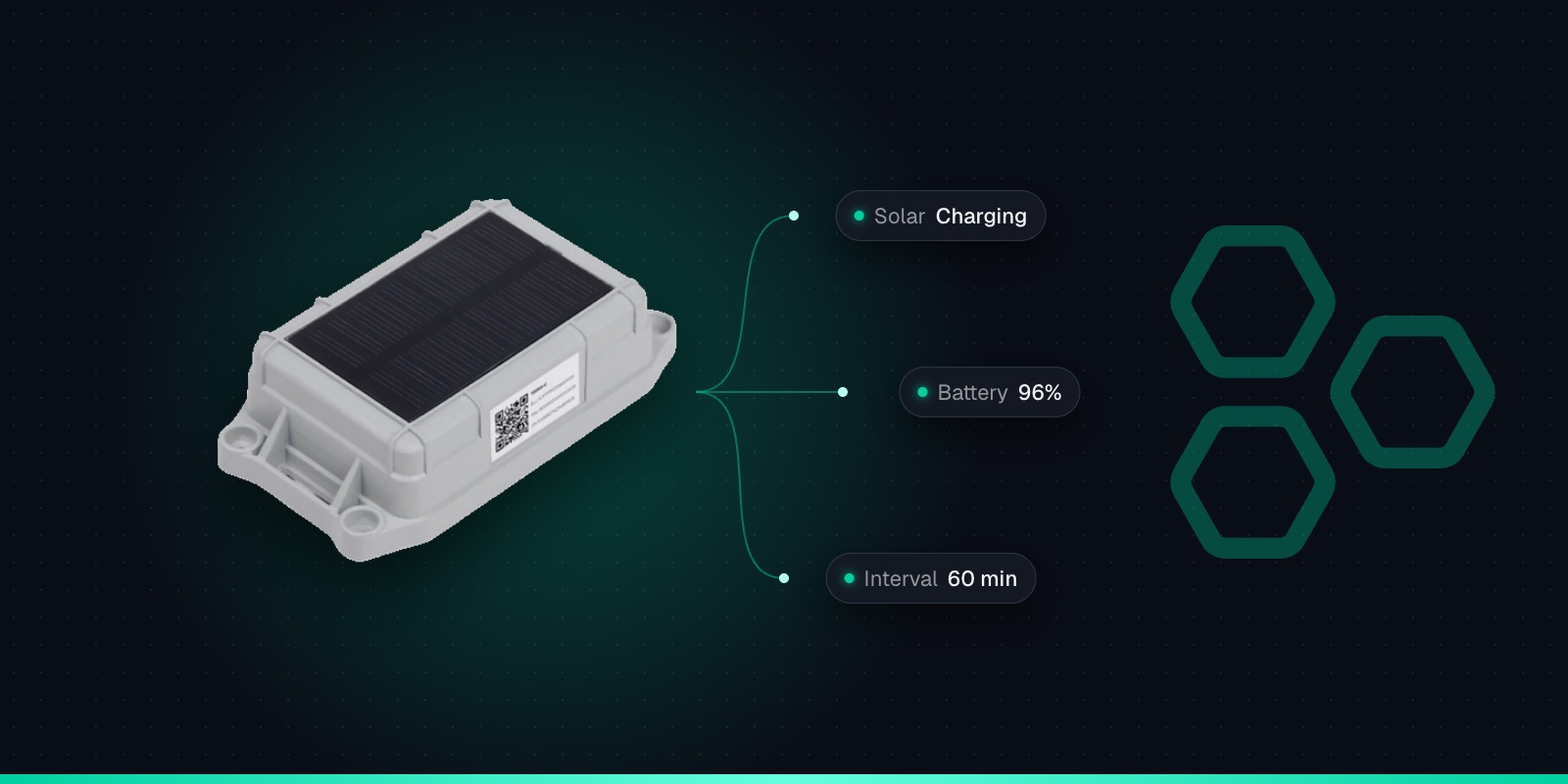
Plant & Machinery Theft Alerts with the SenseCAP T2000
26th October 2026•By Neil Skoglund
T2000 Use Case
Excavators, dumpers, rollers, generators, tower lights, welders and compressors. Plant is expensive, it sits on open sites overnight and at weekends, and much of it can be loaded onto a low-loader or towed away in minutes. Too often the first anyone knows is when the gang arrives on Monday morning to an empty patch of hardstanding.
This guide is for contractors, plant hire firms and anyone responsible for machines on site. It shows how a SenseCAP T2000 tracker screwed to a machine, reporting into Trackpac, can alert you when plant moves out of hours, leaves site, or the tracker itself is pulled off. It also covers where to fit it, how to set it up, and what you can and can't do once something has gone.
Why the T2000 Suits Plant
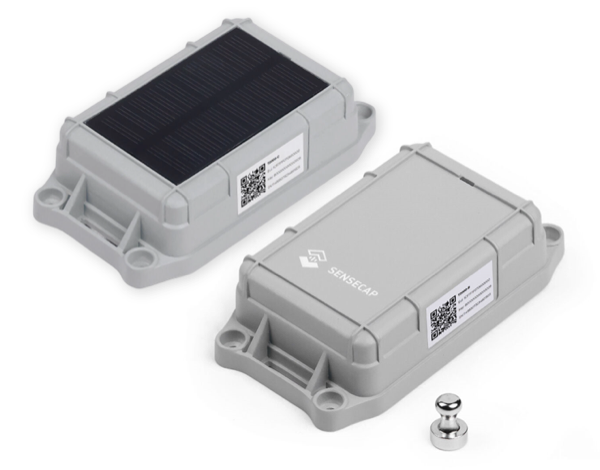
The T2000 is Seeed's industrial LoRaWAN tracker, and construction is one of the jobs it was designed for: Seeed lists excavators, bulldozers, cranes and rental generators among its target uses. It is a sealed IP67 box, 117 × 65 × 30mm and 180g, with screw, strap and adhesive mounting options. The battery versions (T2000-A and T2000-B) work from -40°C to +85°C.
Three things make it a good fit for machines. It runs for a long time without attention: Seeed quotes over a year at an hourly GPS position, and up to 7 to 9 years with longer intervals. It has a built-in accelerometer, so it can report the moment a machine starts moving. And it has an anti-tamper button on the back, which raises an alarm when the tracker is removed. There's no wiring into the machine and no SIM card.
For most plant the T2000-A (GPS and Bluetooth) is the default choice. The T2000-B adds Wi-Fi scanning, which helps if kit spends time in depots, workshops or yards surrounded by buildings. The solar T2000-C suits machines that live outdoors in daylight, with a narrower temperature range and no ATEX certification. Our T2000-A vs T2000-B vs T2000-C comparison goes through the differences. You can buy them from Seeed Studio, and The Pi Hut stocks the T2000-A in the UK.
GPS + Bluetooth (+ Wi-Fi)
GPS, GLONASS and BeiDou outdoors, Bluetooth beacon scans, and Wi-Fi scans on the T2000-B.
Anti-tamper alarm
A button on the back raises a top-priority alarm the moment the tracker is removed.
8000mAh battery
Over a year at hourly GPS updates on the T2000-A/B, and years longer at longer intervals.
Solar option
The T2000-C pairs a 0.5W solar panel with a 4000mAh rechargeable battery.
IP67, ATEX on A/B
Waterproof and dustproof. The T2000-A/B run from -40 to +85°C.
117 × 65 × 30mm
180g, in a glass-fibre reinforced case.
1,000-record cache
Optional: stores positions out of coverage and sends them when it reconnects.
Screw, strap or stick
Screw it to containers and trucks, strap it to livestock, or use 3M tape.
Every tracker install is a trade-off between hiding it and letting it see the sky. GPS needs a reasonably clear view upwards, and steel blocks both the satellite signals and the LoRaWAN radio. A tracker bolted deep inside a steel chassis or under a closed steel canopy may never get a fix. Seeed quotes 5 to 10 metre accuracy outdoors, and that assumes it can see the satellites.
Screw the T2000 down rather than relying on tape on a machine that vibrates all day. Mount it so the tamper button on the back is held in against the surface: if it isn't pressed, the tamper alarm will fire. The SenseCraft app's Measure screen shows the button as "Pressed" once it's seated properly. Some starting points:
Excavators & dozers
On or near the cab roof, behind a guard, beacon bracket or plastic trim, facing up. It's out of sight from the ground and has the clearest view of the sky on the machine.
Dumpers & rollers
Under the ROPS canopy or behind a panel near the operator position, rather than low down where it takes mud, spray and knocks from the skip or drum.
Generators, welders & compressors
On the top of the canopy, tucked beside the lifting frame or under a plastic cover. Inside a sealed steel canopy, it may struggle to get a signal out.
Tower lights
On the upper face of the body or a sheltered spot on the chassis with an open view upwards, away from the hottest parts of the engine.
Before you screw anything down, give the tracker its first GPS fix outdoors so it can set its clock. Then fit it, park the machine where it normally sits overnight and check on the Trackpac dashboard that positions are arriving. A tracker that works on the bench but goes quiet once fitted is no use to anyone.
Three Alerts That Matter
Plant moves all day on a working site, so the useful alerts are the ones that fire when something is out of the ordinary. Trackpac can alert on the T2000's start moving, end movement, motionless, shock, tamper ("Disassembled") and battery level, plus location through geofences. For theft, three do most of the work.
Out-of-hours movement
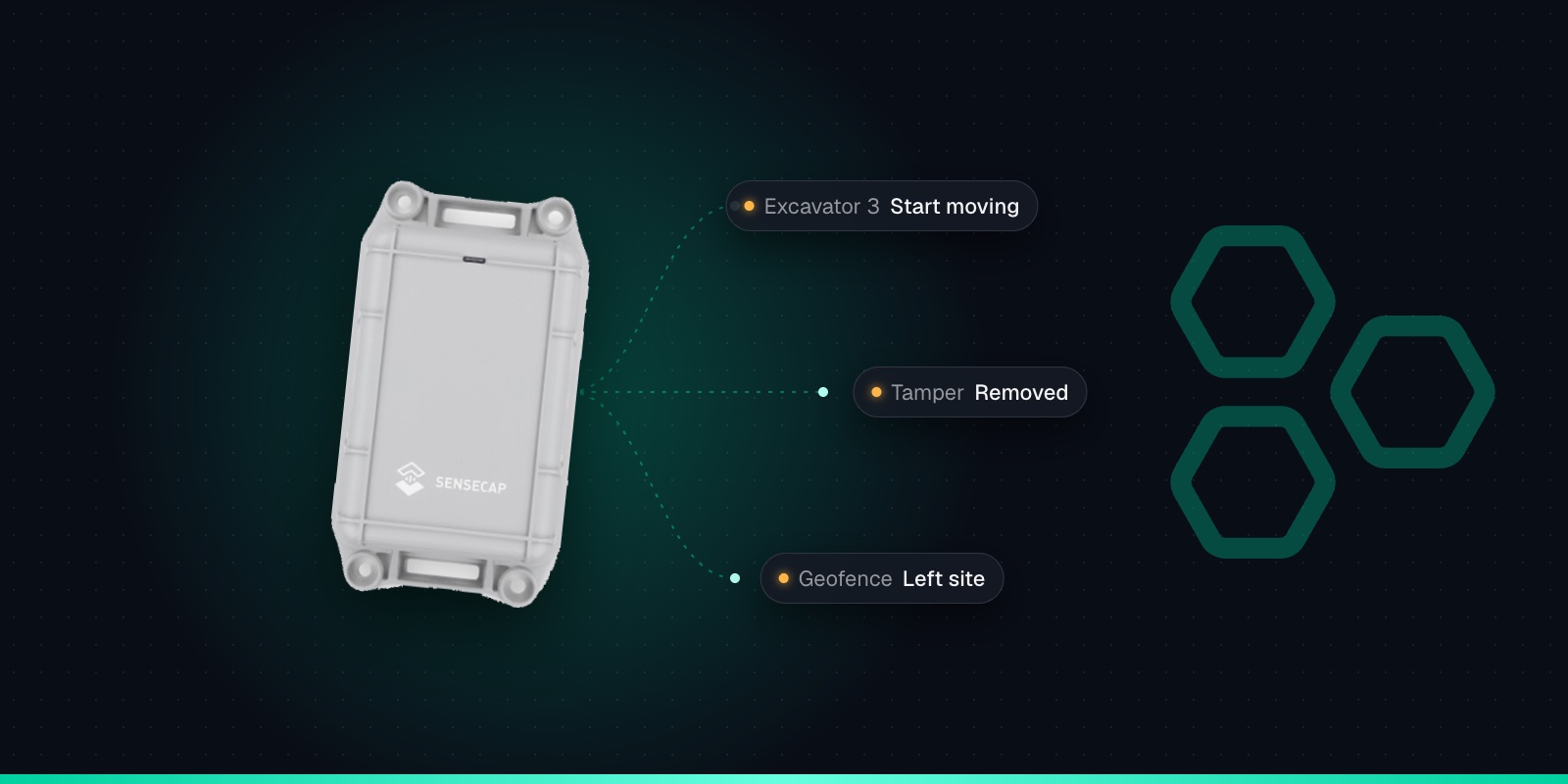
With the accelerometer and motion event turned on, the tracker reports "start moving" as soon as the machine moves. A Trackpac rule limited to evenings and weekends sends an SMS or push alert to whoever needs to know.
Leaving site
A geofence around each site compound alerts when a position arrives from outside it. That catches a machine being driven or lifted off site, whatever time of day.
Someone removing the tracker
The tamper alarm is on by default. When the button on the back is released, the T2000 flashes its red LED, raises what Seeed calls a top-priority alarm and sends its position every minute for 3 minutes. A Trackpac rule on "Disassembled" makes sure that reaches a person. Be realistic: a thief who knows it's there can still take it off. But taking it off is exactly what triggers the alert, so you hear about it at the moment it happens.
In Trackpac, alert rules can target a tag, so every machine tagged with a site shares the same out-of-hours rule. A trigger-lock interval stops one low-loader journey sending dozens of alerts, and a "resolved" message tells you when the condition has cleared. Alerts go by email, SMS or push notification in the Trackpac mobile app.
Setting the Tracker Up for Theft Alerts
Out of the box the T2000 sends a GPS position every 60 minutes and its accelerometer is switched off. That's fine for keeping track of where plant is, but it won't tell you a machine has started moving until its next scheduled report. For movement-triggered alerts, change a few settings in Seeed's SenseCraft app over Bluetooth:
1
Turn on "Enable 3-axis sensor"
It is off by default. Motion and shock events depend on it, and Seeed notes it increases power use.
2
Switch to event mode and turn on the motion event
In event mode the reporting interval adapts to movement. Keep the non-event interval at 60 minutes for parked plant, and set a shorter "uplink interval on motion" so you get more frequent positions while it's on the move. Shorter intervals cost battery, so don't overdo it.
3
Leave the tamper alarm on
It is enabled by default with a 3-minute alarm duration. Check the button reads "Pressed" once mounted.
4
Consider the location data cache
Off by default. Turned on, it stores up to 1,000 positions that weren't delivered while out of coverage and sends them once the tracker is heard again.
The default motion threshold is 30mg, and the tracker counts as motionless after 2 minutes below it. The threshold is a setting in the app. If you get movement alerts that turn out to be nothing, raise the threshold a little, and lean on the Trackpac out-of-hours window and trigger-lock to keep repeat alerts down.
A Geofence Around Every Site
Draw a geofence around each compound in Trackpac, as a circle or a polygon that follows the boundary. Each one can alert on exit, entry or both, to the contacts you choose, and can be limited to out of hours. Make it a little larger than the compound itself so a machine parked by the fence doesn't trigger false alarms from normal GPS drift.
Trackpac also shows which trackers are inside each geofence and the history of every entry and exit. For a hire firm that becomes a simple record of when a machine arrived on a customer's site and when it left. Tag machines by site or depot, and when one moves to the next job, change its tag so the right manager gets the alerts. Read-only share links let a site manager or customer see just the kit that's relevant to them.
When a Machine Goes Missing
A tracker isn't a recovery service. Here's what you will and won't have once plant has gone.
A last-known location. The live map shows the latest position and the timeline player replays the route. With motion reporting on, positions arrive more often while the machine moves. On the default hourly setting, the last position could be up to an hour old.
Gaps when it's out of coverage. LoRaWAN coverage is good in many towns and patchy in the countryside. If a machine is taken somewhere with no coverage, nothing arrives until it's back in range. With the cache on, the missing positions arrive later and fill in the history.
No GPS inside a container or steel shed. Locked away, the tracker may not get a fix. If its radio still gets out, Trackpac can optionally show a rough position based on the gateways that heard it. Treat that as neighbourhood-level, not an address.
A tamper alert if it's found. If the tracker is removed, you get the alarm and a burst of positions from where it came off. History up to that point is kept.
Don't go after a stolen machine yourself and don't confront anyone. Report it to the police, get a crime reference number, and give them the location and movement history. Trackpac reports and exports give you a clear record for the police and your insurer. And the tracker doesn't immobilise anything: keys, immobilisers, locked compounds and marking still matter.
Battery Planning & Working Hours
The T2000-A and T2000-B run on an 8000mAh primary lithium cell that is not rechargeable. Seeed quotes over one year at an hourly GPS position and up to 7 to 9 years with longer intervals, and says real life depends on interval, positioning mode and where it's deployed. A theft-watch setup with the accelerometer on and frequent motion reports will sit at the shorter end. Our T2000 battery life guide goes through the settings.
Battery alerts across the fleet
Set a Trackpac rule on battery percentage for every tracker, so you plan replacements during normal servicing rather than finding a dead tracker after a theft.
When kit actually moved
Movement history shows when a machine moved and where it went, which helps with hire disputes and utilisation. It is not engine-hour metering, so keep using the hour meter for servicing.
Seeed recommends powering the tracker off when it isn't in use (four quick taps with the magnet). For plant in long-term storage that's worth doing, but for anything parked where it could be stolen, leave it on. A tracker that's switched off can't tell you anything.
Adding a T2000 to Trackpac
Each tracker takes a couple of minutes. The Trackpac network roams onto Helium and other public LoRaWAN networks, so there's no network server to run and often no gateway to buy.
1
Switch it on with the magnet
The T2000 has no button. Hold the supplied magnet near the sensor area and tap 4 times quickly: the green LED lights and it goes straight into Bluetooth pairing.
2
Connect with the SenseCraft app
In Seeed's SenseCraft app, open Device Bluetooth Configuration, choose SenseCAP Asset Tracker T2000 and select the tracker by its serial number. Set the frequency plan for your region: EU868 in the UK and Europe.
3
Choose Other Platform and copy the keys
Change Platform to "Other Platform" and set the APP EUI to 545241434B504143. Copy the Device EUI, APP EUI and APP Key, then tap Send.
4
Add it in Trackpac
In Trackpac, go to Devices, tap +, choose "Enter Keys Manually", paste the three keys and pick SenseCAP T2000 as the device type. Trackpac's network roams onto Helium, so you don't need your own network server.
5
Test outdoors, then mount it
Give it its first GPS fix outside so it can set its clock from the satellites. Then mount it so the tamper button on the back is held in, or the tamper alarm will fire.
Name each tracker after its machine ("13t excavator 07 - Station Road" beats a serial number), tag it by site and set up your out-of-hours rules. Coverage varies a lot between a town centre and a rural site, so read what to check about LoRaWAN coverage before you rely on it. For remote sites, our LoRaWAN consultancy can help you plan a gateway. Trackpac is £15 / €18 per tracker per year with no setup fee: see pricing or start with one machine today.
The T2000 is built for machines. For breakers, saws, laser levels and other small kit that goes in a case, the credit-card sized T1000 fits better: see construction tool theft recovery with the T1000. Both can sit on the same Trackpac dashboard, and our T2000 vs T1000 guide helps you split the fleet.
Get Started
Know when plant moves out of hours
Fit a T2000 to each machine and Trackpac alerts you by SMS, email or push when plant moves at night, leaves site or the tracker is removed.
Works with the T2000-A, T2000-B and T2000-C. Add one with its keys in a couple of minutes.
Connectivity through the Trackpac network, which roams onto Helium, so there's no network server to run.
Dashboard, alerts and data storage from £15 / €18 per tracker per year.
Can a GPS tracker stop plant and machinery theft?↓
No tracker stops a theft on its own. What a SenseCAP T2000 on Trackpac does is tell you sooner: an alert when a machine moves out of hours, leaves its site geofence, or the tracker is pulled off, followed by a last-known location and movement history you can give to the police. Locks, immobilisers, secure compounds and marking still do the protecting. Never try to recover a machine yourself.
Where should I fit a tracker on an excavator or dumper?↓
Somewhere out of casual sight but with a view of the sky, because GPS needs it and steel blocks both satellite signals and the LoRaWAN radio. On many machines that means a spot on or near the cab roof, behind a guard or under a plastic cover, rather than deep in the steel chassis. Screw the T2000 down so the tamper button on its back is held in, then test it in place with the machine parked where it normally lives.
What happens if a thief removes the SenseCAP T2000?↓
Removing it is what sets off the alarm. The T2000 has an anti-tamper button on the back that stays pressed while it is mounted. When it is released the tracker raises what Seeed calls a top-priority alarm and, by default, sends its position every minute for 3 minutes. Trackpac can alert you on that "Disassembled" event by SMS, email or push. A thief who knows it is there can still take it off, but you find out when they do.
How long does the SenseCAP T2000 battery last on plant?↓
Seeed quotes over one year for the T2000-A and T2000-B with a GPS position every hour, and up to 7 to 9 years with longer intervals. Turning on the accelerometer for movement alerts, and reporting more often while a machine moves, uses more. The A and B battery is not rechargeable. The solar T2000-C is rated for multi-year use in regular sunlight. A battery alert in Trackpac warns you before any tracker runs low.
Does the SenseCAP T2000 need wiring or a SIM card?↓
Neither. It runs on its own internal battery (or battery plus solar panel on the T2000-C), so there is nothing to wire into the machine, and it sends data over LoRaWAN, not a mobile network. The Trackpac network roams onto Helium and other public LoRaWAN networks, so many sites need no gateway. Rural and remote sites may need one. Trackpac costs £15 / €18 per tracker per year, covering connectivity, the dashboard, alerts and data storage.