Construction Tool & Plant Theft Recovery with the SenseCAP T1000
26th October 2026•By Neil Skoglund
T1000 Use Case
Breakers, cut-off saws, laser levels, generators, mini diggers and trailers. Site kit is valuable, portable and often left in a compound overnight with nobody around. When it goes, you usually find out at 7am when the gang turns up and the generator isn't where it was left. By then it could be anywhere.
This guide is for builders, groundworkers, M&E contractors and plant hire firms. It shows how a SenseCAP T1000 card tracker hidden in tools and plant, reporting into Trackpac, can alert you when kit moves out of hours or leaves site, and what you can realistically do with its last-known location once something has been taken. It is also honest about what a tracker can't do. For the wider picture, see our guide to LoRaWAN asset tracking.
Why the T1000 Suits Tools & Plant
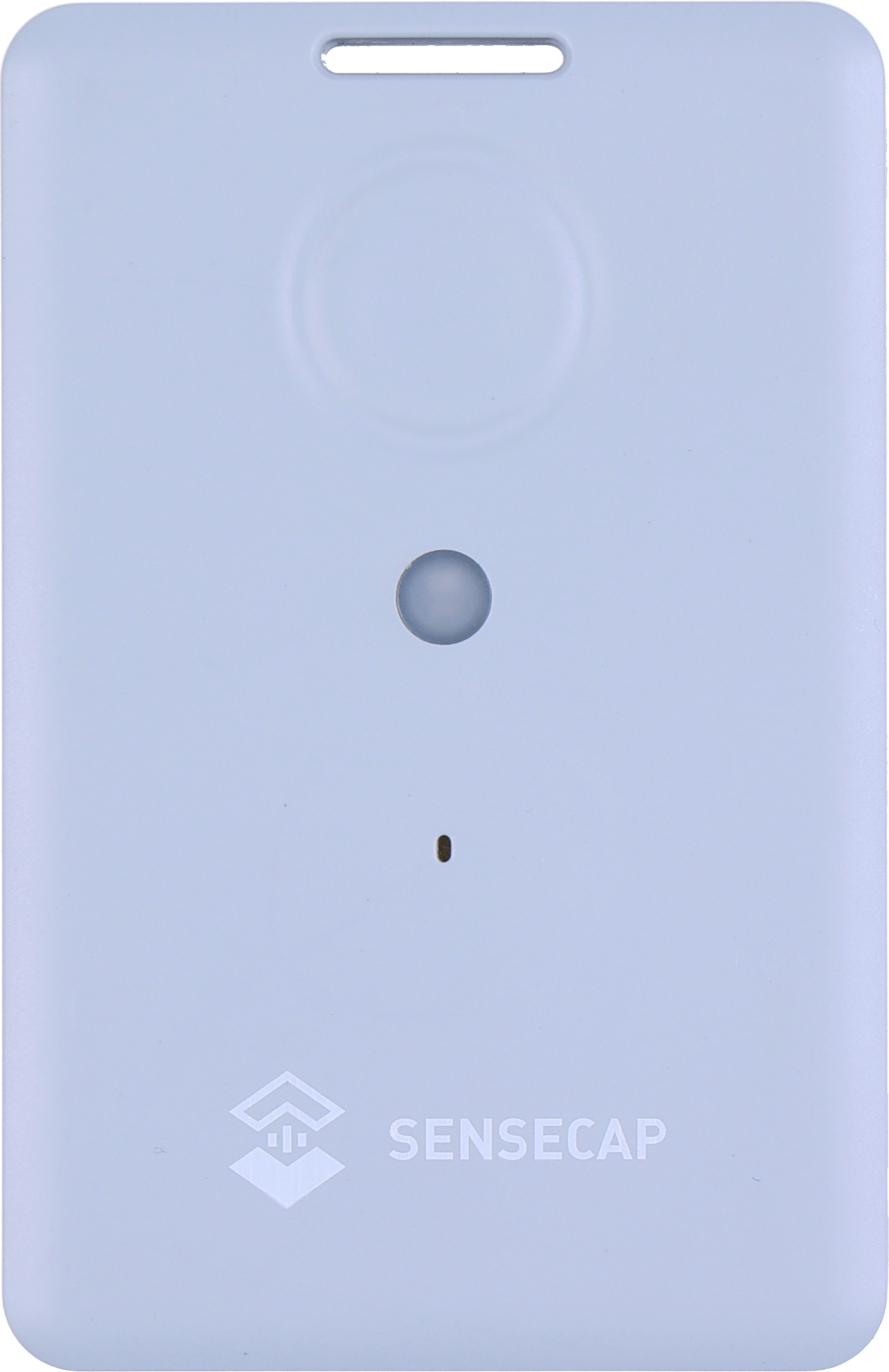
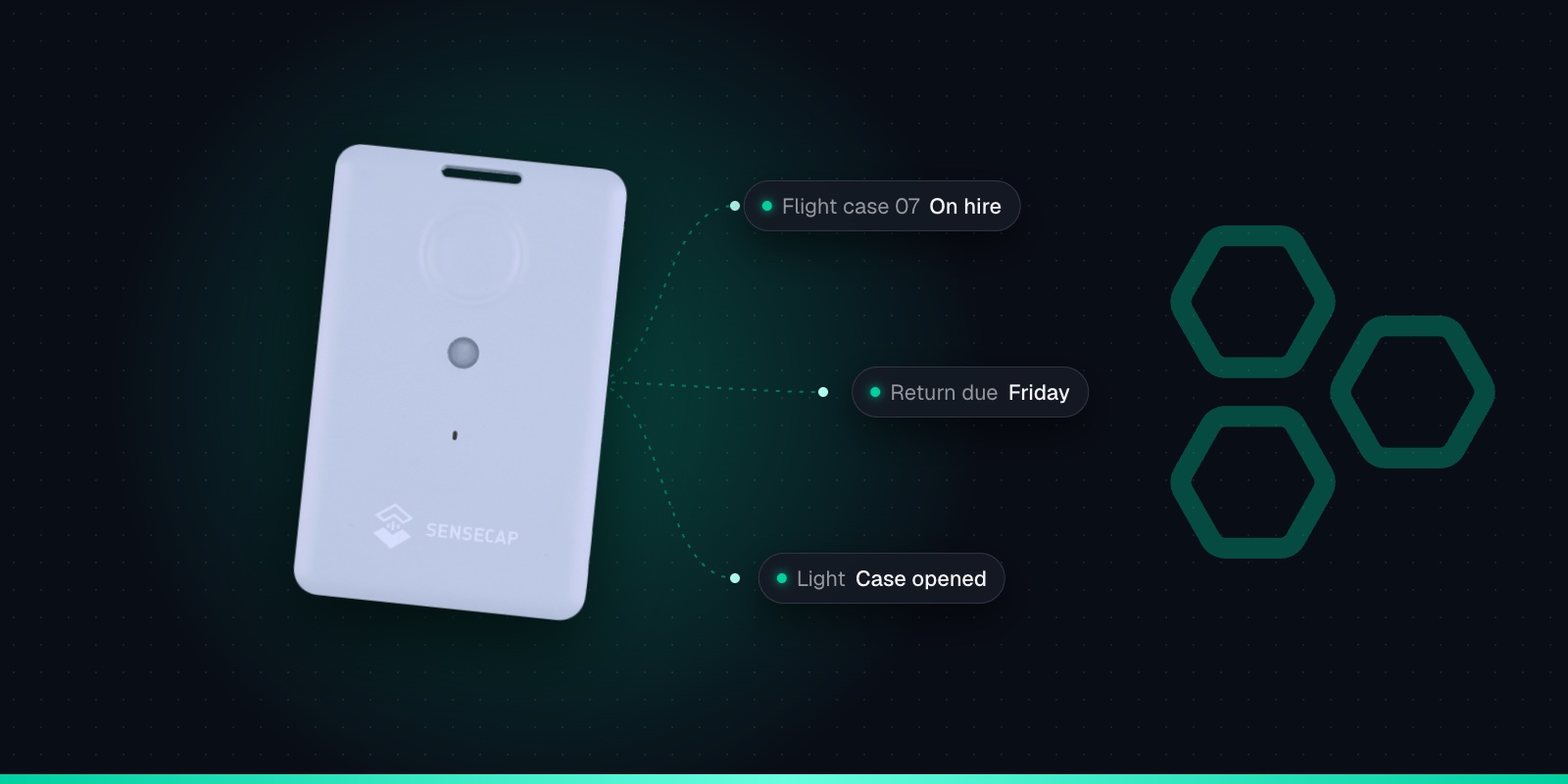
The T1000 is the size of a credit card, 85 × 55 × 6.5mm and 32g. That makes it easy to slip into a tool case, behind a panel or under a seat where a thief won't spot it at a glance. There's no wiring and no SIM card. It runs on a rechargeable battery and sends its position over LoRaWAN, a long-range, low-power radio network.
Outdoors it gets its position from satellites (GPS, Galileo, GLONASS, BeiDou and QZSS). It can also scan nearby Wi-Fi networks, which helps when kit ends up indoors, in a unit or a garage, where satellite signals don't reach.
There are two LoRaWAN versions. The T1000-A has a motion sensor (accelerometer), plus temperature and light sensors. The T1000-B is location-only and costs less. For theft alerts the A is the better choice, because it can tell you the moment kit starts moving. Our T1000-A vs T1000-B vs T1000-E comparison goes through the differences. You can buy them from Seeed Studio, The Pi Hut in the UK, or Mouser.
GNSS + Wi-Fi + Bluetooth
GPS, GLONASS, Galileo, BeiDou and QZSS outdoors; Wi-Fi and Bluetooth beacon scans indoors.
Credit-card size
85 × 55 × 6.5mm and 32g, with a slot for a lanyard or clip.
Rechargeable 700mAh
About 3.5 months at hourly GNSS fixes. Recharges in about 2 hours on its magnetic cable.
IP65
Dust-tight and protected against water jets. Works from -20 to +60°C.
SOS button & buzzer
Double-press for SOS, single press to send a location on demand.
1,000-record cache
Optional: stores fixes when out of coverage and sends them later.
LoRaWAN 1.0.4
Class A, OTAA. One SKU covers EU868, US915, AU915, AS923, KR920 and IN865.
Sensors on the T1000-A
Temperature, light and a 3-axis accelerometer. The T1000-B has none of these.
There's a trade-off at the heart of every tracker install: the better it's hidden, the harder it is for a signal to get in and out. Metal is the main problem. A steel box blocks satellite signals and the LoRaWAN radio, and Seeed's own advice is to keep the tracker face up and away from metal enclosures and nearby metal objects.
The T1000 is rated IP65, which means dust-tight and protected against water jets. That's fine for rain and splashes in a sheltered spot. It doesn't mean you should mount it where the jet wash hits every Friday, or where it sits in standing water. It works from -20°C to +60°C, so keep it away from exhausts and hot engine parts. A few places that tend to work:
Tool cases & boxes
Plastic cases for breakers, drills and survey kit are good homes: tuck it under the foam or inside the lid. A steel van vault or site safe is not, so track the tools rather than the vault.
Generators & compressors
Look for a plastic cover, panel or control box, close to a vent or gap. Deep inside a closed steel canopy, it may struggle to get a signal out.
Compact plant
On mini diggers, dumpers and rollers, the cab is often the best spot: behind a plastic trim panel or under the seat, facing up, rather than down in the steel chassis.
Trailers
A plastic box on the drawbar, a sealed junction box or a spot under a plastic mudguard, kept out of direct spray from the wheels.
Whatever you choose, test it in place. Close the case, shut the canopy, park the trailer where it normally lives, then check on the Trackpac dashboard that fresh positions are arriving. A tracker that works on your desk but goes quiet once it's hidden is no use to anyone. Use the slot in the tracker with a cable tie or clip so it can't rattle loose.
Out-of-Hours Movement Alerts
Kit moves all day on a working site. You want to hear about it when it moves at 2am on a Sunday. How you set that up depends on which T1000 you have.
T1000-A: alert when it starts moving
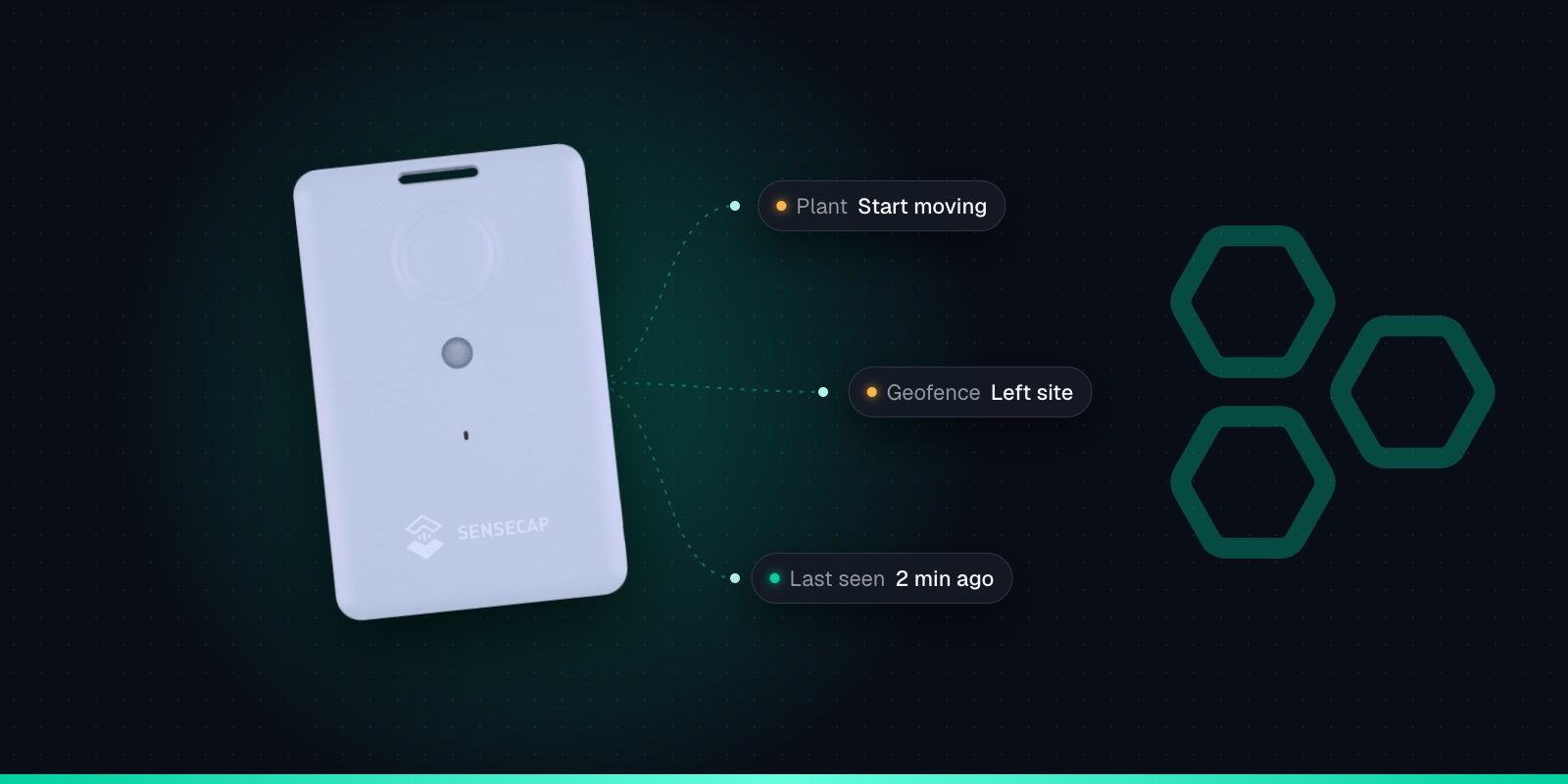
Put the tracker in event mode and turn on the motion event (it is off by default). It then reports "start moving" as soon as its accelerometer feels movement, and can report more often while it's on the move. A Trackpac rule on start moving, limited to evenings, nights and weekends, sends an SMS or push alert to the site manager.
T1000-B: alert when it leaves site
The B has no motion sensor, so it can't tell you it has started moving. Instead, a geofence exit alert fires when a position comes in from outside the site. That only happens at its next scheduled report, so an hourly tracker can be up to an hour behind.
You configure the tracker's mode and events in Seeed's SenseCraft app (formerly SenseCAP Mate) over Bluetooth. Our T1000 configuration cheat sheet lists every setting. In Trackpac, alert rules can target a tag, so every tracker tagged with a site shares the same out-of-hours rule. A trigger-lock interval stops one bumpy trailer ride sending dozens of alerts, and a "resolved" message tells you when the condition has cleared.
There is a cost. Seeed warns that event mode uses a lot more power, because the sensors stay powered. Expect to charge a theft-watch tracker more often than one sending an hourly position. Our T1000 battery life guide covers the trade-offs.
A Geofence Around Every Site
Draw a geofence around each site compound in Trackpac, as a circle or a polygon that follows the boundary. Each geofence can alert on exit, entry or both, to the contacts you choose, and can be limited to out of hours. Make it a little larger than the compound itself: GPS positions wander by a few metres, and you don't want a generator parked by the fence to trigger a false alarm.
Trackpac also shows which trackers are inside each geofence, with a history of every entry and exit. Over a project, that becomes a simple register of what kit is on which site and when it arrived or left. Tag trackers by site too, and when kit moves to the next job, change its tag so the right site manager gets the alerts.
When Something Goes Missing
This is where expectations matter. A tracker isn't a recovery service. Here's what you will and won't have once kit has gone.
A last-known location. The live map shows the most recent position, and the timeline player replays the route it took. It may be some time old: a tracker reporting hourly could be an hour behind.
Faster updates, from the next report. Trackpac can send a downlink to change the tracker's reporting interval. Because the T1000 only listens straight after it sends, the change takes effect after its next report, not instantly. On EU868, Seeed advises not going below about 4 minutes.
Gaps when it's out of coverage. If kit is driven somewhere with no LoRaWAN coverage, nothing arrives until it's back in range. Turn on the T1000's GNSS Data Cache (it is off by default) and it stores up to 1,000 positions that weren't delivered, then sends them later. That fills in the history, but it arrives late.
No GPS inside a steel van or container. Locked away, the tracker may not get a fix at all. If the radio still gets out, Trackpac can optionally show a rough position based on the gateways that heard it. Treat that as neighbourhood-level, not an address.
It may be found. A thief who strips a machine may find the tracker and throw it away. The history up to that point is still kept.
Don't go after stolen kit yourself and don't confront anyone. Report the theft to the police, get a crime reference number, and give them the location and movement history. Reports and exports from Trackpac give you a clear record to pass on, and to your insurer if they ask. And remember the tracker doesn't lock or immobilise anything. Secure compounds, locks and marking still do the protecting.
Keeping Trackers Charged Across a Fleet
The T1000's 700mAh battery is built in and recharged on its cable, so a fleet of trackers needs a charging routine. At one GPS position an hour, Seeed's FAQ gives about 106 days on EU868, roughly 3.5 months. Seeed's headline figure is 4 months. Event mode, a short interval, cold weather and weak signal all bring that down.
Battery alerts, not guesswork
Set a Trackpac rule on battery level for every tracker, so the yard gets a list of which ones need charging before any of them go silent.
Charge when kit comes back
Tie charging to something that already happens, such as kit returning to the yard or its regular inspection. A full charge takes about 2 hours.
It charges on a magnetic 2-pin cable, not USB-C, so keep a few spare cables in the yard office. It only charges between 0°C and 45°C, so a tracker pulled out of a frozen cabin in January needs to warm up first. For theft protection, leave trackers switched on in the yard. A tracker that's powered off can't tell you anything.
Adding a T1000 to Trackpac
Each tracker takes a couple of minutes. The Trackpac network roams onto Helium and other public LoRaWAN networks, so there's no network server to run and often no gateway to buy.
1
Charge it and switch it on
Charge the tracker on its magnetic cable, then hold the button for 3 seconds. A rising tune plays and the LED flashes once a second while it waits for Bluetooth.
2
Connect with the SenseCraft app
Open Seeed's SenseCraft app (formerly SenseCAP Mate), scan the QR code on the tracker and open its LoRaWAN settings. Set the frequency plan for your region: EU868 in the UK and Europe.
3
Choose Other Platform and copy the keys
Change Platform to "Other Platform" and set the APP EUI to 545241434B504143, as Seeed's own Trackpac guide recommends. Copy the Device EUI, APP EUI and APP Key, then tap Send.
4
Add it in Trackpac
In Trackpac, go to Devices, tap +, choose "Enter Keys Manually", paste the three keys and pick SenseCAP T1000 as the device type. Trackpac's network roams onto Helium, so you don't need your own console or network server.
5
Get its first fix outside
Take the tracker outdoors for its first GPS fix: it needs open sky to set its clock from the satellites. A quick flash and a short tune mean it has joined.
Then name each tracker after the kit it's in ("Breaker 04 - Station Road" beats a serial number), tag it by site and set up your out-of-hours rules. Coverage varies a lot between a town centre and a rural site, so read what to check about LoRaWAN coverage before you rely on it. For remote sites, our LoRaWAN consultancy can help you plan a gateway. Trackpac is £15 / €18 per tracker per year with no setup fee: see pricing or start with one tracker today.
Get Started
Know when site kit moves out of hours
Hide a T1000 in your tools and plant, and Trackpac alerts you by SMS, email or push when kit moves at night or leaves site.
Works with the T1000-A and T1000-B. Add one with its keys in a couple of minutes.
Connectivity through the Trackpac network, which roams onto Helium, so there's no network server to run.
Dashboard, alerts and data storage from £15 / €18 per tracker per year.
Can a GPS tracker help recover stolen construction tools and plant?↓
It can help, but it is not a guarantee. A tracker like the SenseCAP T1000 gives you an early alert when kit moves out of hours or leaves site, and a last-known location and movement history to hand to the police. It will not stop a theft, thieves may find and discard it, and inside a steel van or container it may not get a GPS fix at all. Treat it as a way to find out sooner and give the police better information, and never try to recover kit yourself.
Will the SenseCAP T1000 work inside a metal tool box or van?↓
Often not well. Metal blocks both GPS signals and the LoRaWAN radio, and Seeed advises keeping the tracker face up and away from metal enclosures. Plastic tool cases, plastic covers and panels are much better hiding places than steel vaults, site safes or the inside of a steel canopy. Always test the tracker in its hiding place, with the kit closed up, and check that positions reach your dashboard before you rely on it.
How quickly will I know if plant or tools are moved at night?↓
It depends on the model and settings. A T1000-A in event mode with the motion event turned on reports when it starts moving, so a Trackpac out-of-hours rule can alert you by SMS, email or push within moments, coverage permitting. A T1000-B has no motion sensor, so it relies on a geofence exit, which is only checked when it next reports. On an hourly interval that can mean you hear up to an hour after the kit left.
How long does the T1000 battery last on a construction site?↓
At one GPS position an hour, Seeed's FAQ gives about 106 days on EU868, so roughly 3.5 months; Seeed's headline figure is 4 months. Event mode with motion alerts uses noticeably more, and cold weather and poor signal shorten it further. The battery is built in and recharges in about 2 hours on its magnetic cable. A battery alert in Trackpac tells you when a tracker needs charging.
Does the SenseCAP T1000 need a SIM card or a gateway on site?↓
No SIM card. The T1000 uses LoRaWAN, and the Trackpac network roams onto the Helium network and other public LoRaWAN networks, so you may not need a gateway at all if there is coverage around your sites. Rural and remote sites may need their own gateway for reliable coverage. Trackpac costs £15 / €18 per tracker per year, covering connectivity, the dashboard, alerts and data storage.