SenseCAP T1000 Battery Life: Settings That Make It Last
26th October 2026•By Neil Skoglund
T1000 Guide
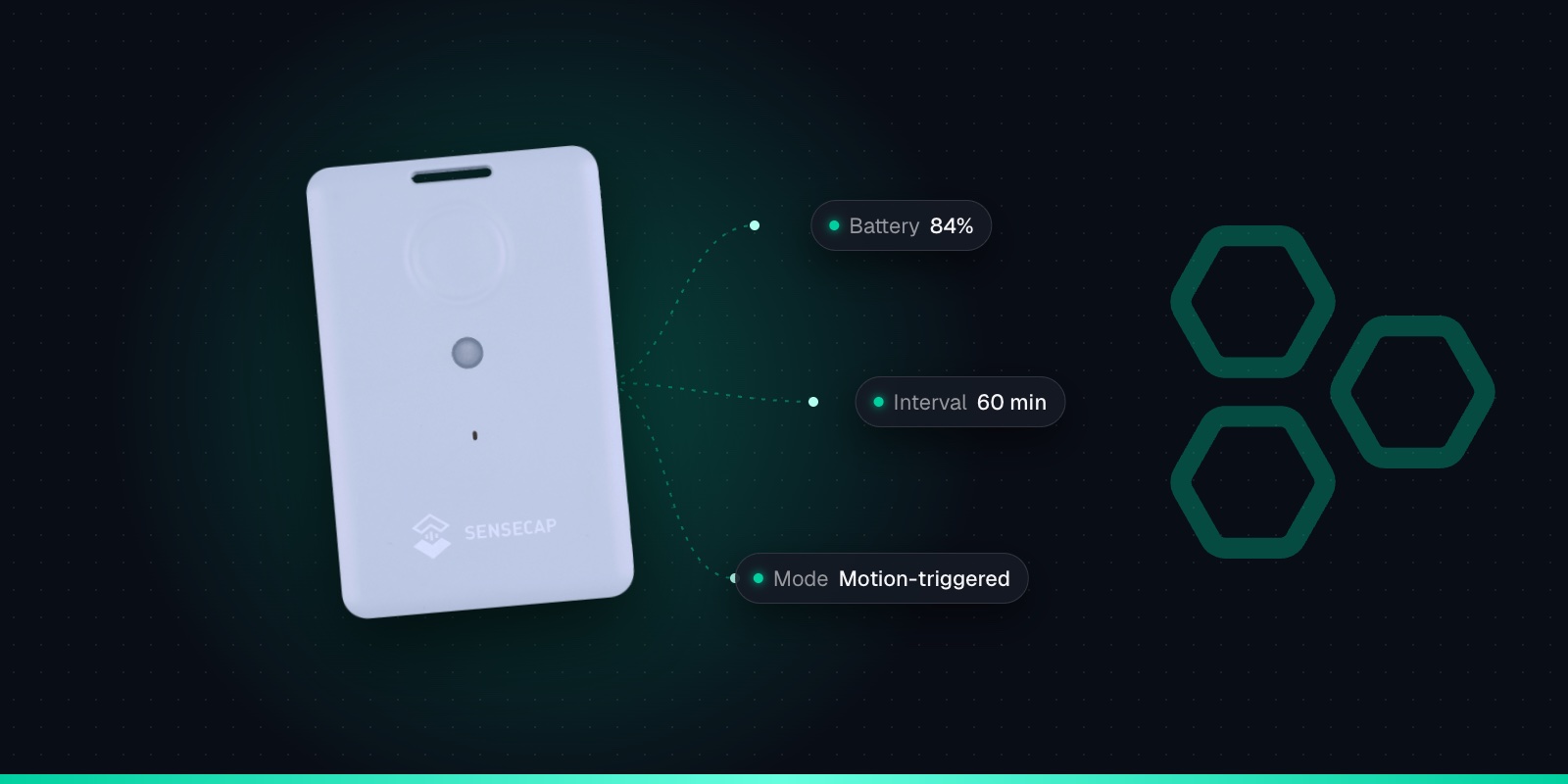
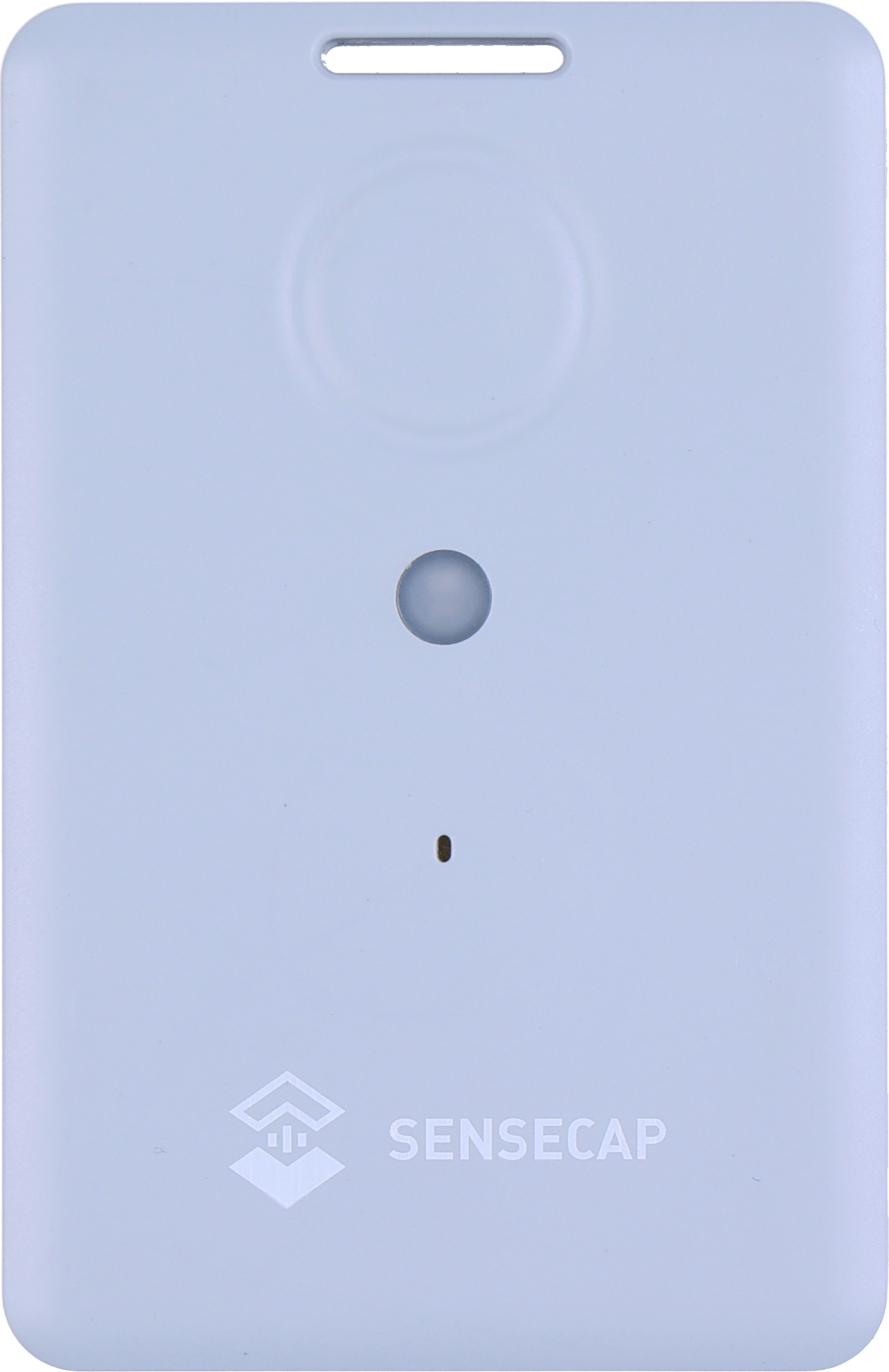
Two identical SenseCAP T1000 trackers can behave very differently. One sits on a trailer in a yard and needs charging a few times a year. The other goes flat in a week and nobody can work out why. The hardware is the same: a 700mAh rechargeable battery in a credit-card sized case. The difference is almost always in the settings.
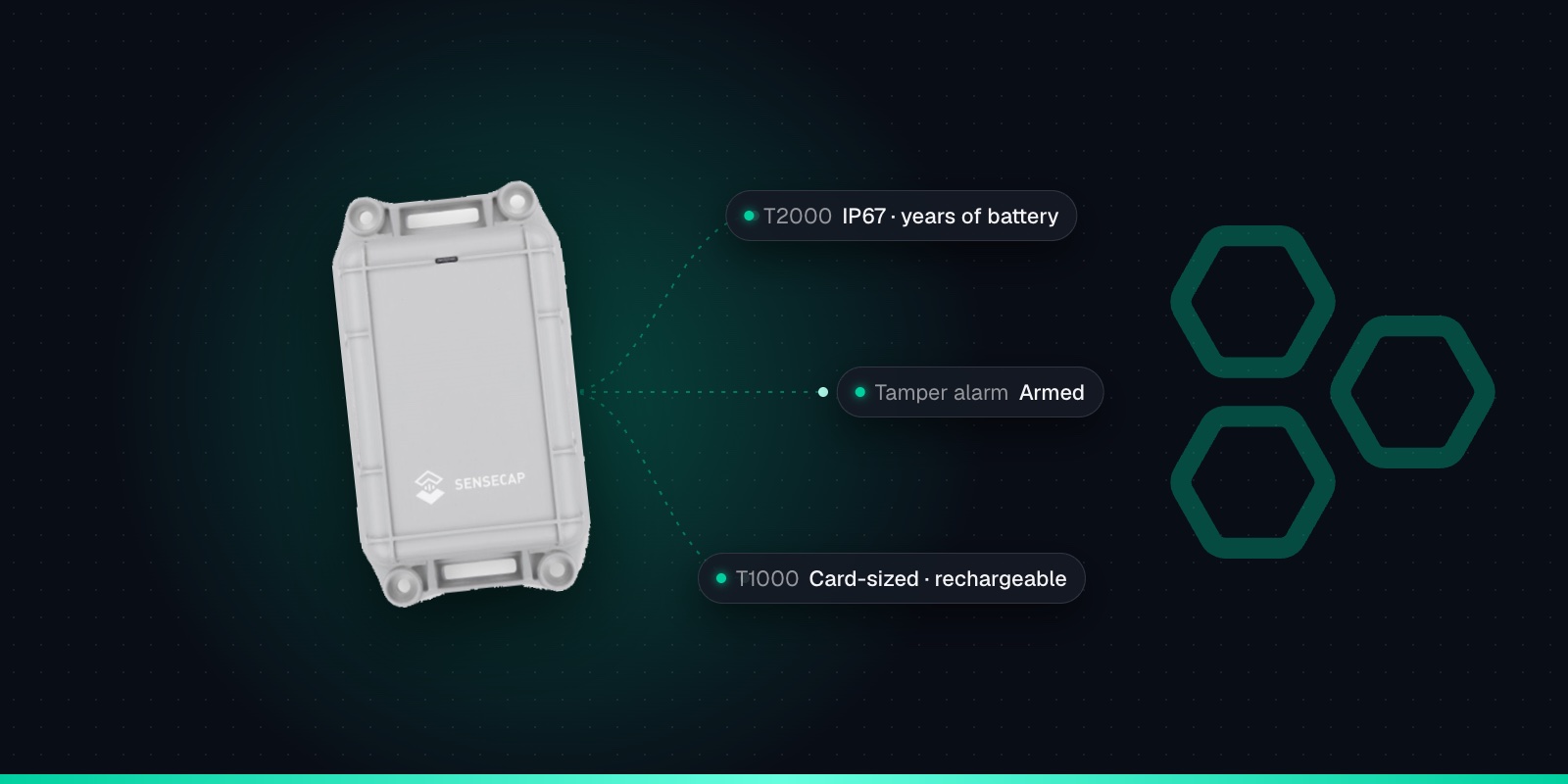
This guide explains what Seeed's battery figures actually mean, which settings drain the battery fastest, and sensible configurations for common tracking jobs. It applies to both the T1000-A and the T1000-B. If you are still choosing between them, see our T1000-A vs T1000-B vs T1000-E comparison, and for the hardware itself see the SenseCAP T1000 sensor page.
What Seeed's Own Figures Say
Seeed's headline claim is 4 months on a single charge, with the tracker sending a GNSS (GPS) position once an hour. Its FAQ publishes a more detailed table from the same battery model, and for that hourly setting on EU868 it gives 106 days, or about 3.5 months. Treat 3.5 months as the realistic starting point in the UK and Europe.
GNSS fix and uplink
EU868 (UK & Europe)
US915
Every 1 minute
2.6 days
3.0 days
Every 5 minutes
27 days
38 days
Every 60 minutes
107 days
117 days
Once a day
209 days
211 days
Source: Seeed's SenseCAP T1000 FAQ, GNSS-only positioning at 25 °C, rounded.
A few things are worth knowing about these numbers. They assume GNSS positioning only, no event mode and a comfortable 25 °C. The EU868 column assumes the slowest LoRaWAN data rate (SF12), which is the worst case for airtime. And the model already allows for only 90% of the battery being usable and for the cell slowly losing charge on the shelf, which is why one fix a day lasts about 7 months rather than years.
The 1-minute row is the one to remember. A tracker set to report every minute is flat in under three days, whatever else you do. On EU868, Seeed also advises not going below about 4 minutes anyway, because of the 1% duty-cycle limit on the radio.
What Actually Drains a T1000
The T1000 spends most of its life asleep. Each time it wakes it finds its position, reads any sensors you have enabled and sends a short LoRaWAN message. Battery life comes down to how often that happens and how expensive each wake-up is.
GNSS fixes
The biggest single cost. Going by the figures in Seeed's battery calculator, one GNSS fix uses roughly 80 to 110 times the energy of a Wi-Fi scan, at the top end when the receiver starts cold after a long gap.
Uplink interval
Every report means a position fix and a radio message. Moving from hourly to every 5 minutes takes Seeed's EU868 figure from about 107 days to about 27.
Failed GPS searches
Indoors or under cover, the receiver keeps searching until the GNSS timeout (60 seconds by default) runs out, then reports a failure. A tracker on GNSS-only that lives inside pays for the full search every time and gets nothing back. Seeed advises against raising the timeout.
Event mode and sensors
Event mode keeps the sensors powered so it can react to motion, shock, temperature or light, and Seeed warns that power consumption "increases a lot". Turning on temperature and light uploads also adds work to every report.
The accelerometer
On the T1000-A, enabling motion detection raises the sleep current in Seeed's model from 70µA to 110µA. Because the tracker is asleep most of the time, this matters most at long intervals.
Confirmed uplinks and the cache
The T1000 asks the network to confirm each message. On a weak signal that means retries, and with the data cache switched on, stored records are sent again later. Both add radio time.
Distance from a gateway
Far from a gateway, messages go out at slower data rates and take longer to send. A tracker close to a gateway can beat Seeed's SF12 figures; one at the edge of coverage will struggle to.
Cold
Seeed's figures are at 25 °C and it publishes no cold-weather figure, but lithium cells give less in the cold. Plan on shorter life for kit outside through a British winter.
Use Wi-Fi Instead of GPS Where You Can
The T1000 can also find its position by scanning for nearby Wi-Fi access points. A Wi-Fi scan is cheap: Seeed's battery model suggests Wi-Fi-only positioning lasts roughly 1.5 times as long as GNSS-only at hourly updates. For a tracker that spends its life indoors, it also avoids the wasted GPS searches described above, so the real-world gain is often bigger.
There are two catches. Wi-Fi positioning only works where there are access points around, so it is no help in a field or on a remote site. And the tracker doesn't work out the position itself: it sends the addresses and signal strengths of the access points it can see, and something has to look them up. Trackpac's location engine does that automatically, so you don't need to buy a geolocation API key or write any code.
For kit that moves between indoors and outdoors, the mixed strategies help. "Wi-Fi + GNSS" tries Wi-Fi first and only falls back to GPS if that fails, which keeps the battery cost down. "GNSS + Wi-Fi" tries GPS first, which is more precise outdoors but pays for a GPS search every time. Our guide to T1000 locations indoors covers the trade-offs in more detail.
Suggested Settings for Common Jobs
These are starting points, not rules. All of them are set in the SenseCraft app (formerly SenseCAP Mate) over Bluetooth, and most can be changed later by downlink.
Plant, trailers and kit outdoors
Periodic mode, GNSS only, every 60 minutes. This is the setting Seeed's figures are based on, so expect around 3.5 months in mild weather. If the kit rarely moves, a longer interval stretches it further.
Kit that lives indoors
Periodic mode, Wi-Fi only, every 60 minutes. No wasted GPS searches, and the cheapest kind of fix. Needs Wi-Fi access points nearby and a platform that resolves them.
Kit that moves in and out
Periodic mode with "Wi-Fi + GNSS" to favour battery life, or "GNSS + Wi-Fi" to favour accuracy outdoors. 30 to 60 minutes suits most jobs.
Theft watch on valuable kit
A T1000-A in event mode with the motion event on: a long interval while still and a shorter one once it starts moving. You get faster reports when it matters, and you accept that the battery won't last as long. Plan to charge more often.
Stored kit that rarely moves
Standby mode sends only a heartbeat with the battery level (every 12 hours by default), and you can ask for a position by downlink when you need one. If the tracker isn't deployed at all, switch it off: hold the button for 9 seconds.
Once a tracker is out in the field you don't need to fetch it to change these. Interval, work mode and positioning strategy can all be changed by downlink, and Trackpac can send downlinks to trackers on its network. The exact commands are in our T1000 configuration and downlink cheat sheet. Test any change on one tracker before you roll it out to the rest.
Charging and Storage
About 2 hours takes a T1000 from empty to full on its magnetic charging cable.
It isn't USB-C. The T1000-A and T1000-B use a magnetic 2-pin cable with a USB-A plug, and the T1000-E uses a different 4-pin one, so keep the right cables with the right trackers. No mains adapter is included; a standard 5V USB adapter does the job.
Charge between 0 and 45 °C. Outside that range charging is blocked. Bring a tracker in from a frozen yard and let it warm up before you charge it.
Read the LED. It flashes every 3 seconds while charging and stays on when full. Fast flashing means the temperature is out of range, the voltage is low or the cable isn't seated properly.
It keeps reporting while it charges, so a tracker on charge in the office still shows on the map.
Switch it off in storage. Hold the button for 9 seconds until you hear a descending tune, and for 3 seconds to switch it back on. Seeed recommends powering off when a tracker isn't deployed.
Low Battery Alerts in Trackpac
The T1000 reports its battery level to the network, including in the heartbeats it sends in standby. Trackpac decodes it and shows it alongside the location, so you can see at a glance which trackers are running low.
Better still, set an alert rule. A rule on battery percentage can send an email, SMS or push notification through the Trackpac mobile app to whoever is responsible for charging. Point the rule at a tag rather than a single tracker and every T1000 with that tag shares it. A trigger-lock interval stops repeat alerts while the battery stays low, and a "resolved" message follows once the tracker has been charged.
That turns charging from guesswork into a routine: you charge the trackers that need it, when they need it. Battery level is also worth watching when you change settings. If a tracker's level is falling faster than you expected after a change, it shows up within days rather than when the tracker goes quiet. Trackpac costs £15 / €18 per tracker per year, covering connectivity, the dashboard, alerts and data storage; see Trackpac pricing or create an account and add your first T1000.
Get Started
Know which trackers need charging before they go quiet
Add your T1000s to Trackpac to see every tracker's battery level and location on one dashboard, with an alert when one runs low.
Works with the T1000-A and T1000-B. Add one with its keys in a couple of minutes.
Connectivity through the Trackpac network, which roams onto Helium, so there's no network server to run.
Dashboard, alerts and data storage from £15 / €18 per tracker per year.
It depends almost entirely on the settings. Seeed's headline figure is 4 months on a charge with a GPS (GNSS) fix every hour. Its more detailed FAQ table gives about 3.5 months (106 days) for the same hourly GNSS setting on EU868, about 27 days at a fix every 5 minutes and about 7 months at one fix a day. Those figures assume 25 °C, so expect less in the cold, and less again if you use event mode, the accelerometer or a lot of failed GPS searches indoors.
Why is my SenseCAP T1000 battery draining so fast?↓
The usual causes are a short uplink interval, GNSS-only positioning on a tracker that spends its time indoors (it searches for satellites until the timeout runs out on every report), event mode with motion or shock events switched on, and weak LoRaWAN signal causing retries. Check the work mode, interval and positioning strategy in the SenseCraft app (formerly SenseCAP Mate). For a tracker that lives indoors, switching to Wi-Fi-only positioning usually makes the biggest difference.
How long does the SenseCAP T1000 take to charge?↓
About 2 hours for a full charge, using the magnetic 2-pin USB cable that comes with the T1000-A and T1000-B. It is not USB-C, and the T1000-E uses a different 4-pin cable. Charging only works between 0 and 45 °C. While charging, the LED flashes every 3 seconds and stays on when full; fast flashing means the temperature is out of range, the voltage is low or the cable isn't making good contact.
Does Wi-Fi positioning save battery on the T1000?↓
Yes. In Seeed's battery calculator a Wi-Fi scan uses a small fraction of the energy of a GNSS fix, and Seeed's model suggests Wi-Fi-only positioning lasts roughly 1.5 times as long as GNSS-only at hourly updates. The catch is that Wi-Fi only works where there are access points nearby, and the tracker only sends the access points it can see, so your platform has to turn them into a position. Trackpac's location engine does that for you.
How do I turn off a SenseCAP T1000 when it's not in use?↓
Hold the button for 9 seconds until you hear a descending tune. Seeed recommends powering the tracker off when it isn't deployed, because it otherwise keeps waking up to search for a position and report. To switch it back on, hold the button for 3 seconds until you hear a rising tune. If a tracker won't respond at all, charge it first.
Planning a fleet of T1000s and not sure which settings suit the job? Get in touch and we'll help you work out intervals, positioning and charging routines.