SenseCAP T1000-A vs T1000-B vs T1000-E: Which One Do You Need?
26th October 2026•By Neil Skoglund
T1000 Guide
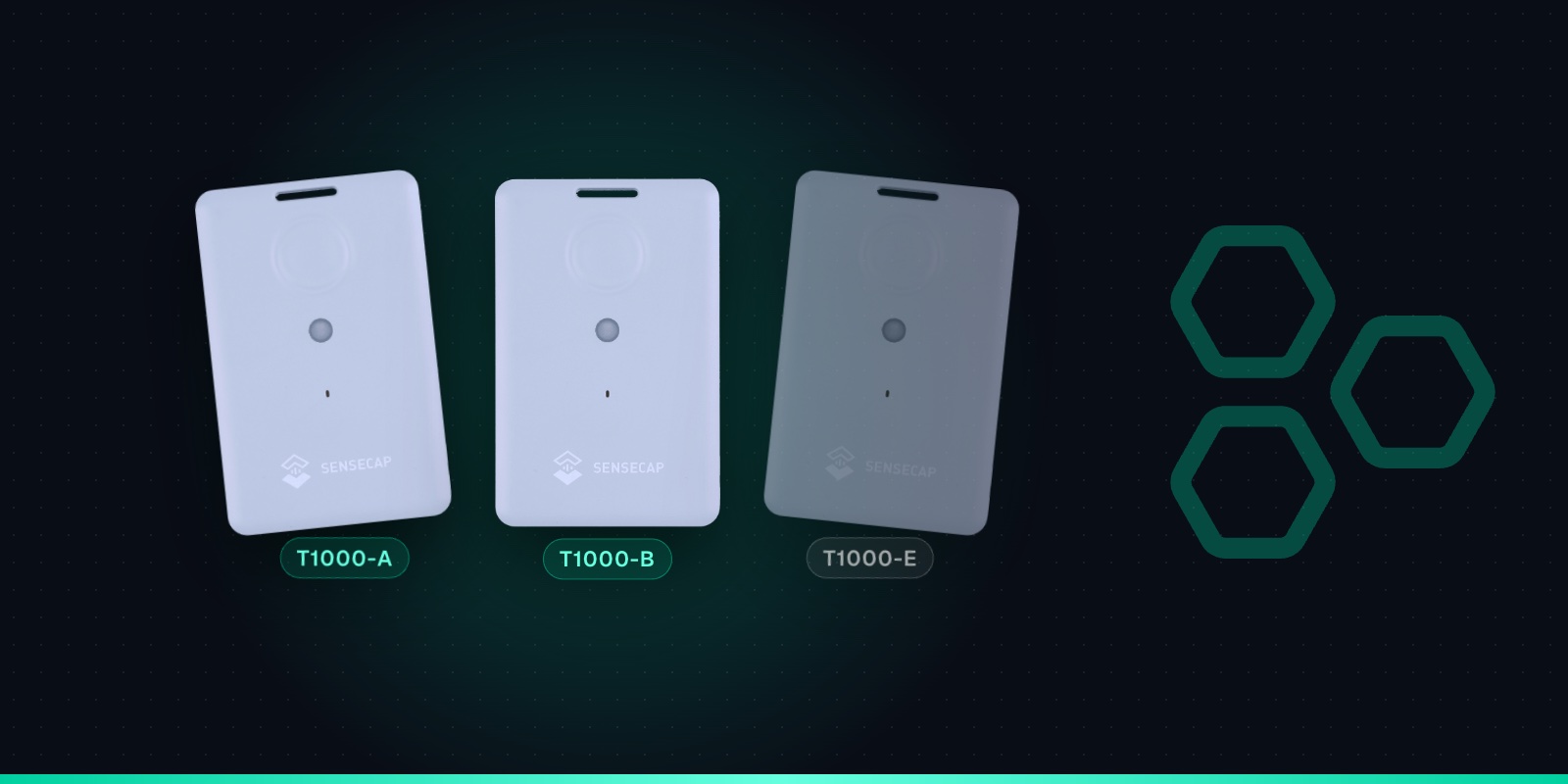
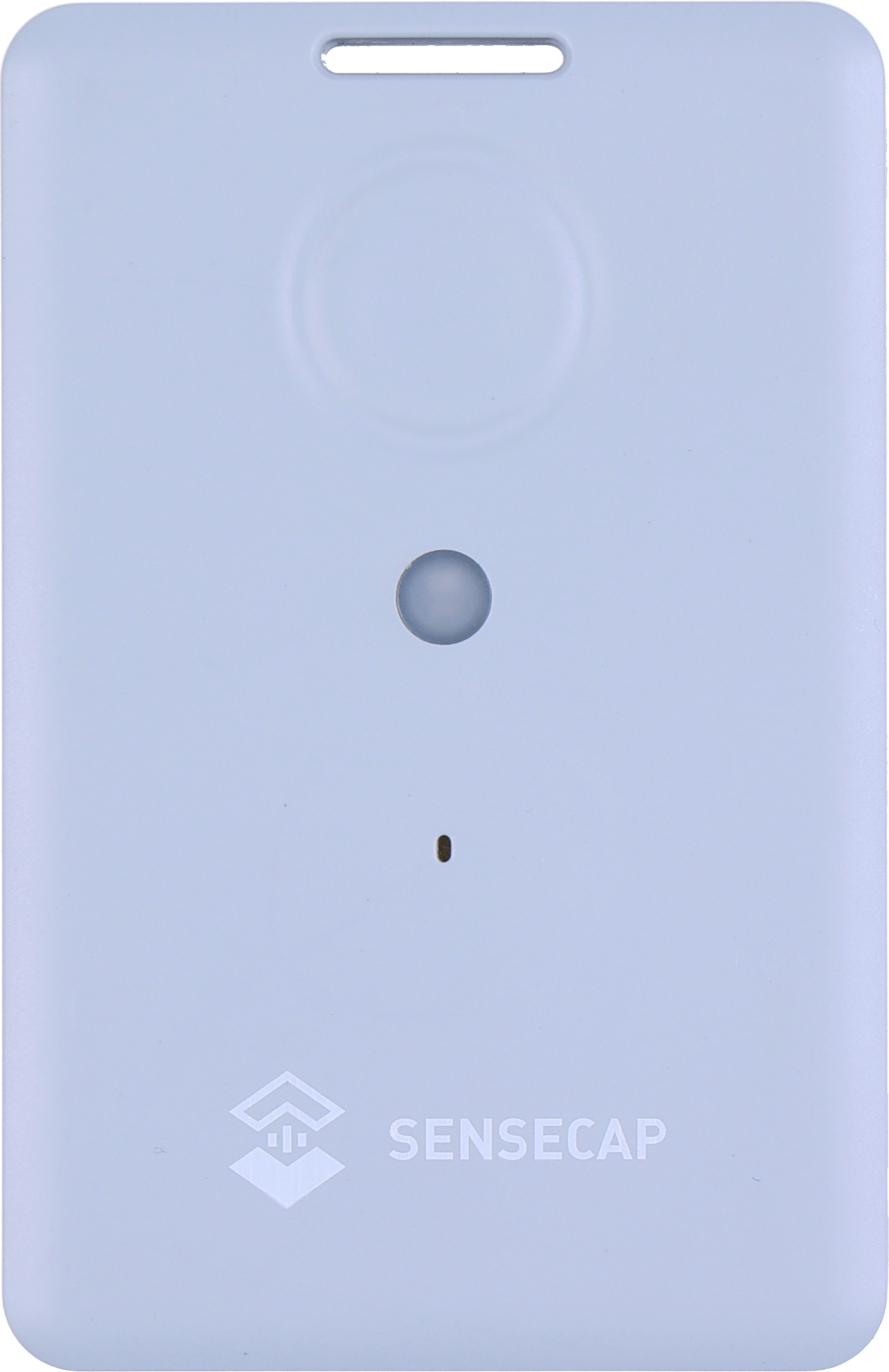
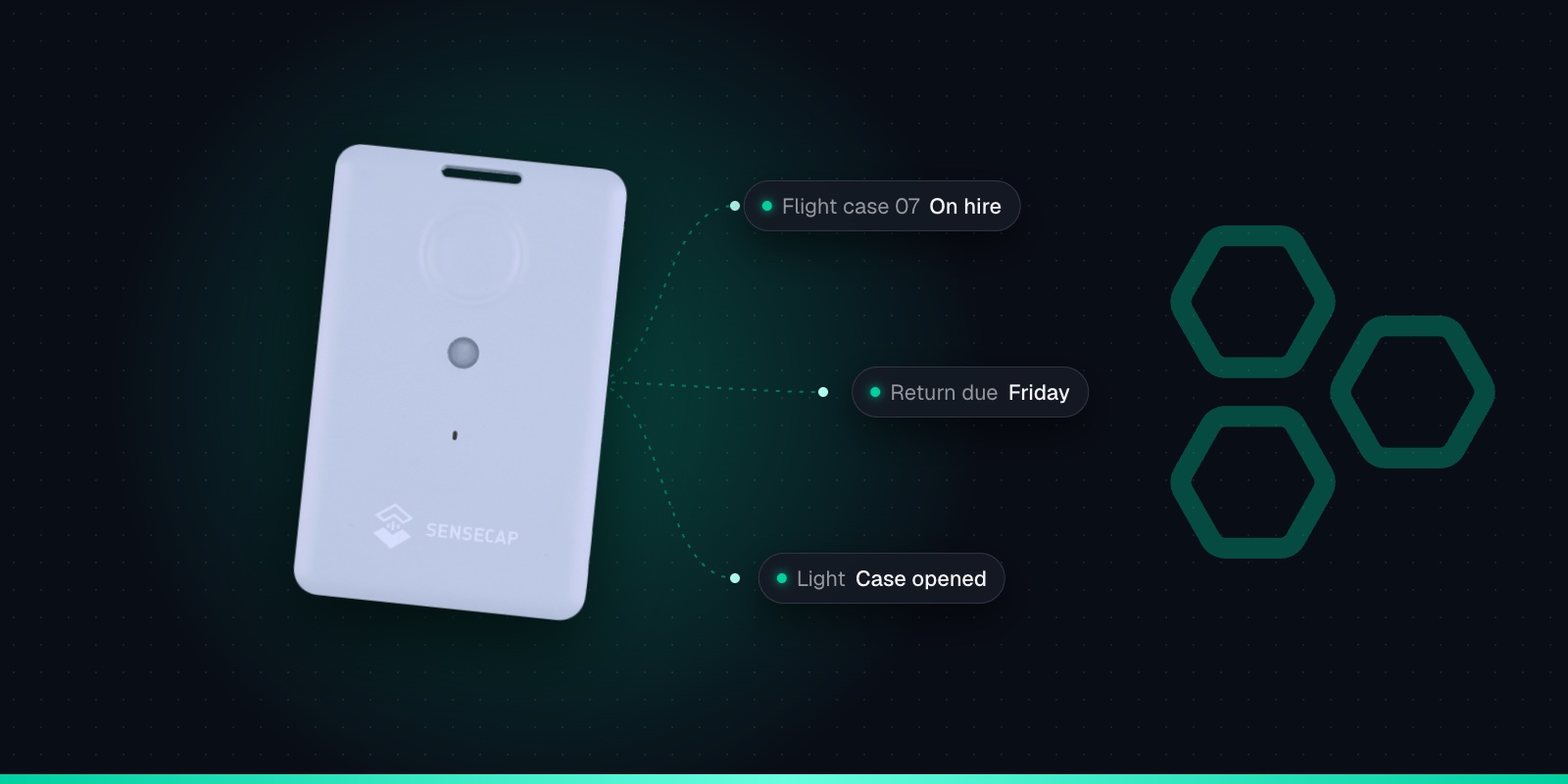
Seeed's SenseCAP T1000 trackers all look the same: a slim, credit-card sized case with a button on the front. The letters after the name matter far more than the photos suggest. Buy the wrong one and you either pay for sensors you won't use, miss the motion alerts you wanted, or end up with a device that doesn't speak LoRaWAN at all.
In practice there are four products: the T1000-A, the T1000-B, the T1000-E for LoRaWAN and the T1000-E for Meshtastic. This guide explains what each one does, which jobs suit which, and what to check before you order. If you already own one and want to get it working, skip to adding it to Trackpac.
The Short Answer
T1000-A is the default pick for most tracking jobs. Its accelerometer, temperature and light sensors give you movement, shock, temperature and light alerts as well as location.
T1000-B is the same tracker without those sensors. It suits pure location tracking at a lower cost per unit.
T1000-E for LoRaWAN is a newer LoRaWAN version with open-source firmware and some different defaults.
T1000-E for Meshtastic runs Meshtastic, an off-grid mesh messaging system. It is not a LoRaWAN tracker, and Seeed warns against flashing it with other firmware.
T1000-A vs T1000-B vs T1000-E Compared
The table covers what usually decides the choice. Where Seeed's documentation doesn't give a clear answer for a T1000-E version, we say so rather than guess.
T1000-A
T1000-B
T1000-E for LoRaWAN
T1000-E for Meshtastic
Network
LoRaWAN (works on Helium)
LoRaWAN (works on Helium)
LoRaWAN 1.0.4, Class A
Meshtastic mesh, not LoRaWAN
Positioning
GNSS, Wi-Fi scan, Bluetooth beacon scan
GNSS, Wi-Fi scan, Bluetooth beacon scan
GNSS and Wi-Fi scan
GNSS, shared over the mesh
Temperature & light
Yes
No
Check Seeed's spec sheet
Check Seeed's spec sheet
Accelerometer
Yes (3-axis)
No
Yes, off by default
Listed by Seeed as in development
Configured with
SenseCraft app
SenseCraft app
SenseCraft app
Meshtastic apps
SOS default
Continuous
Continuous
Single
Meshtastic firmware
Charging cable
Magnetic, 2-pin
Magnetic, 2-pin
Magnetic, 4-pin
Magnetic, 4-pin
Works with Trackpac
Yes
Yes
Get in touch
No
The Seeed part numbers are 114993073 for the T1000-A and 114993106 for the T1000-B. They are handy for searching a distributor's catalogue, because product titles vary from shop to shop.
What the T1000-A and T1000-B Share
Underneath, the A and B are the same tracker. Both find their position with satellites outdoors and can scan nearby Wi-Fi access points or Bluetooth beacons for indoor positioning. Both join any LoRaWAN network, including Helium, and one unit covers every supported region: you pick the frequency plan in the app, EU868 for the UK and Europe.
Both have the same SOS button, buzzer, 700mAh battery and IP65 case. Battery life is in the same range for both: Seeed's FAQ gives about 3.5 months at one GNSS fix an hour on EU868, and its headline figure is 4 months. Our T1000 battery life guide covers the settings that change that.
GNSS + Wi-Fi + Bluetooth
GPS, GLONASS, Galileo, BeiDou and QZSS outdoors; Wi-Fi and Bluetooth beacon scans indoors.
Credit-card size
85 × 55 × 6.5mm and 32g, with a slot for a lanyard or clip.
Rechargeable 700mAh
About 3.5 months at hourly GNSS fixes. Recharges in about 2 hours on its magnetic cable.
IP65
Dust-tight and protected against water jets. Works from -20 to +60°C.
SOS button & buzzer
Double-press for SOS, single press to send a location on demand.
1,000-record cache
Optional: stores fixes when out of coverage and sends them later.
LoRaWAN 1.0.4
Class A, OTAA. One SKU covers EU868, US915, AU915, AS923, KR920 and IN865.
Sensors on the T1000-A
Temperature, light and a 3-axis accelerometer. The T1000-B has none of these.
The A has three extra sensors: temperature, light and a 3-axis accelerometer. On their own they add a reading to each report. The real value is the events they make possible. With the A in event mode, the tracker can report when it starts moving, when it stops, when it has been motionless for a set time, when it takes a knock, and when temperature or light crosses a threshold you set.
That changes how quickly you hear about things. A tracker set to report every hour may be most of an hour behind when kit leaves a yard. A T1000-A with the motion event on reports as soon as it is picked up, and Trackpac can alert you on start moving, end movement, motionless, shock, temperature and light as well as on location. For anything where movement out of hours is the warning sign, buy the A.
Be realistic about the sensors. The temperature sensor reads -20 to +60°C to about ±1°C, and Seeed notes a lag because it sits away from the shell. It is good for spotting a problem, not for calibrated records. Light is a relative 0-100% value, not lux. Temperature and light uploads are also off by default, so switch them on in the app if you want them. The accelerometer costs battery too: Seeed's battery model puts sleep current at 70µA with it off and 110µA with it on. There's more on the temperature side in our guide to temperature in transit with the T1000-A.
When the T1000-B Is the Better Buy
If all you need is where something is, the B is the sensible choice. Seeed describes it as the version without sensors to reduce costs. At The Pi Hut in the UK, the T1000-A was £38.40 and the T1000-B £28.80 at the time of writing (October 2026). Across a fleet of pallets, cages or trailers, that difference adds up.
What you give up is anything triggered by movement, temperature or light. A T1000-B reports on its schedule, when you press the button, and when SOS is triggered. Location-based alerts still work: in Trackpac you can draw a geofence around a depot and get an alert when a B is reported outside it. The catch is timing, because that alert comes from the next scheduled report, not the moment the item moves.
The T1000-E: Two Products With One Name
The T1000-E causes the most confusion, because Seeed sells it as two separate products that look identical.
The T1000-E for Meshtastic runs Meshtastic, an open-source system for sending text messages and sharing positions between radios with no network at all. It is a good device for hikers, events and off-grid groups. It is not a LoRaWAN tracker, so it won't join Helium, The Things Network or Trackpac. Its datasheet battery figure is up to 2 days, which reflects a very different job from the A and B.
The T1000-E for LoRaWAN is a LoRaWAN 1.0.4 Class A tracker configured with the same SenseCraft app (formerly SenseCAP Mate) as the A and B. Its firmware is open source. Some defaults differ: SOS is single rather than continuous, the accelerometer is off until you turn it on, the default GNSS scan time is 30 seconds rather than 60, and a Wi-Fi scan reports 3-5 access points rather than 4.
Don't plan on converting one into the other. Seeed's pages warn against flashing firmware meant for the other version, and say it may leave the device completely dead. Buy the SKU that matches the job, and check the full product name in your basket. The T1000-E also uses a 4-pin magnetic charging cable, while the A and B use a 2-pin one, so the cables aren't interchangeable.
Trackpac supports the T1000-A and T1000-B. If you have T1000-E for LoRaWAN units, get in touch and we'll talk it through.
Which One for Which Job
A quick way to decide: if the question you want answered is "where is it?", the B is enough. If it is "did it move, get dropped or get too warm?", you need the A.
Tools, plant & theft alerts: T1000-A
The accelerometer lets the tracker send a start moving event the moment kit is picked up, so you hear about it out of hours instead of at the next scheduled report.
Temperature in transit: T1000-A
Only the A has a temperature sensor. It suits indicative checks on a load, not calibrated records, and a light event can show when a box was opened.
Pallets, cages & returnables: T1000-B
Where you mainly need to know which site something is at, the B is the lower-cost option. Choose the A where dwell time or rough handling matters.
Trailers & vehicles: either
Both report location on a schedule and alert on geofence exit in Trackpac. The A adds motion-triggered reports and shock detection.
Indoor kit: either, set to Wi-Fi
GNSS doesn't work indoors on any version. Set the positioning strategy to use Wi-Fi scans, which Trackpac resolves into a position.
Off-grid messaging: T1000-E for Meshtastic
If you want a Meshtastic node for text messaging and position sharing between radios, this is the one. It is not an asset tracker for a LoRaWAN platform.
You can buy the T1000-A and T1000-B direct from Seeed Studio, from The Pi Hut in the UK (T1000-A, T1000-B) and from Mouser. Our SenseCAP T1000 page has the full specification and buying links in one place.
Before you order, check three things. First, the letter: A for sensors, B for location only, and avoid the Meshtastic E if you want LoRaWAN. Second, that you have a way to charge it: the tracker comes with a 1m magnetic charging cable but no plug adapter, and a standard USB charger is fine. Third, coverage where the tracker will be used. The T1000 has no SIM, so it needs a LoRaWAN gateway in range. Our guide to checking LoRaWAN coverage in the UK explains how.
Adding a T1000-A or T1000-B to Trackpac
The setup is the same for both versions and takes a few minutes. The Trackpac network is a private LoRaWAN network that roams onto Helium and other public LoRaWAN networks, so where there is coverage you don't need your own gateway or network server. Trackpac decodes everything the tracker sends; on a T1000-B the sensor readings are simply absent.
1
Charge it and switch it on
Charge the tracker on its magnetic cable, then hold the button for 3 seconds. A rising tune plays and the LED flashes once a second while it waits for Bluetooth.
2
Connect with the SenseCraft app
Open Seeed's SenseCraft app (formerly SenseCAP Mate), scan the QR code on the tracker and open its LoRaWAN settings. Set the frequency plan for your region: EU868 in the UK and Europe.
3
Choose Other Platform and copy the keys
Change Platform to "Other Platform" and set the APP EUI to 545241434B504143, as Seeed's own Trackpac guide recommends. Copy the Device EUI, APP EUI and APP Key, then tap Send.
4
Add it in Trackpac
In Trackpac, go to Devices, tap +, choose "Enter Keys Manually", paste the three keys and pick SenseCAP T1000 as the device type. Trackpac's network roams onto Helium, so you don't need your own console or network server.
5
Get its first fix outside
Take the tracker outdoors for its first GPS fix: it needs open sky to set its clock from the satellites. A quick flash and a short tune mean it has joined.
What is the difference between the SenseCAP T1000-A and T1000-B?↓
Both are the same credit-card sized LoRaWAN tracker with GNSS, Wi-Fi and Bluetooth positioning, an SOS button, a buzzer, a 700mAh rechargeable battery and an IP65 case. The T1000-A adds a temperature sensor, a light sensor and a 3-axis accelerometer. The T1000-B has none of those three, which makes it cheaper. If you want alerts when something starts moving, is dropped, gets too warm or is opened, buy the A. If you only need to know where something is, the B does the job for less.
Does the SenseCAP T1000-B have an accelerometer?↓
No. The T1000-B has no accelerometer, temperature sensor or light sensor. The motion events (start moving, end movement, motionless and shock) rely on the accelerometer, so for movement-triggered alerts choose the T1000-A. A T1000-B still reports its location on a schedule, sends a location when you press the button and supports SOS, and in Trackpac you can alert when it leaves a geofence.
Can I flash a T1000-E for Meshtastic with LoRaWAN firmware?↓
Seeed doesn't document it and warns against it. The T1000-E is sold as two separate products, one for Meshtastic and one for LoRaWAN, and Seeed's pages warn not to flash firmware meant for the other version because it may leave the device completely dead. If you need a LoRaWAN tracker, buy the T1000-A, T1000-B or the T1000-E for LoRaWAN, and check the product name before you order.
Is the SenseCAP T1000 waterproof?↓
The T1000-A and T1000-B are rated IP65: dust-tight and protected against water jets, so rain and splashes are fine. IP65 is not a rating for immersion, so don't submerge it. Mount it somewhere sheltered on equipment that gets pressure washed. It works from -20 to +60°C, but it only charges between 0 and 45°C.
Which SenseCAP T1000 works with Trackpac?↓
Trackpac supports the T1000-A and T1000-B. You set the tracker to Other Platform in the SenseCraft app, copy its keys and add it in Trackpac as a SenseCAP T1000, and the Trackpac network roams onto Helium so you don't need your own gateway where there is coverage. The T1000-E for Meshtastic is not a LoRaWAN tracker and won't work with Trackpac. If you have T1000-E for LoRaWAN units, get in touch and we'll talk it through.