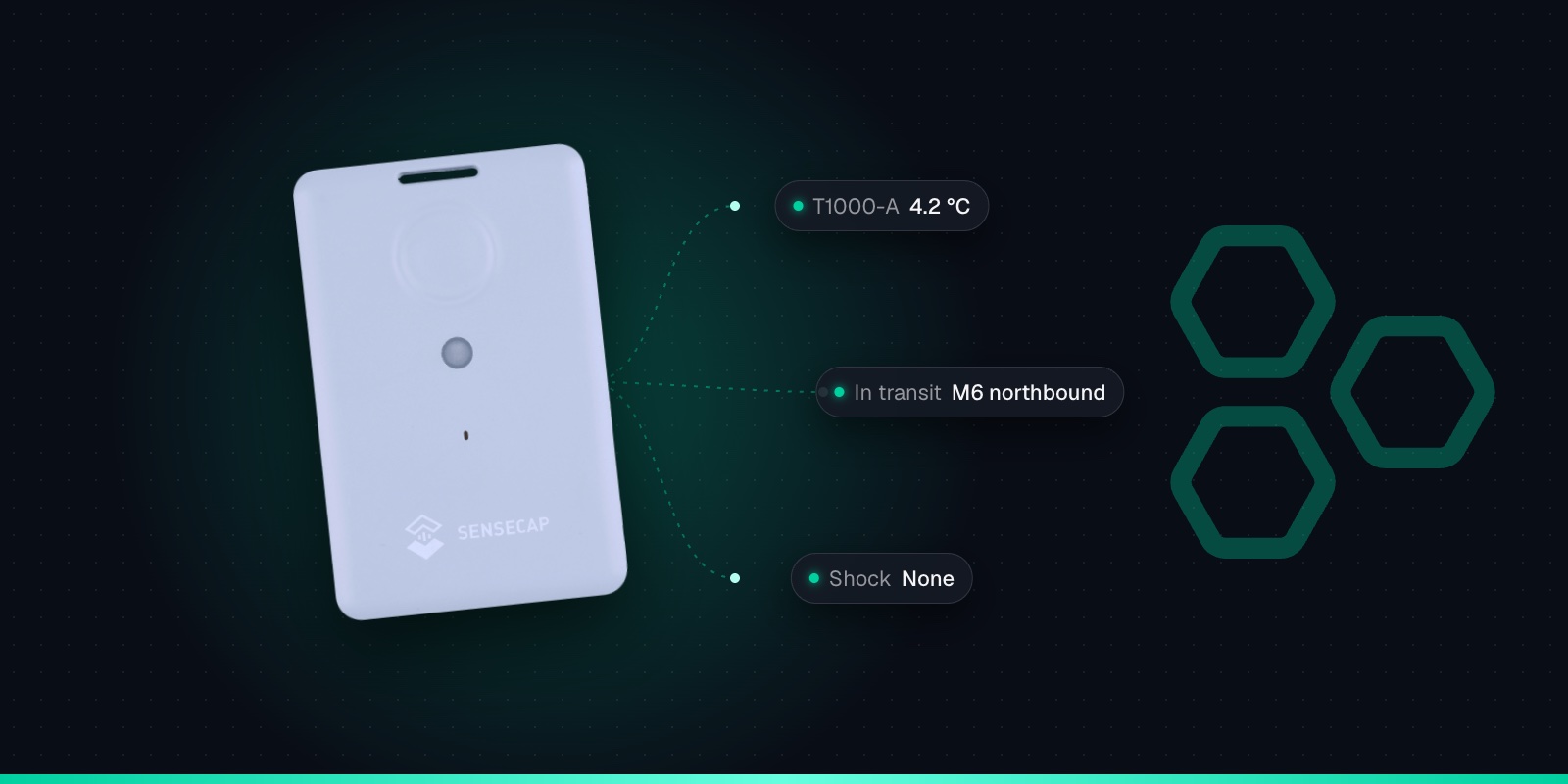
Hospital & Campus Equipment Tracking with the SenseCAP T1000
26th October 2026•By Neil Skoglund
T1000 Use Case
Wheelchairs, infusion pumps, beds, portable monitors and bladder scanners are shared across wards and departments, and they wander. Staff lose time hunting for them, kit gets kept in cupboards "just in case", and departments buy more because they can't find what they already own. Universities and large campuses have the same problem with AV kit, lab equipment and loan pools.
This guide is for estates and facilities teams, medical engineering (EBME) departments, and university and campus operations. It explains how a SenseCAP T1000 card tracker finds equipment inside large buildings where GPS doesn't reach, using Wi-Fi and Bluetooth beacons, and how Trackpac turns that into a map, alerts and history. Most of all, it sets out what accuracy to expect, because that decides whether this is the right tool for your problem.
Why GPS Doesn't Work Here
GPS and other satellite systems need a view of the sky. Inside a hospital block, the T1000 searches for satellites, times out and reports that it couldn't get a fix, and it has used battery doing so. That isn't a fault with the tracker; satellite positioning simply doesn't work indoors.
The T1000 has two other ways to work out where it is: scanning Wi-Fi access points and scanning Bluetooth beacons. You choose a positioning strategy in Seeed's SenseCraft app (formerly SenseCAP Mate). For equipment that stays indoors, "Wi-Fi only" is the natural choice. For kit that also travels between buildings outdoors, "Wi-Fi + GNSS" tries Wi-Fi first and falls back to satellites. Our guide to why the T1000 shows the wrong location indoors covers every strategy in detail.
What Accuracy to Expect
Wi-Fi: building and area level
The tracker listens for nearby access points and sends up to four of them, with signal strengths. Trackpac's location engine turns that into a position, with no Google API key to buy. Expect to know the building or area, not the room.
Bluetooth beacons: room level, with planning
The T1000 can scan Bluetooth beacons and report the three strongest. Turning that into a room needs beacons installed at known positions and a map of where they are. It's a planned install, not a setting.
Wi-Fi accuracy depends on how many access points the tracker can hear and how well their positions are known. Seeed doesn't publish a general accuracy figure, so test it in your own buildings: put a few trackers in known places for a week and compare the map with reality. Importantly for IT and information governance teams, the tracker never joins your Wi-Fi. It scans passively and sends the result over LoRaWAN, a separate radio network, so there are no network credentials to issue and no device to onboard.
Bluetooth beacons typically work over a few metres, so how precise they are depends on how densely they're installed. You might only need them in a few places, such as an equipment library or a department that keeps losing pumps, with Wi-Fi covering the rest. Trackpac doesn't switch beacon positioning on for you: it's something to plan with us. Talk to the Trackpac team about the areas you need covered.
Equipment Worth Tracking
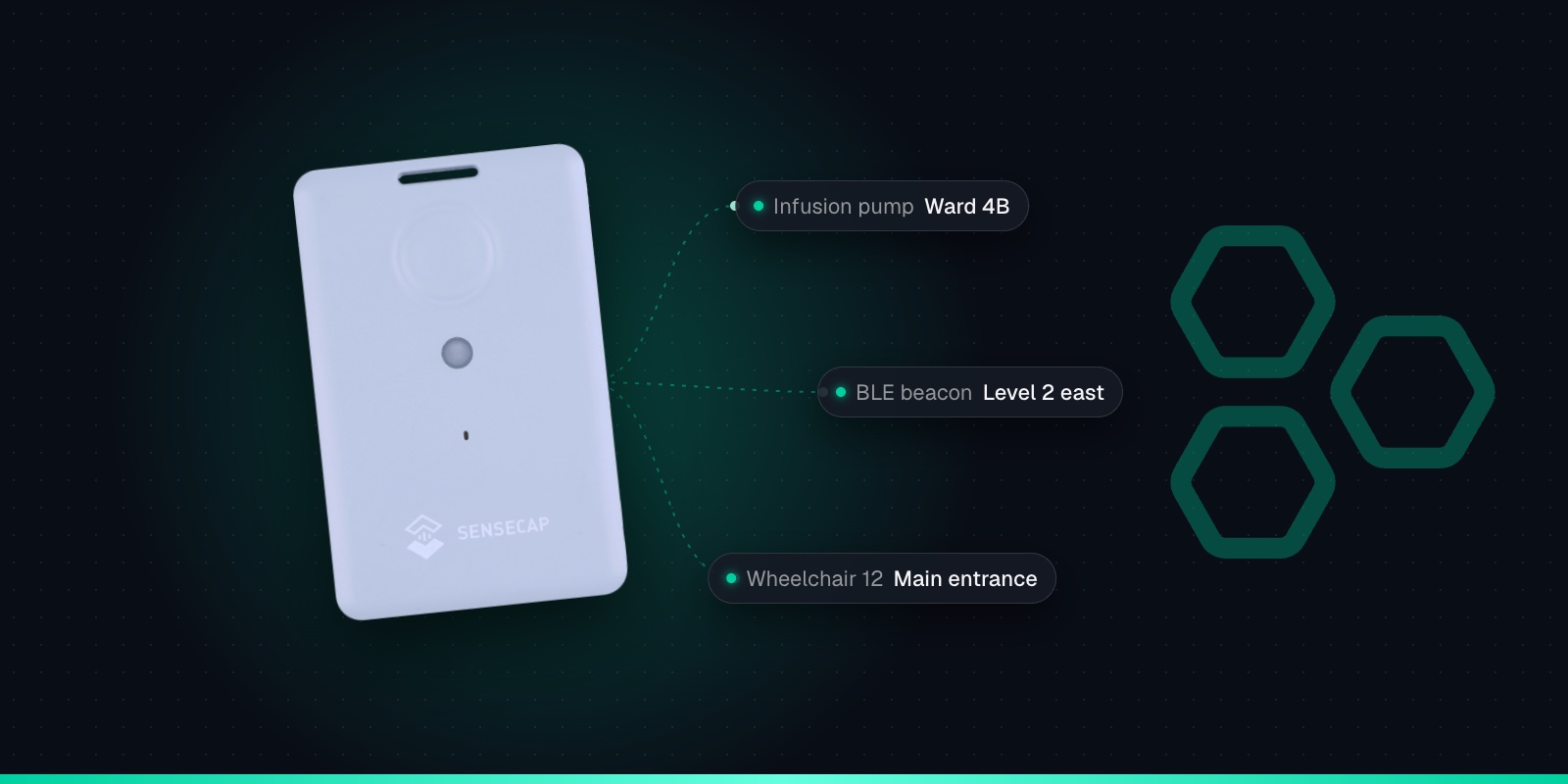
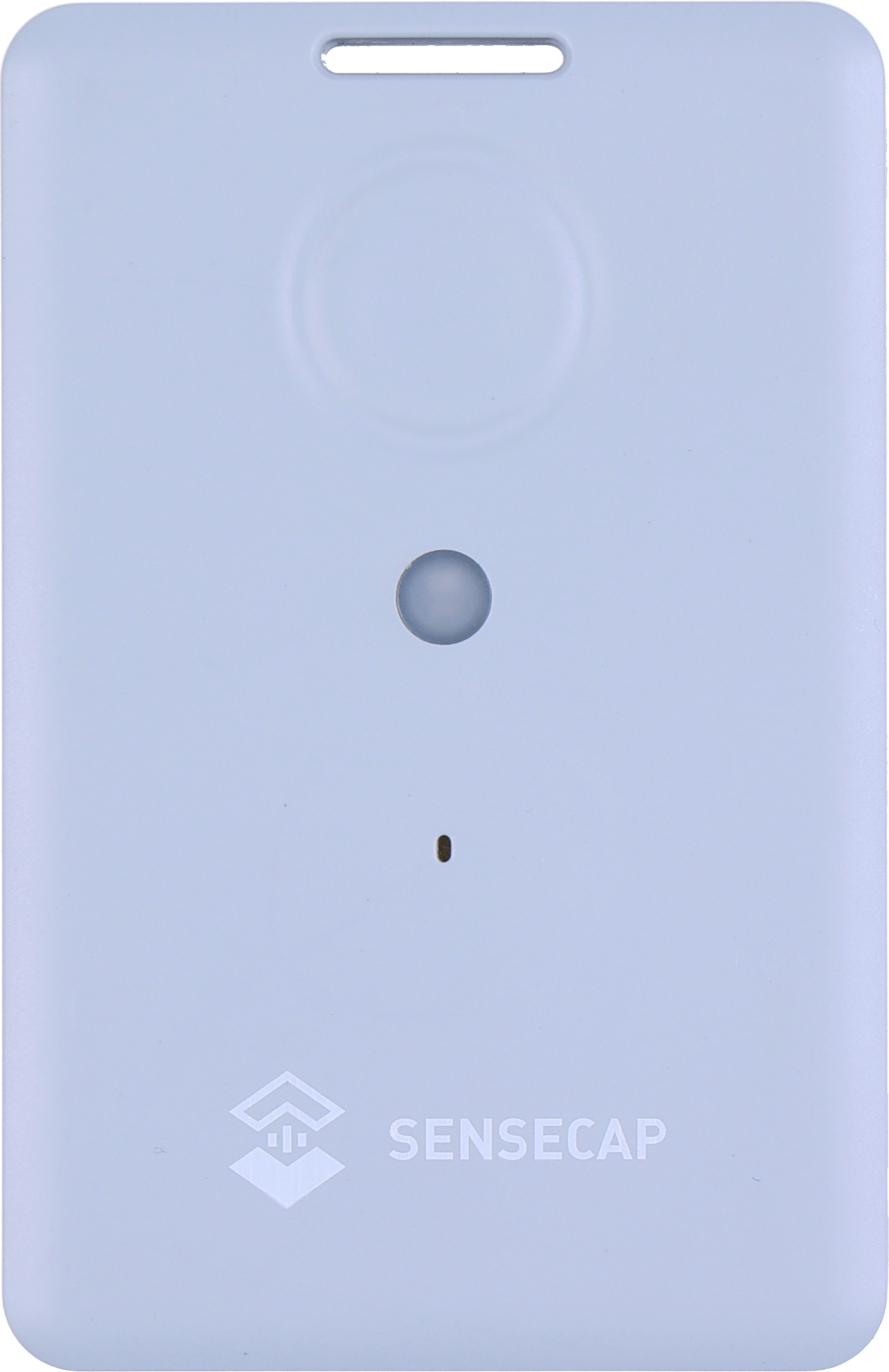
The T1000 is credit-card sized (85 × 55 × 6.5mm, 32g) with a slot for a cable tie or clip. Fix it somewhere it won't be knocked off or get in the way, face up where you can, and away from large metal surfaces, which weaken radio signals.
Wheelchairs
The classic case: used everywhere, owned by nobody, and often found in the car park or at the main entrance.
Pumps & portable monitors
High-value shared devices that need finding for servicing as well as for patients. Agree mounting with medical engineering first.
Beds, trolleys & hoists
Specialist beds and mattresses, hoists and trolleys that move between wards and need to come back to a pool.
Kit shared across sites
Equipment lent between hospitals in the same group, or between a hospital and community services, where it's easy to lose track of who has it.
University kit
Portable AV, lab and field equipment, and loan pools that move between departments and buildings across a campus.
Large sites
Factories, airports, distribution centres and business parks with shared trolleys, tools and test equipment spread over many buildings.
Don't attach trackers to patients, and agree with your medical engineering team before fixing anything to a medical device, so it doesn't affect the device, its labelling or its cleaning.
Geofences: Kit Leaving the Site
Draw a geofence around each building, or the whole campus, in Trackpac, as a circle or a polygon. Geofences can alert on exit, entry or both, by email, SMS or push, to the contacts you choose, with an optional out-of-hours window. An exit alert on the campus boundary tells you when a wheelchair has gone home with a patient or a scanner has left in a car boot.
Trackpac also shows which trackers are inside each geofence right now, with a history of entries and exits, which gives you a running inventory per building. Size geofences to buildings and sites, not rooms: Wi-Fi positions are approximate, and a geofence drawn around a single ward will produce false alerts. For trusts or universities with several sites, tag trackers by site or department so each team gets its own alerts and dashboard.
Coverage Inside Large Buildings
The T1000 sends its data over LoRaWAN, which has to get out of the building to a gateway. The Trackpac network roams onto Helium and other public LoRaWAN networks, which may cover the outside of your site. Deep inside a large hospital block, a basement or a plant room, signals struggle. Most hospitals and large campuses will want one or more gateways of their own.
A gateway is a small box that needs power and an internet connection, and how many you need depends on your buildings. Our LoRaWAN consultancy can survey a site and plan coverage, and our UK coverage guide explains what to check first. Once gateways are in, the same network can carry other sensors too, from fridge and freezer temperatures to door and leak alerts.
Infection Control & Day-to-Day Practicalities
Cleaning
The T1000 is rated IP65, dust-tight and protected against water jets, so it can be wiped down. It isn't a medical device or certified for clinical use. Follow your own cleaning policy and test your products on a sample unit first.
The button: SOS or "please collect"
By default, a double press starts a continuous SOS: an alarm sound and an upload every minute, up to 30 times. On shared kit, consider Single SOS mode (one upload, 3-second alarm). A single press sends a location and a button event, which Trackpac can turn into a "please collect this" alert to porters.
The 700mAh battery is built in and recharged on its cable. At one position an hour, Seeed's FAQ gives about 106 days on EU868 using GPS, and Seeed's battery calculator estimates Wi-Fi-only positioning lasts roughly 1.5 times longer. Charging takes about 2 hours on a magnetic 2-pin cable. An equipment library or porters' base is a natural charging point, and a Trackpac battery rule flags trackers running low. Our T1000 battery life guide has more.
Realistic Expectations
A T1000 with Trackpac is good at answering: which building is it in, has it left the site, where was it last seen, and how many of our wheelchairs are in this block right now. The location history and timeline player show where a particular item has been, and reports and exports give you utilisation figures to plan with.
It isn't a real-time locating system. Positions arrive at the reporting interval you set, not second by second, and without beacons it won't tell you which room or bay something is in. If you need precise, real-time tracking across a whole hospital, that's a different kind of system. For many teams, though, "it's somewhere in Block C" is the difference between a five-minute walk and a half-hour search.
Start With a Pilot
Pick one building and one type of equipment, such as the wheelchairs on a single site. Check LoRaWAN coverage, add the trackers, set them to Wi-Fi positioning and run it for a month. Each tracker takes a couple of minutes to add.
1
Charge it and switch it on
Charge the tracker on its magnetic cable, then hold the button for 3 seconds. A rising tune plays and the LED flashes once a second while it waits for Bluetooth.
2
Connect with the SenseCraft app
Open Seeed's SenseCraft app (formerly SenseCAP Mate), scan the QR code on the tracker and open its LoRaWAN settings. Set the frequency plan for your region: EU868 in the UK and Europe.
3
Choose Other Platform and copy the keys
Change Platform to "Other Platform" and set the APP EUI to 545241434B504143, as Seeed's own Trackpac guide recommends. Copy the Device EUI, APP EUI and APP Key, then tap Send.
4
Add it in Trackpac
In Trackpac, go to Devices, tap +, choose "Enter Keys Manually", paste the three keys and pick SenseCAP T1000 as the device type. Trackpac's network roams onto Helium, so you don't need your own console or network server.
5
Get its first fix outside
Take the tracker outdoors for its first GPS fix: it needs open sky to set its clock from the satellites. A quick flash and a short tune mean it has joined.
Name trackers after the asset number on your equipment register, and tag them by site and department. If your IT team wants the data in another system, Trackpac has an API and webhooks. Trackpac is £15 / €18 per tracker per year with no setup fee (see pricing), so a pilot is cheap to run. Create an account for your pilot.
Get Started
Find shared equipment without the search
T1000 trackers on shared kit, with Trackpac resolving Wi-Fi positions and alerting you when equipment leaves the site.
Works with the T1000-A and T1000-B. Add one with its keys in a couple of minutes.
Connectivity through the Trackpac network, which roams onto Helium, so there's no network server to run.
Dashboard, alerts and data storage from £15 / €18 per tracker per year.
Not reliably. GPS needs a view of the sky, so inside hospital buildings a tracker times out looking for satellites and wastes battery. Trackers like the SenseCAP T1000 also scan Wi-Fi access points and Bluetooth beacons. Wi-Fi positioning, resolved by a platform such as Trackpac, typically tells you which building or area equipment is in. Room-level location needs Bluetooth beacons installed at known positions.
How accurate is Wi-Fi tracking for hospital equipment?↓
Expect building or area level, not a specific room or bed bay. Accuracy depends on how many Wi-Fi access points the tracker can hear and how well their positions are known, and Seeed doesn't publish a general accuracy figure for the T1000's Wi-Fi positioning. Test it in your own buildings before rolling out. If you need room-level location in particular areas, plan a Bluetooth beacon install for those areas.
Does the SenseCAP T1000 connect to the hospital Wi-Fi network?↓
No. The T1000 scans passively: it records the identifiers and signal strengths of up to four nearby access points and sends them over LoRaWAN, a separate low-power radio network. It never joins your Wi-Fi, so it needs no network credentials or device onboarding. Trackpac's location engine turns the scan into an approximate position.
Can the SenseCAP T1000 be cleaned with hospital wipes?↓
The T1000 is rated IP65, dust-tight and protected against water jets, which makes it practical to wipe down. It is not a medical device and isn't certified for clinical use, and Seeed doesn't publish a list of approved disinfectants, so follow your own infection prevention and cleaning policy and check compatibility with your products on a sample unit first. Agree with your medical engineering team before attaching anything to medical devices.
Do we need our own LoRaWAN gateway for indoor equipment tracking?↓
Probably. The Trackpac network roams onto Helium and other public LoRaWAN networks, which may cover the outside of your site, but signals struggle to get out of large hospital blocks, basements and thick walls. Most hospitals and large campuses will want one or more gateways of their own for reliable indoor coverage. Trackpac's LoRaWAN consultancy can help survey and plan them.