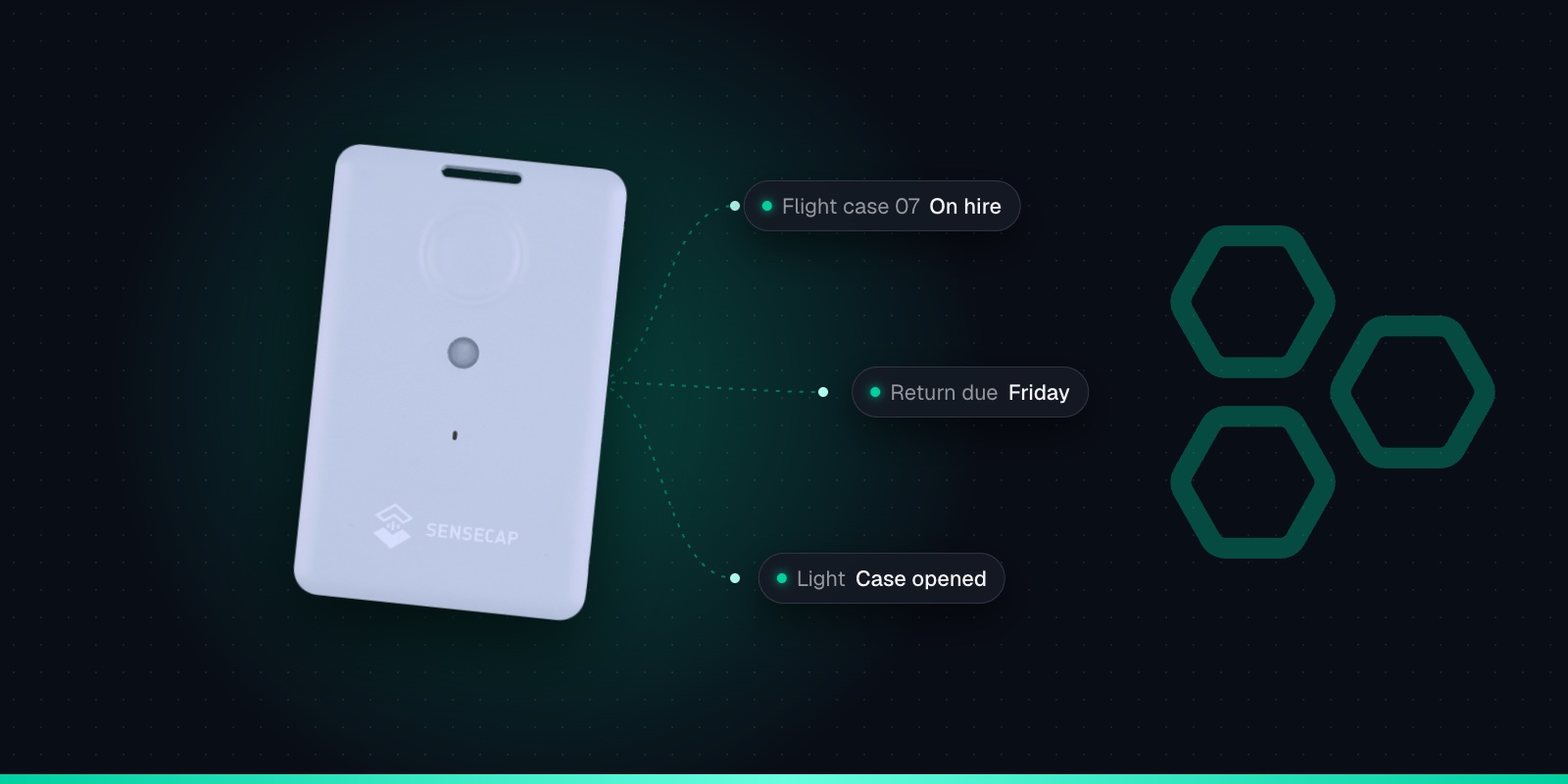
Temperature in Transit Monitoring with the SenseCAP T1000-A
26th October 2026•By Neil Skoglund
T1000 Use Case
A box of chilled goods leaves in the morning and the customer rings in the afternoon to say it arrived warm. Was it the van fridge? The box left on a doorstep in the sun? A detour that added two hours? Without data from the journey, everyone has a theory and nobody can prove anything.
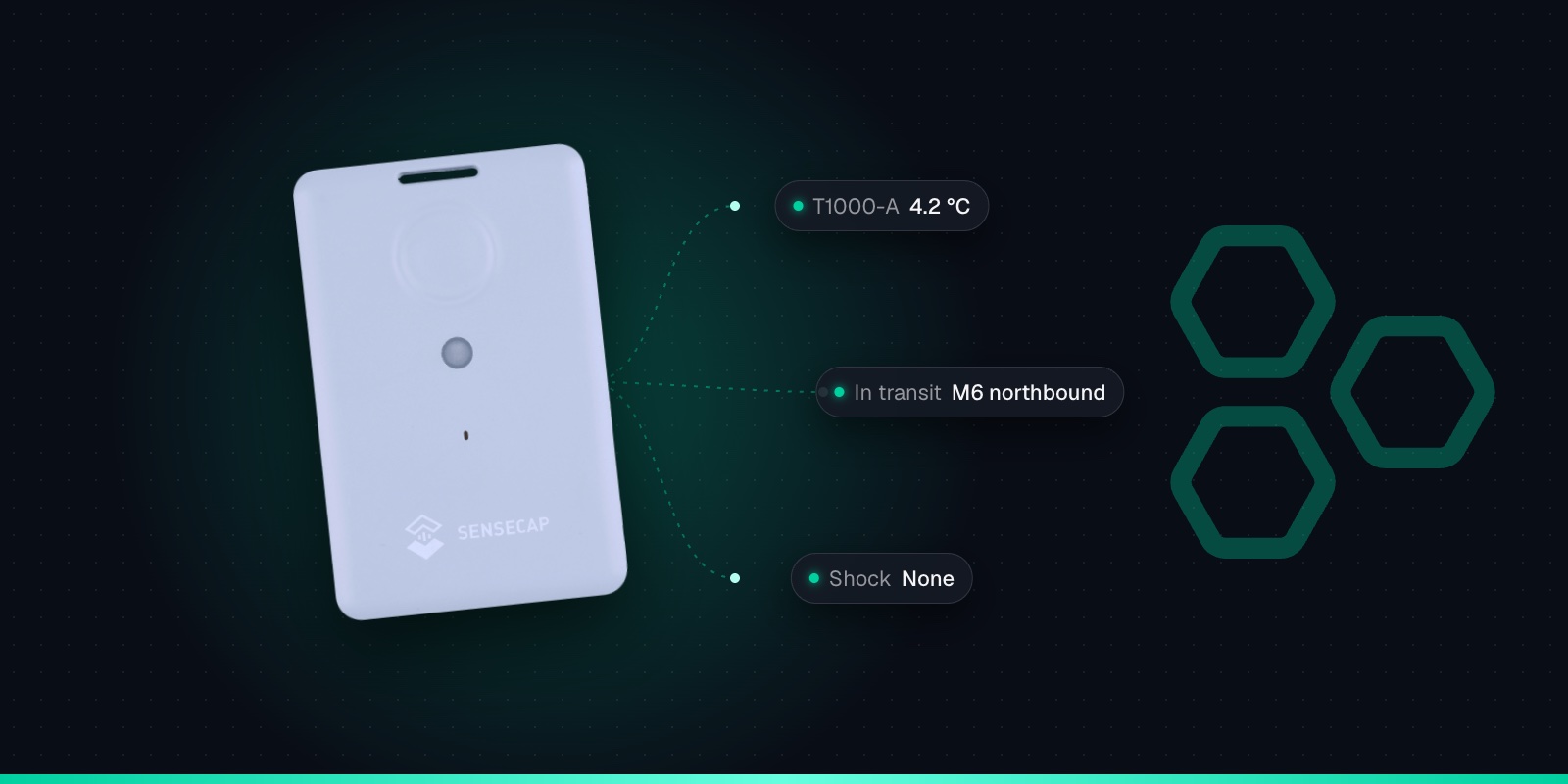
The SenseCAP T1000-A records temperature as well as location, so one card-sized tracker travelling with the goods can show where a delivery went and how warm it got on the way. This guide is for small food producers, caterers, florists, wine merchants, couriers and anyone moving temperature-sensitive goods by van. It covers what the T1000-A does well, where its built-in sensor falls short, and how to set up alerts in Trackpac.
What the T1000-A Measures
The T1000-A has three sensors on top of its GPS, Wi-Fi and Bluetooth positioning. The temperature sensor covers -20 to +60 °C to within ±1 °C, with 0.1 °C resolution. The light sensor gives a relative reading from 0 to 100%, not lux, which is enough to tell dark from light. And a 3-axis accelerometer detects movement and shocks.
Two details matter for transit work. First, Seeed notes that the temperature sensor is separated from the shell, so its readings lag behind the air around the tracker. Second, temperature and light reporting is switched off by default; you have to turn it on. The T1000-B has none of these sensors, so for this job it has to be the A. Our T1000-A vs T1000-B vs T1000-E comparison covers the differences.
GNSS + Wi-Fi + Bluetooth
GPS, GLONASS, Galileo, BeiDou and QZSS outdoors; Wi-Fi and Bluetooth beacon scans indoors.
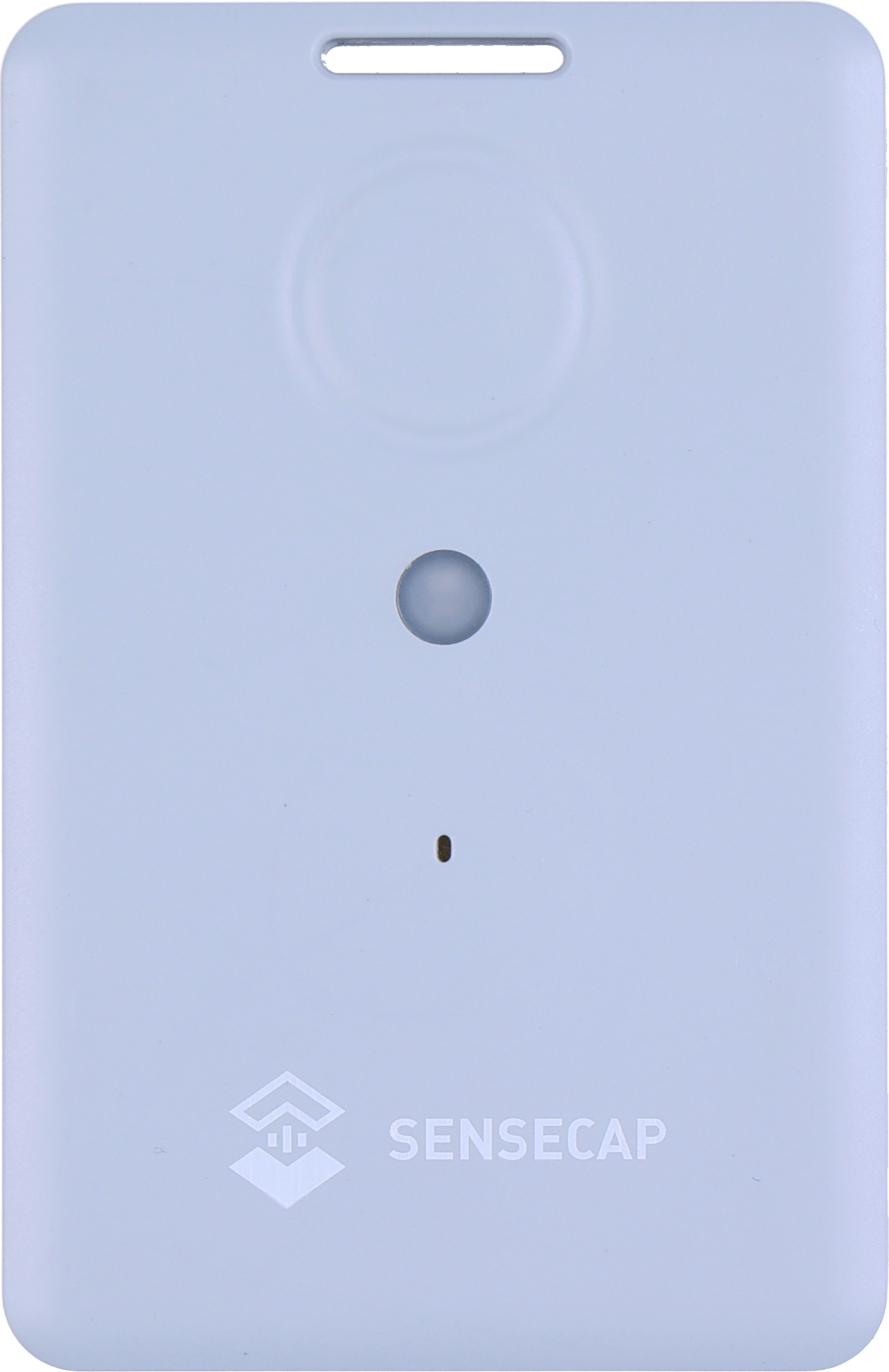
Credit-card size
85 × 55 × 6.5mm and 32g, with a slot for a lanyard or clip.
Rechargeable 700mAh
About 3.5 months at hourly GNSS fixes. Recharges in about 2 hours on its magnetic cable.
IP65
Dust-tight and protected against water jets. Works from -20 to +60°C.
SOS button & buzzer
Double-press for SOS, single press to send a location on demand.
1,000-record cache
Optional: stores fixes when out of coverage and sends them later.
LoRaWAN 1.0.4
Class A, OTAA. One SKU covers EU868, US915, AU915, AS923, KR920 and IN865.
Sensors on the T1000-A
Temperature, light and a 3-axis accelerometer. The T1000-B has none of these.
Be clear about what kind of measurement you're getting. The T1000-A tells you roughly how warm the air around it is, and where it was at the time. That's very useful, but it isn't a calibrated food probe.
Good for
Spotting a failure in transit: a van fridge that stops, or a box left somewhere warm.
Showing where and when a problem started, on the route history.
Knowing when a box or load compartment was opened, using the light sensor.
Flagging rough handling with the shock event.
Indicative monitoring of chilled and ambient deliveries.
Not suited to
Calibrated records for HACCP or food safety checks: use a dedicated probe sensor.
Frozen goods: the tracker is rated down to -20 °C, and many freezers run colder.
Product core temperature: it measures the air around it, not the food.
Catching brief spikes: the sensor lag smooths out short changes.
Because the T1000-A measures the air around it, its position decides what you're really monitoring. Inside a sealed insulated box, it tells you whether that box stayed cool. Loose in a chilled compartment, it tells you about the compartment, and the reading will swing more near the doors, which let warm air in at every drop, than deep in the load.
Placement also affects whether you hear from it at all. Metal van bodies, refrigerated boxes and foil-lined packaging block GPS and weaken the LoRaWAN signal. Seeed's advice is to keep the tracker's front face up and unobstructed and away from metal. In practice, that means trying a few spots on a real run, not just in the yard, before deciding where it lives.
Finally, remember the lag. A sustained rise, such as a fridge that has stopped, shows clearly. A door left open for a minute may barely register. If brief spikes matter to you, you need a probe sensor with faster response.
Events and Alerts to Set Up
The T1000-A can watch for events itself and report faster when one happens, and Trackpac turns those readings into alerts by email, SMS or push notification through the Trackpac mobile app. Four are worth setting up for deliveries.
Temperature out of range
The tracker checks temperature every 30 seconds. A temperature event (at or below a minimum, at or above a maximum, or outside a range) makes it report more often while the rule is broken, and a Trackpac rule alerts the driver and the office.
Box opened
Inside a closed box or compartment it's dark. A light event set above a low threshold shows when it was opened. The reading is relative, so test the threshold in your own packaging.
Dropped or knocked
The shock event is off by default, with a 300mg threshold. Turn it on and tune it so ordinary road bumps don't trigger it but a dropped box does.
Left the depot, arrived on site
Draw geofences around your depot and regular customers. Trackpac alerts on entry or exit and keeps a history of arrivals and departures for each tracker.
Alert rules can have a time window, so you only hear about it during delivery hours, and can target a tag, so every tracker on a route shares the same rule. A trigger-lock interval stops a flood of repeat alerts while a box stays warm, and a "resolved" message follows when it's back in range. Event mode does cost battery: Seeed warns that power consumption "increases a lot". For a daily delivery round that's fine if you charge the tracker overnight; our T1000 battery life guide explains the trade-offs.
Setting Up a T1000-A for Deliveries
First, add the tracker to Trackpac. You don't need your own gateway or network server:
1
Charge it and switch it on
Charge the tracker on its magnetic cable, then hold the button for 3 seconds. A rising tune plays and the LED flashes once a second while it waits for Bluetooth.
2
Connect with the SenseCraft app
Open Seeed's SenseCraft app (formerly SenseCAP Mate), scan the QR code on the tracker and open its LoRaWAN settings. Set the frequency plan for your region: EU868 in the UK and Europe.
3
Choose Other Platform and copy the keys
Change Platform to "Other Platform" and set the APP EUI to 545241434B504143, as Seeed's own Trackpac guide recommends. Copy the Device EUI, APP EUI and APP Key, then tap Send.
4
Add it in Trackpac
In Trackpac, go to Devices, tap +, choose "Enter Keys Manually", paste the three keys and pick SenseCAP T1000 as the device type. Trackpac's network roams onto Helium, so you don't need your own console or network server.
5
Get its first fix outside
Take the tracker outdoors for its first GPS fix: it needs open sky to set its clock from the satellites. A quick flash and a short tune mean it has joined.
Then set it up for temperature in the SenseCraft app (formerly SenseCAP Mate):
1
Turn on Temp & Light
It's off by default, and without it you get location only. On a tracker already in the field, downlink 8C01 does the same.
2
Choose how often it reports
Periodic mode with a shorter interval suits a delivery round, or use event mode so it reports slowly until something happens. On EU868, Seeed advises not going below about 4 minutes.
3
Set the temperature event
Use an "outside range" rule matching your target band, for example 0 to 8 °C for chilled goods (check your own product specification), and a faster uplink interval while it's out of range. Add light and shock events if you want them.
4
Create the alert rules and test on a real run
Set up temperature, light and geofence alerts in Trackpac, then send the tracker out on a normal delivery and check the readings and positions came through before you rely on it.
The full list of settings and downlinks is in our T1000 configuration and downlink cheat sheet. Charging is quick, about 2 hours, but only works between 0 and 45 °C, so let a tracker warm up after a day in a chilled van before you put it on charge.
Delivery Records You Can Share
Every reading Trackpac receives is kept with its time and position. For any delivery you can see the route on the map, replay it with the timeline player, and line up temperature against where the van was. When a customer says a box arrived warm, you can see whether it was warm when it left, when it changed, and where the van was at the time.
A read-only share link lets a customer or colleague see a tracker's position and readings without being able to change anything. Reports and exports give you the data as a file, and webhooks can forward alerts to your own systems. Tag trackers by van, route or customer to keep a growing fleet organised. Just remember what the record is: what the tracker measured in the air around it, useful evidence, but not a calibrated temperature log.
Coverage on the Road
The T1000 sends its data over LoRaWAN, so there's no SIM card in each tracker. The Trackpac network roams onto Helium and other public LoRaWAN networks, which cover many towns and cities, but rural routes can have gaps. An alert raised in a gap can arrive late, or not until the van is back in range.
Switch on the tracker's data cache (off by default) and it stores up to 1,000 unacknowledged records and resends them later, so the history can fill in after a gap. For routes you run every day, check coverage first with our guide to LoRaWAN coverage in the UK.
Get Started
See where every delivery went and how warm it got
Add your T1000-A to Trackpac for live location, temperature alerts and a shareable history of every journey.
Works with the T1000-A and T1000-B. Add one with its keys in a couple of minutes.
Connectivity through the Trackpac network, which roams onto Helium, so there's no network server to run.
Dashboard, alerts and data storage from £15 / €18 per tracker per year.
Does the SenseCAP T1000 have a temperature sensor?↓
The T1000-A does; the T1000-B doesn't. The T1000-A has a built-in temperature sensor covering -20 to +60 °C, plus a light sensor and an accelerometer. Temperature and light reporting is switched off by default, so you need to turn on Temp & Light in the SenseCraft app (formerly SenseCAP Mate), or send downlink 8C01, before it reports any readings.
How accurate is the SenseCAP T1000-A temperature sensor?↓
Seeed specifies it to within ±1 °C with 0.1 °C resolution, over a range of -20 to +60 °C. Seeed also notes that readings lag behind the surrounding air, because the sensor is separated from the tracker's shell. That makes it good at showing sustained changes, such as a van fridge failing, but slow to show a brief warm spike, and it is not a calibrated probe.
Can I use the T1000-A for HACCP temperature records?↓
It isn't designed for that. The T1000-A's built-in sensor is an indicative measurement inside a tracker, not a calibrated probe, and it measures the air around the tracker rather than the food. It is useful for spotting a problem in transit and showing where and when it happened. For records you rely on for HACCP or food safety checks, use a dedicated temperature sensor with a probe, and treat the T1000-A as an extra layer of visibility on the road.
Can the SenseCAP T1000-A monitor frozen goods?↓
Not reliably. The T1000-A's temperature sensor and the tracker itself are rated down to -20 °C, and many freezers and frozen loads run at or below that. It also can't charge below 0 °C. For frozen goods, use a sensor built for freezer temperatures, ideally with an external probe.
How do I get a temperature alert from a SenseCAP T1000-A?↓
First turn on Temp & Light reporting on the tracker, which is off by default. Optionally set a temperature event on the tracker, so it reports more often while the temperature is outside your range. Then add the tracker to Trackpac and create an alert rule on temperature, sent by email, SMS or push notification to the driver or office. A resolved message follows when the temperature comes back into range.