Event Kit & Rental Equipment Tracking with the SenseCAP T1000
26th October 2026•By Neil Skoglund
T1000 Use Case
Event kit and hire equipment spend their lives on the move. A flight case of radio mics goes from the warehouse to a festival, on to a conference, and is meant to come back. A generator goes out on a week's hire. Somewhere along the way, things get left behind at a venue, loaded onto the wrong truck or returned weeks late, and the paperwork rarely tells you which.
This guide is for event production companies, AV and lighting hire, staging and marquee firms, and tool and equipment hire. It shows how a SenseCAP T1000 card tracker in each case or item, reporting into Trackpac, tells you where everything is, alerts you when kit leaves your yard or a venue, and keeps a history you can point to when a hire is disputed. For the general picture, see our guide to LoRaWAN asset tracking.
Kit Worth Tracking
Every tracked item means a tracker plus £15 / €18 a year on Trackpac, so start with the items that are expensive to replace, often go missing, or are the ones a show can't run without.
Flight cases
Mics, in-ear systems, consoles, laptops and media servers. Small, valuable and easy to walk off with at load-out.
Lighting & AV
Moving heads, LED walls and projectors, usually travelling in their own cases or on dollies that are easy to tag.
Generators & power distribution
Long hires on outdoor sites, often left unattended overnight. Mount the tracker under a plastic panel, not deep in a steel canopy.
Hire tools
Tool hire counters lose kit to late returns and customers who never come back. A tracker in the case shows where it went.
Staging, marquees & barriers
Track the stillage, trolley or container the components travel in, rather than every deck and leg.
Fitting a Tracker to a Flight Case
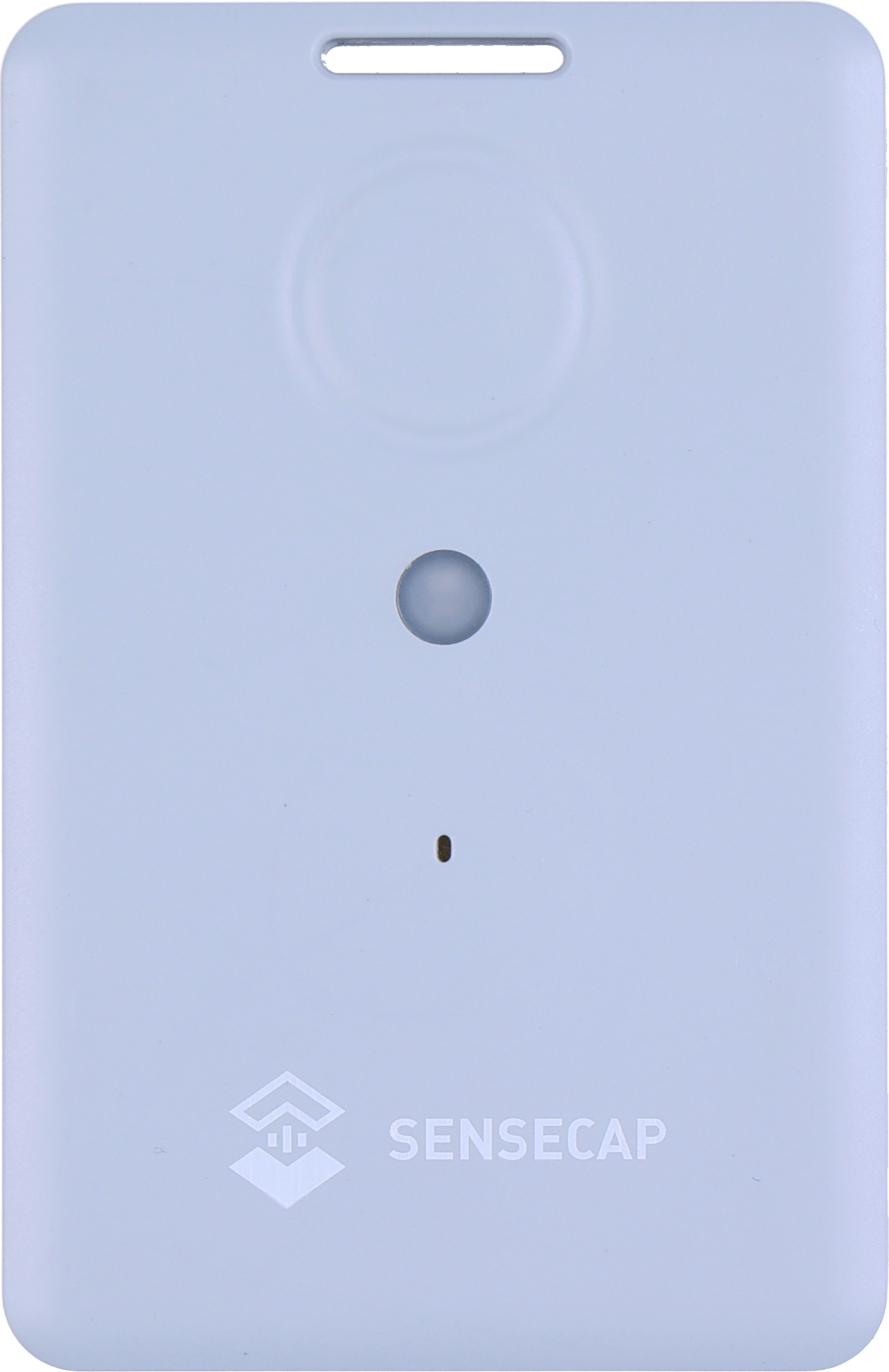
The T1000 is credit-card sized, so it fits in a lid pocket, under the foam or in a cut-out alongside the kit. Placement is a trade-off. Satellite and LoRaWAN signals pass through plywood and plastic far more easily than metal, and Seeed advises keeping the tracker face up and away from metal. A case lined with metal, or stacked deep inside a steel container, may not get a GPS fix until it comes out.
Mounting it inside the case also lets the T1000-A's light sensor see when the lid opens (more on that below). It's rated IP65, which copes with rain at an outdoor show, and works from -20°C to +60°C. Test one in a closed case, in the truck, before kitting out the whole inventory.
GNSS + Wi-Fi + Bluetooth
GPS, GLONASS, Galileo, BeiDou and QZSS outdoors; Wi-Fi and Bluetooth beacon scans indoors.
Credit-card size
85 × 55 × 6.5mm and 32g, with a slot for a lanyard or clip.
Rechargeable 700mAh
About 3.5 months at hourly GNSS fixes. Recharges in about 2 hours on its magnetic cable.
IP65
Dust-tight and protected against water jets. Works from -20 to +60°C.
SOS button & buzzer
Double-press for SOS, single press to send a location on demand.
1,000-record cache
Optional: stores fixes when out of coverage and sends them later.
LoRaWAN 1.0.4
Class A, OTAA. One SKU covers EU868, US915, AU915, AS923, KR920 and IN865.
Sensors on the T1000-A
Temperature, light and a 3-axis accelerometer. The T1000-B has none of these.
Draw a geofence around your warehouse or yard in Trackpac, as a circle or a polygon. Trackpac shows which trackers are inside each geofence right now, so the list inside the yard is your kit that's back, and everything outside is on hire or in transit. The history of entries and exits gives you the time each item went out and came back.
Add a geofence around a venue for the length of a job, and you can see when each case arrived and when it left. Geofences can alert on entry, exit or both, by email, SMS or push, with an optional out-of-hours window. An exit alert on the yard at night catches kit leaving when nobody is booked to load out. An exit alert on the venue after the de-rig tells you everything has gone, or shows you what's still sitting in a corridor.
Tag items by job or client so alert rules and dashboards group them, then re-tag when the next job goes out. Warehouses and venues are indoors, where GPS can't reach, so set trackers to try GPS first and fall back to Wi-Fi. Trackpac resolves the Wi-Fi scan into an approximate position. Our guide to T1000 locations indoors explains the options.
Light & Shock Events on the T1000-A
The T1000-A has a light sensor and an accelerometer as well as positioning. The T1000-B has neither, so if these matter, buy the A. Our T1000-A vs T1000-B comparison covers the rest.
Light: a case has been opened
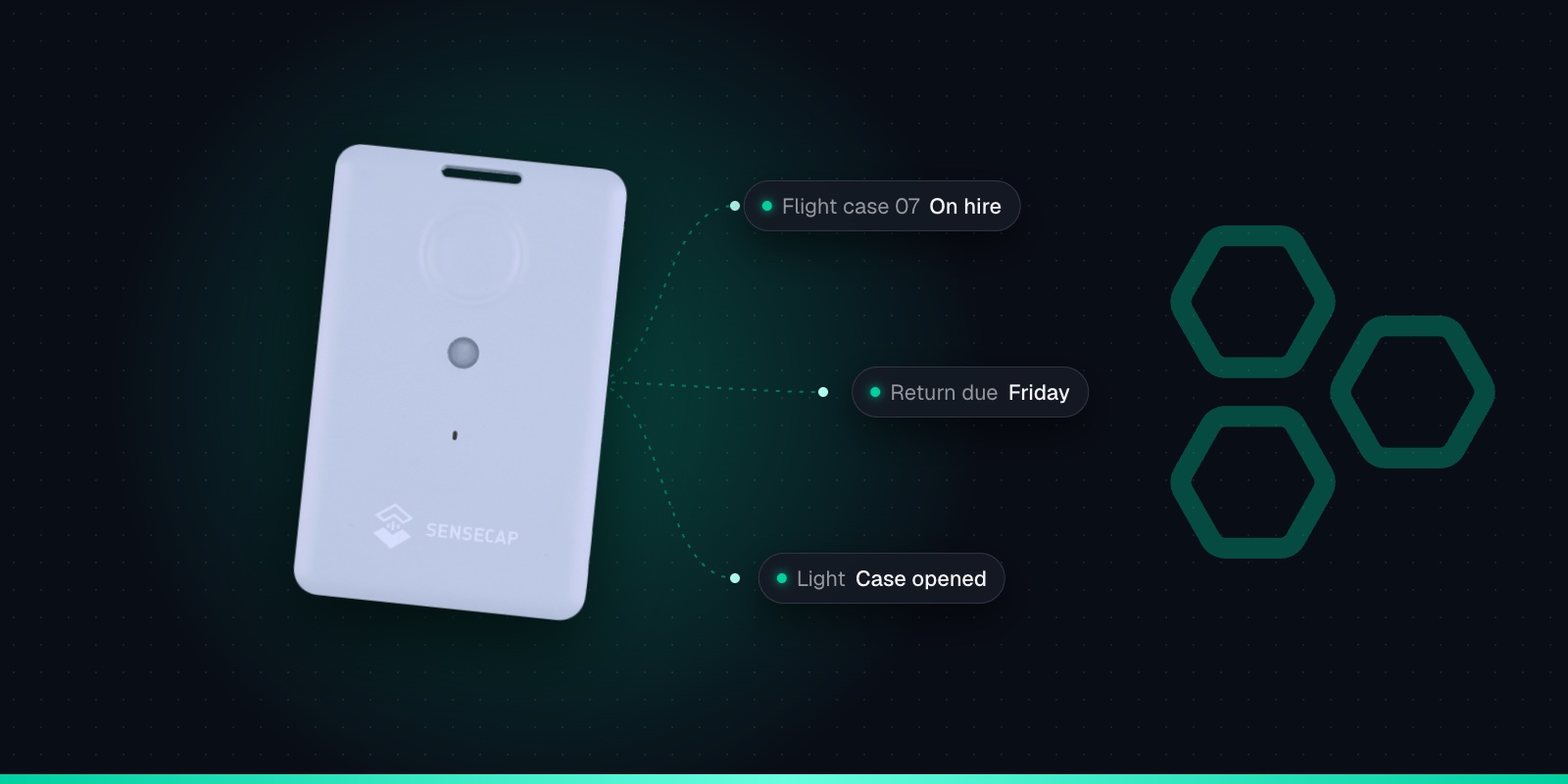
Inside a closed case it's dark. Set a light event with a threshold, and the tracker reports when the light level rises, which usually means the lid is open. Trackpac can alert on it, for example out of hours in the warehouse.
Shock: a hard knock
The shock event reports a sharp jolt above a threshold, such as a case dropped off a tail-lift. It can't tell you whether anything broke, but it's a prompt to check the kit before it goes out again.
A few honest notes. The light sensor gives a relative 0-100% reading, not lux, and a case opened in a dark truck won't register, so test thresholds in your own cases. Temperature and light uploads are off by default, and the shock event is too: turn them on in Seeed's SenseCraft app (formerly SenseCAP Mate). Cases get thrown about on every load-in, so set the shock threshold so normal handling doesn't trigger it, and use Trackpac's trigger-lock interval to stop repeat alerts. These events run in event mode, which uses noticeably more battery. The T1000 configuration cheat sheet lists every event setting.
Sharing a View With Clients
Read-only links for each hire
Build a dashboard for a job and share a read-only link with the client or production manager. They can see where their kit is and when it arrived, without logging in or being able to change anything. Remove the link when the hire ends.
Your own team can use the Trackpac mobile app to check kit on the road and get push alerts. If you use an AI assistant, Trackpac's MCP server lets Claude or ChatGPT answer questions such as which cases are still at a venue.
History for Hire Disputes
When a client says a case never arrived, or that it came back on time, the location history answers the question. Trackpac keeps every position, and the timeline player replays an item's movements: when it left the yard, when it reached the venue, how long it sat there and when it came back. Reports and exports give you a record to attach to an invoice or an email.
Know the limits. The history shows where the tracker was, not who had the kit or what condition it was in. If a tracker is taken out of a case, the history follows the tracker. And positions are only as frequent as the reporting interval. If a van passes through an area with no coverage, turn on the T1000's GNSS Data Cache (off by default) and it stores up to 1,000 undelivered positions to send later, so the gaps fill in.
Charging Between Hires & Storage
The T1000's 700mAh battery is built in and recharged on its cable. At one GPS position an hour, Seeed's FAQ gives about 106 days on EU868, roughly 3.5 months. Light and shock events and shorter intervals bring that down. A full charge takes about 2 hours on its magnetic 2-pin cable (not USB-C), and it only charges between 0°C and 45°C.
The simplest routine is to charge as part of checking kit back in, alongside cleaning and testing it. A Trackpac battery rule flags anything running low while it's out on a long hire. Our T1000 battery life guide has settings for different jobs.
For kit going into long-term storage, Seeed recommends switching the tracker off when it isn't deployed: hold the button for 9 seconds. But a tracker that's off can't tell you if the store is broken into, so for valuable kit you may prefer to leave it on with a long interval. Hold the button for 3 seconds to switch it back on. To set up a batch of trackers the same way, save a configuration as a template in the SenseCraft app and apply it to each one.
Adding Your Trackers to Trackpac
The Trackpac network roams onto Helium and other public LoRaWAN networks, so kit can report from venues across the country without you running a network server. Each tracker takes a couple of minutes.
1
Charge it and switch it on
Charge the tracker on its magnetic cable, then hold the button for 3 seconds. A rising tune plays and the LED flashes once a second while it waits for Bluetooth.
2
Connect with the SenseCraft app
Open Seeed's SenseCraft app (formerly SenseCAP Mate), scan the QR code on the tracker and open its LoRaWAN settings. Set the frequency plan for your region: EU868 in the UK and Europe.
3
Choose Other Platform and copy the keys
Change Platform to "Other Platform" and set the APP EUI to 545241434B504143, as Seeed's own Trackpac guide recommends. Copy the Device EUI, APP EUI and APP Key, then tap Send.
4
Add it in Trackpac
In Trackpac, go to Devices, tap +, choose "Enter Keys Manually", paste the three keys and pick SenseCAP T1000 as the device type. Trackpac's network roams onto Helium, so you don't need your own console or network server.
5
Get its first fix outside
Take the tracker outdoors for its first GPS fix: it needs open sky to set its clock from the satellites. A quick flash and a short tune mean it has joined.
Put a small LoRaWAN tracker such as the SenseCAP T1000 in each case or item you want to follow, and draw geofences around your yard and the venues you work at in a platform like Trackpac. You can then see where each item is on a map, which items are in the yard and which are out, get an alert when kit leaves a site, and replay its history. There is no SIM card in each tracker, and Trackpac costs £15 / €18 per tracker per year.
Can a tracker tell me if a flight case has been opened?↓
The SenseCAP T1000-A can give a good indication. It has a light sensor, and you can set a light event so it reports when the light level inside a closed case rises above a threshold, which usually means the lid has been opened. It measures relative light, not lux, and won't notice a case opened in the dark, so test the threshold in your own cases. The T1000-B has no light sensor.
Can I show a client where their hire equipment is?↓
Yes. Trackpac can create a read-only share link for a dashboard, so a client or production manager can see where the kit on their hire is without logging in to your account or being able to change anything. Tag the items on each job so the dashboard only shows that client's kit, and remove the link when the hire ends.
Will the SenseCAP T1000 work inside a warehouse or venue?↓
GPS won't, because it needs a view of the sky. Indoors, the T1000 can scan nearby Wi-Fi access points instead, and Trackpac's location engine turns that scan into an approximate position, usually enough to tell which building the kit is in. Set the tracker to try GPS and Wi-Fi so it works both on the road and inside. Large metal buildings may also need a LoRaWAN gateway for reliable coverage.
How long does the T1000 battery last between hires?↓
At one GPS position an hour, Seeed's FAQ gives about 106 days on EU868, roughly 3.5 months; Seeed's headline figure is 4 months. Light and shock events use more power. Charging takes about 2 hours on the T1000's magnetic cable, so the simplest routine is to charge trackers as part of checking kit back in, with a Trackpac battery alert for anything running low while out on hire.