Roll Cage, Pallet & Returnable Container Tracking with the SenseCAP T1000
26th October 2026•By Neil Skoglund
T1000 Use Case
Roll cages go out full on the morning run and are supposed to come back empty. Stillages travel to a customer's factory, kegs to pubs, IBCs to farms and plants. Some come back next week, some come back in six months, and some never come back. Asking a customer whether they have your cages rarely gets a useful answer.
This guide is for distributors, food and drink suppliers, brewers, manufacturers and anyone running a pool of returnable assets. It shows how a SenseCAP T1000 tracker on the assets that matter, reporting into Trackpac, tells you where they are, how long they sit at each customer and when they leave a site. It runs on LoRaWAN, so there's no SIM card or data plan in each asset. For the bigger picture on choosing trackers, see the best asset tracking in the UK.
What You Can Track
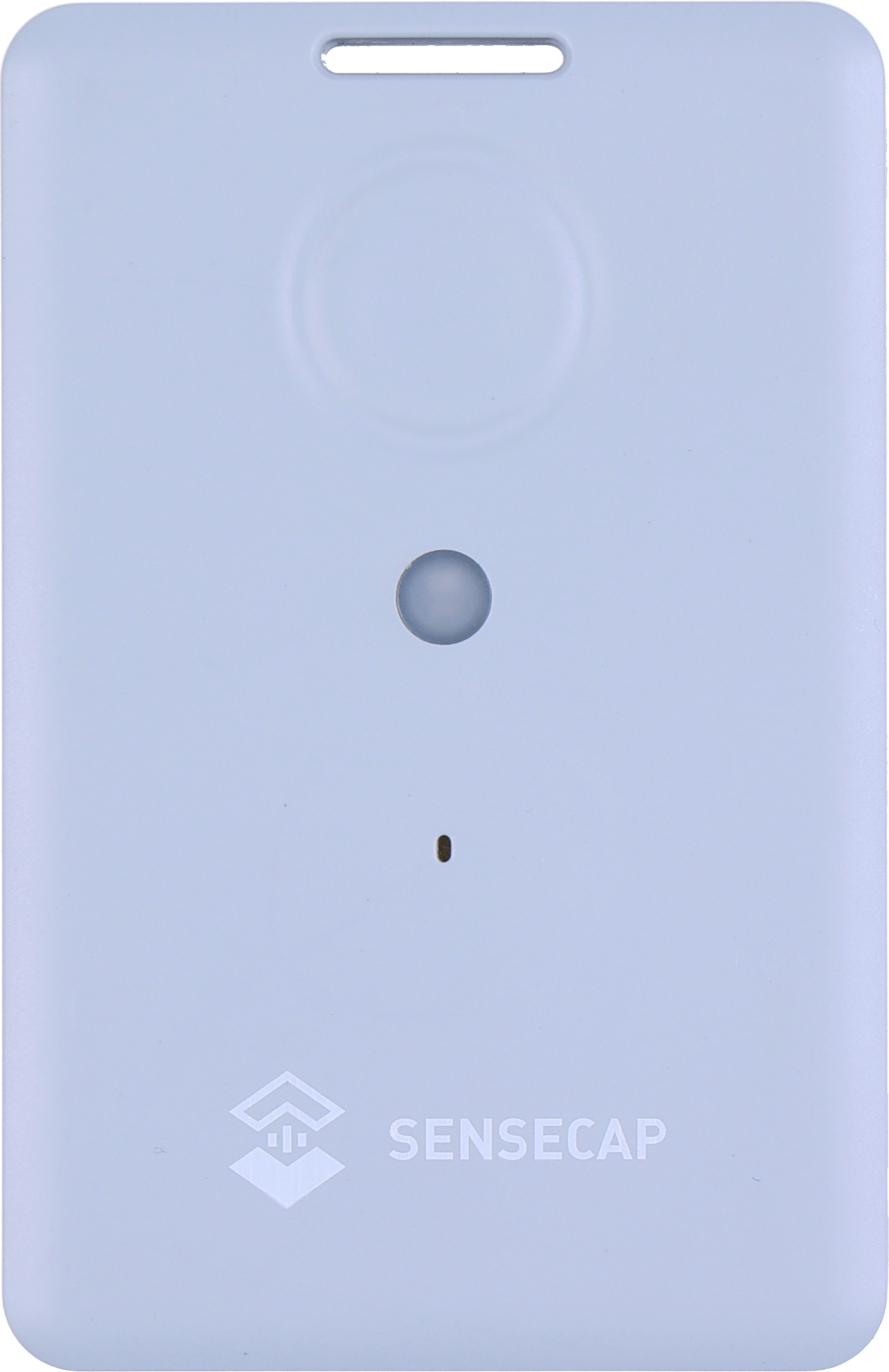
The T1000 is credit-card sized (85 × 55 × 6.5mm, 32g), rated IP65 and works from -20°C to +60°C. It has a slot for a cable tie or clip. The main thing to plan on each asset type is where it goes, because metal blocks both satellite signals and the LoRaWAN radio. Seeed advises mounting it face up and away from metal enclosures.
Roll cages
Open mesh lets signals through better than a solid box. Fix the tracker high on a side panel, facing out, where it won't be crushed when cages are nested together.
Stillages & racks
Usually high value and easy to lose track of at a customer's plant. Mount it on an outer upright, away from the forks and the load.
Kegs & casks
A steel keg is a hard place for a radio. The tracker needs a secure fixing on the outside, facing out, and kegs spend time in cellars where signals struggle. Test before you roll out.
IBCs
Fix it to the outside of the cage frame or the base, clear of the filling point and outlet valve, and away from anywhere it could be splashed with the contents.
Returnable crates & dollies
Plastic is easy on signals, but crates are cheap. These are where tagging a sample makes more sense than tagging every one.
Pallets with valuable loads
Here you're tracking the load, not the pallet. Tuck the tracker inside the wrap near the top of the load so it has a view upwards, and recover it on delivery.
Whichever asset it is, fit one, load it the way it normally travels and check that positions arrive in Trackpac before you buy a batch.
Be Realistic About Which Assets to Tag
Every tracked asset costs a tracker plus £15 / €18 a year for Trackpac. That's easy to justify on a stillage or a fleet of kegs, and hard to justify on a plastic crate worth less than the subscription. Do the sums on your own replacement costs before you decide.
For a large pool of cheaper assets, you don't need to tag them all. Put trackers on a sample in every batch that goes out. Within a few months you'll know which customers return quickly, which hold on to assets for weeks, and where the ones that never come back end up. That's often enough to change a deposit policy, chase the right customer or adjust how many assets you buy. Our guide to LoRaWAN asset tracking explains why LoRaWAN keeps the running cost per tracker low.
Geofences Around Depots & Customer Sites
Draw a geofence around each of your depots, and around each customer site you deliver to regularly, as a circle or a polygon. Trackpac then shows which trackers are inside each geofence right now, and keeps a history of every entry and exit. That gives you a live answer to "how many of our cages are at this customer?" without anyone counting.
Geofences can also send alerts on entry or exit, by email, SMS or push, to the contacts you choose. A useful one is an exit alert on your own depot out of hours, which catches assets leaving when no vehicles are meant to be running. Make customer geofences cover the whole site, including the yard and loading bays. Positions from indoor Wi-Fi scans are approximate, and a tight geofence around one building will miss assets that are really there.
Dwell Time: How Long Assets Sit at Customers
Geofence history
Every entry and exit is recorded with a time, so you can see how long each asset spent at each site, visit by visit, and compare customers.
Motionless alerts on the T1000-A
The A has an accelerometer and a motionless event, sent when it hasn't moved for a set time (6 hours by default). A Trackpac rule turns that into an alert for assets left sitting.
The T1000-B has no accelerometer, so it relies on geofence history alone. For most return-chasing that's enough: you care about days and weeks, not minutes. Reports and exports pull the figures out for a monthly review, and the location history and timeline player show exactly where a particular asset has been.
Holding Customers to Account
Share the view, not the login
A read-only share link lets a customer see the assets on their site and when they arrived, without being able to change anything in your account. It turns "we haven't got any of your cages" into a conversation about the twelve on the map.
Be fair about what the data shows. It shows where a tracker was and when, not who moved the asset or why. If a tracker has been prised off, the history follows the tracker. Used sensibly, though, it gives you dates and places to back up a recovery charge or a deposit claim. If your asset records live in another system, webhooks and the Trackpac API can pass events and positions across.
Indoors: Warehouses & Customer Stores
Returnable assets spend much of their life indoors, and GPS needs a view of the sky. Indoors, the tracker times out looking for satellites and uses battery doing it. The T1000 can scan nearby Wi-Fi access points instead. It doesn't connect to the network; it just records which access points it can hear. Trackpac's location engine turns that scan into an approximate position, so you don't need to buy your own Google API key.
The T1000 has several positioning strategies. For assets that live mostly indoors, "Wi-Fi only" is the simplest. For assets that move between yards, lorries and buildings, "GNSS + Wi-Fi" tries satellites first and falls back to Wi-Fi. Wi-Fi is also gentler on the battery: by Seeed's battery calculator, Wi-Fi-only positioning lasts roughly 1.5 times longer than GPS-only at hourly updates. Our guide to why the T1000 shows the wrong location indoors goes into the details.
Two more limits. Large metal-clad sheds can stop the LoRaWAN signal getting out, so a busy depot may need its own gateway. And the T1000 works down to -20°C, which covers chilled stores but not every freezer.
Charging Logistics
The T1000's 700mAh battery is built in and recharged on its cable, so plan charging before you tag a fleet. The reporting interval makes the biggest difference. Seeed's FAQ gives about 106 days on EU868 at one GPS position an hour, and about 209 days at one position a day. For assets that sit at a customer for weeks, a position every few hours or once a day is usually plenty.
Charge on return, alert on low
Charge trackers when assets come back through the depot: about 2 hours on the magnetic 2-pin cable, between 0°C and 45°C. A Trackpac battery rule flags any that are running low while still out.
Mount trackers so they can be unclipped for charging, or reached with the cable in place. And if a tracker on an asset that never came back eventually goes flat, its last position stays on the map. That's often the most useful thing it tells you. The T1000 battery life guide has suggested settings for different jobs.
Adding Your Trackers to Trackpac
The Trackpac network roams onto Helium and other public LoRaWAN networks, so assets can report from customer sites across the country without you running a network server. Each tracker takes a couple of minutes to add.
1
Charge it and switch it on
Charge the tracker on its magnetic cable, then hold the button for 3 seconds. A rising tune plays and the LED flashes once a second while it waits for Bluetooth.
2
Connect with the SenseCraft app
Open Seeed's SenseCraft app (formerly SenseCAP Mate), scan the QR code on the tracker and open its LoRaWAN settings. Set the frequency plan for your region: EU868 in the UK and Europe.
3
Choose Other Platform and copy the keys
Change Platform to "Other Platform" and set the APP EUI to 545241434B504143, as Seeed's own Trackpac guide recommends. Copy the Device EUI, APP EUI and APP Key, then tap Send.
4
Add it in Trackpac
In Trackpac, go to Devices, tap +, choose "Enter Keys Manually", paste the three keys and pick SenseCAP T1000 as the device type. Trackpac's network roams onto Helium, so you don't need your own console or network server.
5
Get its first fix outside
Take the tracker outdoors for its first GPS fix: it needs open sky to set its clock from the satellites. A quick flash and a short tune mean it has joined.
Name each tracker after the asset number painted on the cage or keg, and tag by asset type or customer so rules and dashboards group them. Check coverage at your main customers using our UK coverage guide. At £15 / €18 per tracker per year (see pricing), a small trial is cheap: create an account and tag your first batch.
Get Started
See where your returnable assets end up
Put a T1000 on your cages, stillages or kegs, and Trackpac shows which customer has them and how long they've been there.
Works with the T1000-A and T1000-B. Add one with its keys in a couple of minutes.
Connectivity through the Trackpac network, which roams onto Helium, so there's no network server to run.
Dashboard, alerts and data storage from £15 / €18 per tracker per year.
How do you track roll cages and returnable containers?↓
Fix a small LoRaWAN tracker such as the SenseCAP T1000 to each asset you want to follow, then draw geofences around your depots and customer sites in a platform like Trackpac. Each tracker reports its position on a schedule, Trackpac records when it enters and leaves each site, and you can see which assets are at which customer and for how long. There is no SIM card in each asset, and Trackpac costs £15 / €18 per tracker per year.
Is it worth putting a GPS tracker on every pallet or crate?↓
Usually not. A tracker plus £15 a year costs more than many crates or standard pallets are worth. It makes sense on high-value or high-loss assets such as stillages, roll cages, kegs, IBCs and pallets carrying valuable loads. For large pools of cheaper assets, tag a sample in each batch: it shows which customers hold on to assets longest and where they go missing, without tagging the whole fleet.
Will the SenseCAP T1000 track assets inside a warehouse?↓
Not with GPS, which needs a view of the sky. Indoors, set the T1000 to use Wi-Fi positioning: it scans nearby Wi-Fi access points and Trackpac's location engine turns the scan into an approximate position, usually good enough to say which building or site an asset is at. Large metal-clad warehouses can also block the LoRaWAN signal, so you may need a gateway inside or nearby.
How long does the SenseCAP T1000 battery last on a roll cage?↓
It depends mainly on how often it reports and how it finds its position. Seeed's FAQ gives about 106 days on EU868 at one GPS position an hour, and about 209 days at one position a day. Seeed's battery calculator estimates that Wi-Fi-only positioning lasts roughly 1.5 times longer than GPS-only at hourly updates. The battery is rechargeable and takes about 2 hours to charge.
Can I see how long a customer has kept my roll cages?↓
Yes, if you draw a geofence around the customer's site. Trackpac keeps a history of when each tracker entered and left each geofence, so you can see how long each cage sat there, and which trackers are inside it right now. On the T1000-A you can also alert when an asset has not moved for a set time. Reports and exports give you the figures to discuss with the customer.