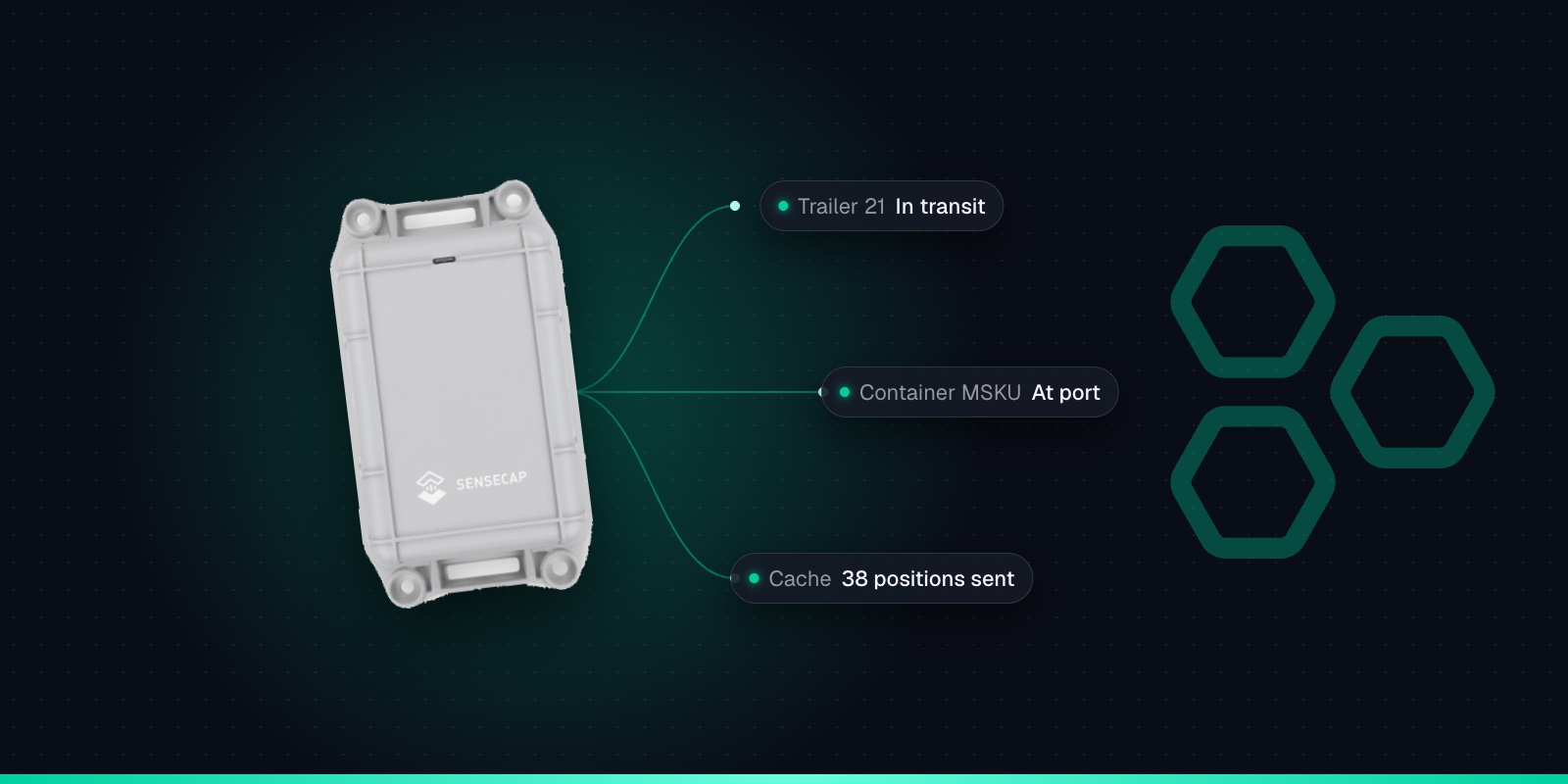
Trailer & Shipping Container Tracking with the SenseCAP T2000
26th October 2026•By Neil Skoglund
T2000 Use Case
Trailers that get dropped at a customer and forgotten. Containers that sit in the wrong corner of a yard. Swap bodies that nobody can find when the lorry turns up to collect them. Unpowered assets that move around a lot are hard to keep track of, because there's no ignition to wire a tracker into and nobody wants to change batteries every few weeks.
This guide is for hauliers, trailer rental firms, container owners and logistics teams. It shows how a SenseCAP T2000 screwed to a trailer or container, reporting into Trackpac, tells you where each one is, how long it has been there, and when it arrives or leaves a depot, port or customer. It is also straight about the limits, especially coverage on the road and abroad.
Why the T2000 Suits Trailers & Containers
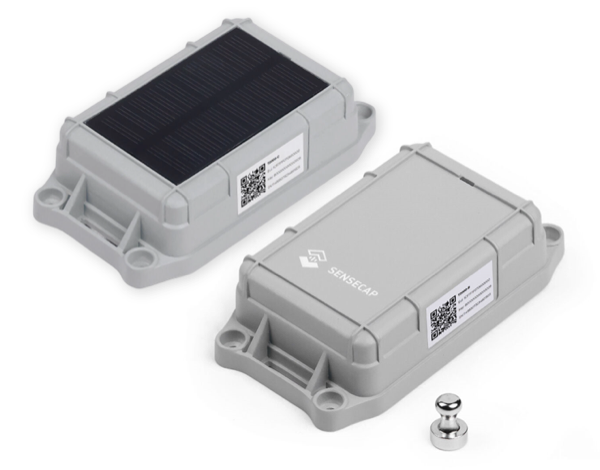
Logistics is one of the jobs Seeed designed the T2000 for: shipping containers, trailers and railway freight cars are all on its list. It is a sealed IP67 box, 117 × 65 × 30mm and 180g, built to be screwed to the outside of things. The battery versions (T2000-A and T2000-B) work from -40°C to +85°C, and Seeed quotes over a year at an hourly GPS position, up to 7 to 9 years with longer intervals.
It also has the features that matter for assets that travel without you. An optional location data cache stores up to 1,000 positions when it can't get a signal through and sends them later. An accelerometer lets it report when it starts and stops moving, or when it has been still for hours. And an anti-tamper button on the back raises an alarm if someone unscrews it.
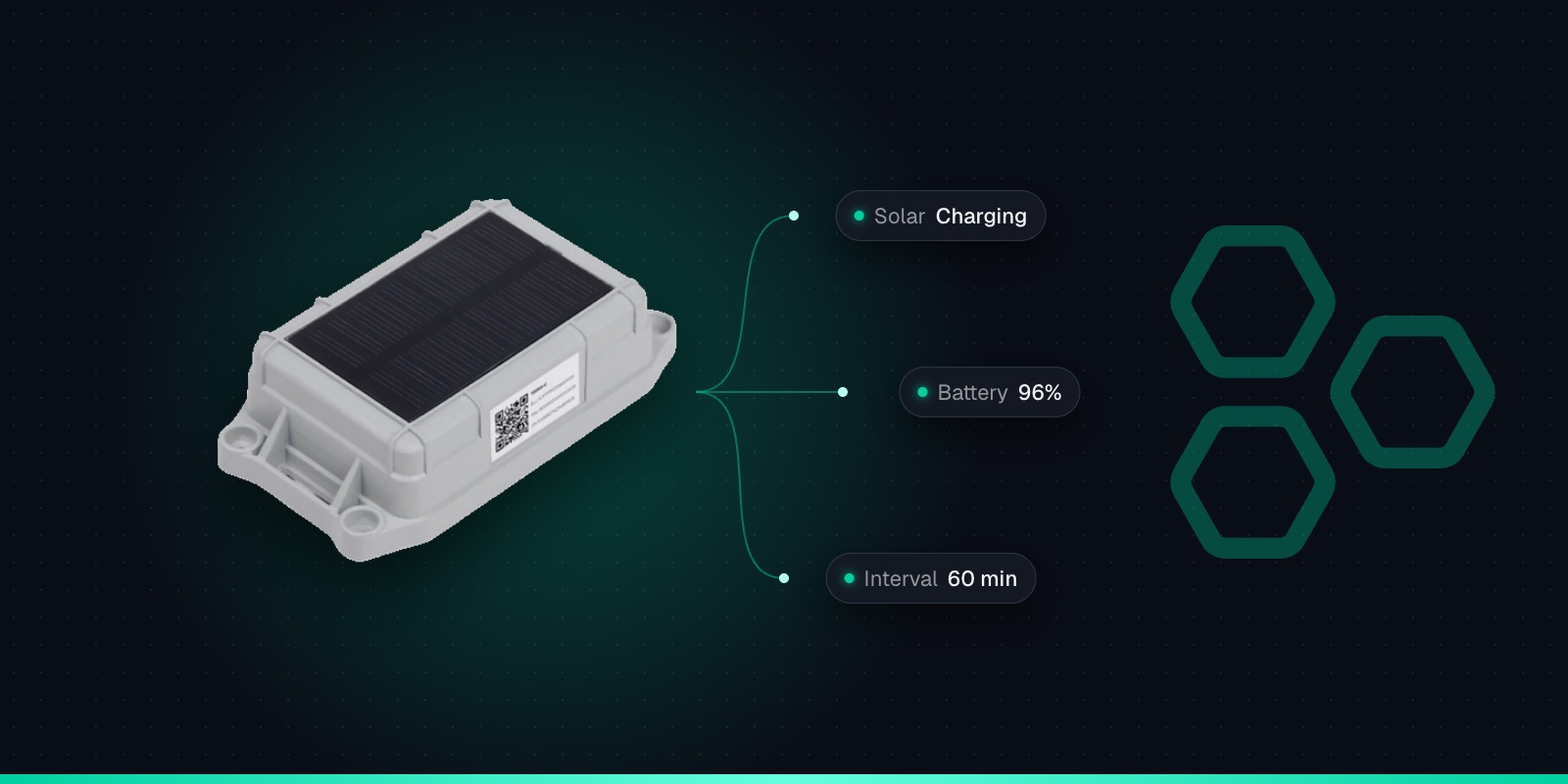
The T2000-A (GPS and Bluetooth) is the usual choice. The T2000-B adds Wi-Fi scanning, which helps when trailers spend time in warehouses, cross-docks and loading bays where GPS doesn't reach; Trackpac turns those Wi-Fi scans into a position for you. The solar T2000-C suits assets that sit outside in daylight. Our T2000-A vs T2000-B vs T2000-C comparison covers the differences. Buy from Seeed Studio, or the T2000-A from The Pi Hut in the UK.
GPS + Bluetooth (+ Wi-Fi)
GPS, GLONASS and BeiDou outdoors, Bluetooth beacon scans, and Wi-Fi scans on the T2000-B.
Anti-tamper alarm
A button on the back raises a top-priority alarm the moment the tracker is removed.
8000mAh battery
Over a year at hourly GPS updates on the T2000-A/B, and years longer at longer intervals.
Solar option
The T2000-C pairs a 0.5W solar panel with a 4000mAh rechargeable battery.
IP67, ATEX on A/B
Waterproof and dustproof. The T2000-A/B run from -40 to +85°C.
117 × 65 × 30mm
180g, in a glass-fibre reinforced case.
1,000-record cache
Optional: stores positions out of coverage and sends them when it reconnects.
Screw, strap or stick
Screw it to containers and trucks, strap it to livestock, or use 3M tape.
This is the single most important decision. A steel container or box trailer blocks both GPS signals and the LoRaWAN radio. A tracker inside one will rarely get a fix and may not be heard at all. So the T2000 goes on the outside: screwed to the frame or near the door end, in a spot that is sheltered from knocks but still has a view of the sky. The IP67 rating means rain and spray aren't a problem.
Use screws rather than tape on anything that is lifted, coupled and bounced down the road. Mount it so the tamper button on the back is held in against the surface, and check the SenseCraft app's Measure screen shows it as "Pressed". Some starting points:
Trailers
High on the front bulkhead or headboard, or on the chassis where it isn't shadowed by the body. Keep it clear of the coupling area, where it can be knocked, and away from wheel spray.
Shipping containers
On the outside, up high near the door end, in a recess that protects it from handling equipment. Remember containers get stacked: the top of the stack will hear the sky, the bottom row may not.
Swap bodies
On the body itself, not the vehicle, so the tracker stays with the box when it's dropped on its legs. A sheltered spot on the front wall or frame works well.
Railway wagons
On the wagon frame with an open view upwards. Railway operators have their own rules about fitting equipment to rolling stock, so check with the wagon owner before you fit anything.
Give each tracker its first GPS fix outdoors before mounting, so it can set its clock from the satellites. Then fit it, park the trailer or container where it normally sits and check on the Trackpac dashboard that positions are arriving.
Geofences for Depots, Ports & Customers
Most of the value comes from knowing when an asset arrives or leaves somewhere that matters. Draw a geofence in Trackpac around each depot, each port or rail terminal you use, and your regular customer sites, as a circle or a polygon that follows the boundary. Each one can alert on entry, exit or both, to the contacts you choose, with an optional out-of-hours window.
Trackpac shows which trackers are inside each geofence right now, and the history of every entry and exit. That answers the everyday questions: how many trailers are at the Midlands depot, which containers are still at the customer, and when that swap body actually left. Tag assets by fleet, customer or route so alert rules apply to a whole group, and use read-only share links to let a customer see the assets on their site without access to everything else.
Dwell Time & Movement
A trailer that has sat at a customer for three weeks is costing you money. Two features help spot it.
Motionless alerts
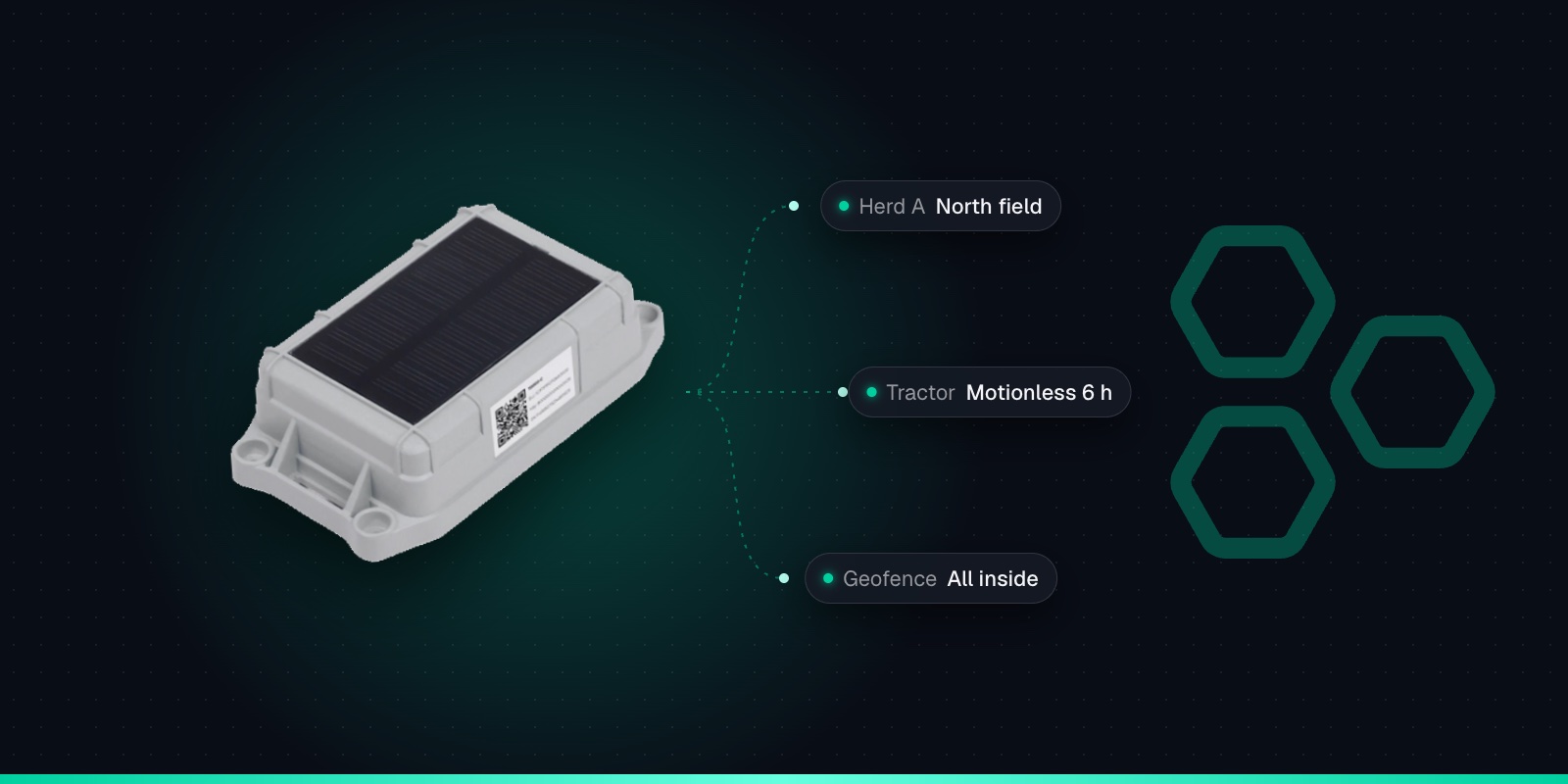
With the accelerometer on, the T2000 can send a motionless event when it hasn't moved for a set time (Seeed's default is 360 minutes). Trackpac can alert on it, so you hear about trailers that have stopped longer than expected.
Geofence history
Entry and exit times for each geofence show how long an asset stayed at a site. That's useful evidence when you're discussing demurrage or detention with a customer.
Start moving and end movement events also need the accelerometer. In the SenseCraft app, turn on "Enable 3-axis sensor" (off by default) and switch to event mode with the motion event on. Seeed notes that the accelerometer increases power use, so only turn it on if you want movement-triggered alerts. If an hourly position is all you need, leave it off.
Coverage on the Road & the Offline Cache
Be realistic about LoRaWAN coverage. It's good in many towns and industrial estates, and Trackpac's roaming onto Helium and other public networks widens it a lot. But coverage at ports, on motorways and in the countryside varies. Seeed quotes up to 9.6 km in open country; in practice range depends on where the gateways are and what's in the way. If you have a depot that must always be covered, a gateway on site solves it, and our LoRaWAN consultancy can help plan one.
International journeys need extra care. Coverage outside the UK and EU depends on the local networks where the asset ends up, and roaming there isn't guaranteed. Check coverage for the places that matter before you rely on it, and treat a sea crossing as a gap. That's where the cache earns its place.
Turn on the location data cache
It is off by default. Once on, the T2000 keeps up to 1,000 positions it couldn't deliver. Seeed says that's about 41 days continuously out of coverage at hourly reporting, and over 500 days at 12-hourly. When the tracker is heard again, it sends live data first, then works through the stored positions, oldest first, between its live reports.
The cache fills in the history after the event. It doesn't give you a live position while the asset is out of range. A few starting configurations:
Job
Suggested setup
Trailer pool around UK depots
Periodic mode, 60-minute interval, cache on. Geofences around each depot and regular customer.
Containers in transit
Periodic mode with the cache on, interval matched to how often you really need a position. Geofences at ports and terminals.
Trailers parked for long spells
3-axis sensor on, event mode with motion and motionless events, so you hear when one moves or sits too long.
Warehouses and cross-docks
T2000-B with a GNSS + Wi-Fi strategy, so it falls back to Wi-Fi when GPS fails indoors.
Every extra report and every cache resend uses battery. Our T2000 battery life guide explains the trade-offs. The A and B battery is not rechargeable, so set a battery percentage alert in Trackpac and plan replacements at a routine service or inspection.
Tamper Alerts & Theft
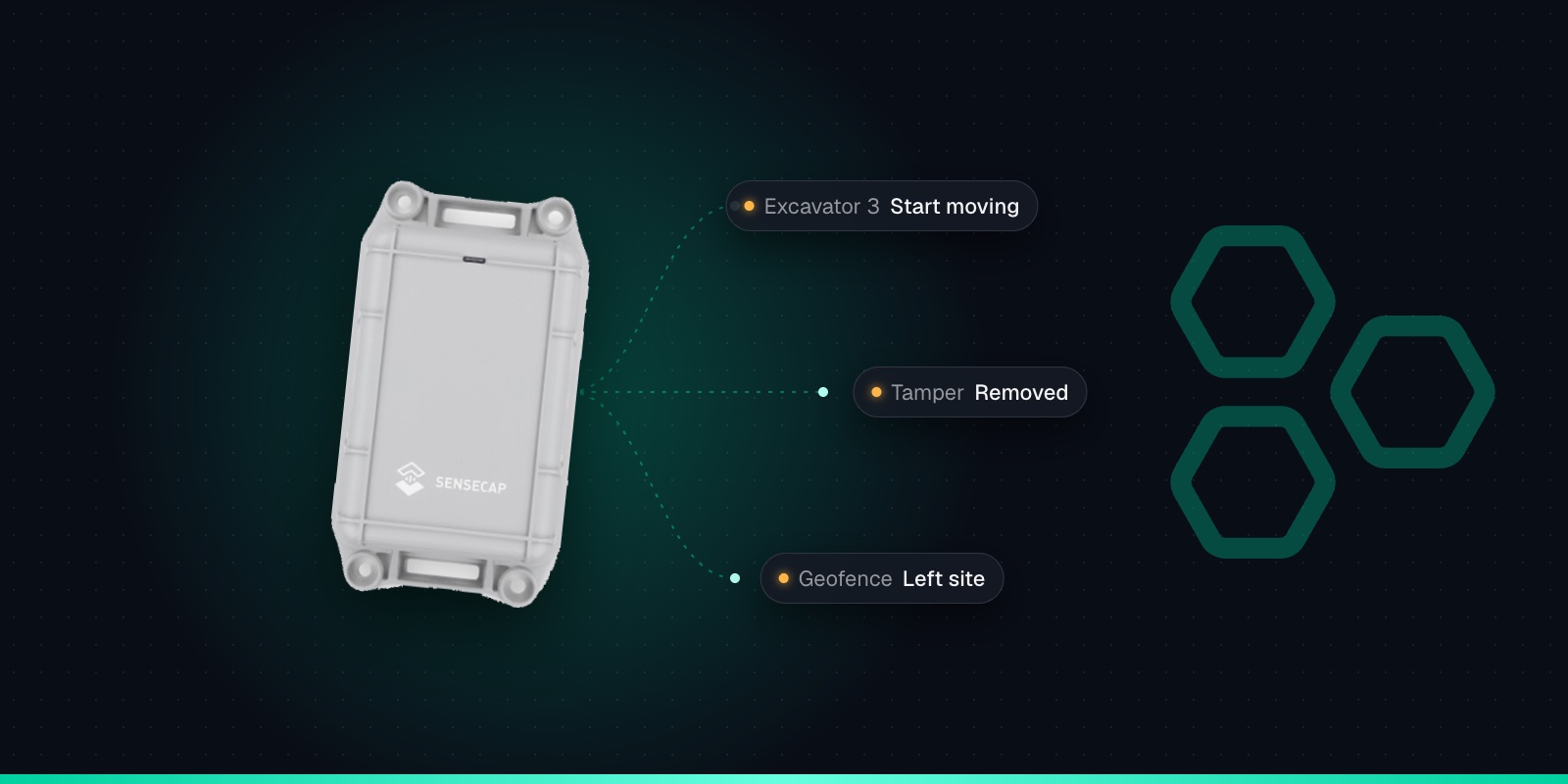
The tamper alarm is on by default. When the tracker is unscrewed and the button on the back is released, it flashes its red LED, raises what Seeed calls a top-priority alarm, and sends its position every minute for 3 minutes. Set a Trackpac rule on the "Disassembled" event so it goes to a person by SMS, email or push.
Honest about what it can do
A thief who spots the tracker can still remove it. The point is that removing it is what triggers the alert, and you get a position from where it came off. It won't stop a trailer being hitched up and towed away. Don't pursue anyone yourself: give the police the location and history from Trackpac.
A tracker tells you where the box is, not whether it has been opened. For door-open alerts on a container used as site storage, pair it with a door sensor: see shipping container door alerts with the LDS03A. And for the smaller returnables that travel inside your trailers, such as roll cages and stillages, the card-sized T1000 is a better fit: see roll cage and returnable container tracking.
Adding a T2000 to Trackpac
Each tracker takes a couple of minutes. The Trackpac network roams onto Helium and other public LoRaWAN networks, so there's no network server to run.
1
Switch it on with the magnet
The T2000 has no button. Hold the supplied magnet near the sensor area and tap 4 times quickly: the green LED lights and it goes straight into Bluetooth pairing.
2
Connect with the SenseCraft app
In Seeed's SenseCraft app, open Device Bluetooth Configuration, choose SenseCAP Asset Tracker T2000 and select the tracker by its serial number. Set the frequency plan for your region: EU868 in the UK and Europe.
3
Choose Other Platform and copy the keys
Change Platform to "Other Platform" and set the APP EUI to 545241434B504143. Copy the Device EUI, APP EUI and APP Key, then tap Send.
4
Add it in Trackpac
In Trackpac, go to Devices, tap +, choose "Enter Keys Manually", paste the three keys and pick SenseCAP T2000 as the device type. Trackpac's network roams onto Helium, so you don't need your own network server.
5
Test outdoors, then mount it
Give it its first GPS fix outside so it can set its clock from the satellites. Then mount it so the tamper button on the back is held in, or the tamper alarm will fire.
Name each tracker after the asset's fleet number, tag it by fleet or customer, draw your geofences, and set the alert rules. Before rolling out across a fleet, read what to check about LoRaWAN coverage and try a handful on your busiest routes. Trackpac is £15 / €18 per tracker per year with no setup fee: see pricing or add your first trailer today.
Get Started
Know where every trailer and container is
Screw a T2000 to each asset and Trackpac shows where it is, how long it's been there, and alerts you when it arrives, leaves or is tampered with.
Works with the T2000-A, T2000-B and T2000-C. Add one with its keys in a couple of minutes.
Connectivity through the Trackpac network, which roams onto Helium, so there's no network server to run.
Dashboard, alerts and data storage from £15 / €18 per tracker per year.
Can you track a shipping container without a SIM card?↓
Yes. A LoRaWAN tracker such as the SenseCAP T2000 sends its GPS position over a low-power radio network instead of a mobile network, so there is no SIM and no data plan per container. The Trackpac network roams onto Helium and other public LoRaWAN networks. The catch is coverage: LoRaWAN is good in many towns, depots and along some routes, but patchy elsewhere, so turn on the T2000's location data cache to fill in gaps.
Where should I mount a GPS tracker on a shipping container?↓
On the outside. A steel container blocks GPS and radio signals, so a tracker inside it will rarely get a fix or be heard. Screw the T2000 to the outside in a sheltered spot with a view of the sky, out of the way of forklifts, straddle carriers and lashing gear, and mount it so the tamper button on the back is held in. Test it in place before relying on it.
What happens when a trailer tracker goes out of coverage?↓
Nothing arrives until the tracker is heard by a gateway again. With the SenseCAP T2000's location data cache turned on (it is off by default), it stores up to 1,000 positions while out of coverage, which Seeed says is about 41 days at hourly reporting. Once it reconnects it sends live data first, then the stored positions oldest first, so the journey history fills in later.
How long does a SenseCAP T2000 battery last on a trailer?↓
Seeed quotes over one year for the T2000-A and T2000-B with a GPS position every hour, and up to 7 to 9 years with longer intervals. The accelerometer, more frequent reports while moving, and resends from the cache all use more. The A and B battery is not rechargeable. The solar T2000-C is rated for multi-year use in regular sunlight. Set a battery alert in Trackpac so you know before a tracker runs low.
Will a LoRaWAN container tracker work abroad?↓
Sometimes, but don't assume it. The Trackpac network roams onto Helium and other public LoRaWAN networks, and coverage outside the UK and EU depends entirely on the local networks where the container ends up. Some ports and routes are well covered, others not at all. Check coverage for the places that matter before relying on it, turn on the location data cache, and treat long sea crossings as a gap.