Loft, Cellar & Underfloor Void Damp Monitoring with the LSN50v2-S31
22nd October 2026•By Neil Skoglund
LSN50v2-S31 Use Case
The parts of a building most likely to get damp are the parts nobody looks at. Condensation drips from roof timbers in a cold loft, a cellar stays clammy all winter, and moist air sits under a suspended timber floor for months. By the time anyone notices, there's mould on the joists, staining on the sarking or a musty smell rising through the floorboards.
This guide is for homeowners, landlords, property managers, church and heritage building custodians, and anyone responsible for a portfolio of buildings. It shows how a Dragino LSN50v2-S31, with its temperature and humidity probe passed into the loft, cellar or floor void and the main unit left outside it, reports into Trackpac so you can see damp building up, get alerts when it does, and prove whether a fix has worked. For the wider case for temperature sensors, see our overview of real-time temperature monitoring.
Why Hidden Spaces Get Damp
Lofts, cellars and underfloor voids share three problems: they're often colder than the rooms around them, the air in them moves slowly, and nobody spends any time there. Warm, moist air finds its way in from the living spaces or the ground, meets cold surfaces and condenses. In a loft that might be the underside of the roof felt or sarking on a frosty night. In a cellar it's the walls and floor. Under a suspended floor it's the joists, the wall plates and the underside of the boards.
A damp spell now and then is normal. The damage comes from conditions that stay damp for weeks: mould on roof timbers and stored boxes, timber that takes up moisture and becomes vulnerable to decay, rusting fixings and tanks, and belongings in the loft or cellar spoiled before anyone goes looking for them. Changes to a building can shift the balance too. New loft insulation, blocked eaves vents, covered air bricks or a new floor finish can all change how a void behaves.
The difficulty is that a quick look with a torch tells you very little. Humidity in a void rises and falls with the weather, the season and what's happening in the building above, so a single visit can easily miss the problem. What you need is a continuous record.
Why the LSN50v2-S31 Suits Voids & Roof Spaces
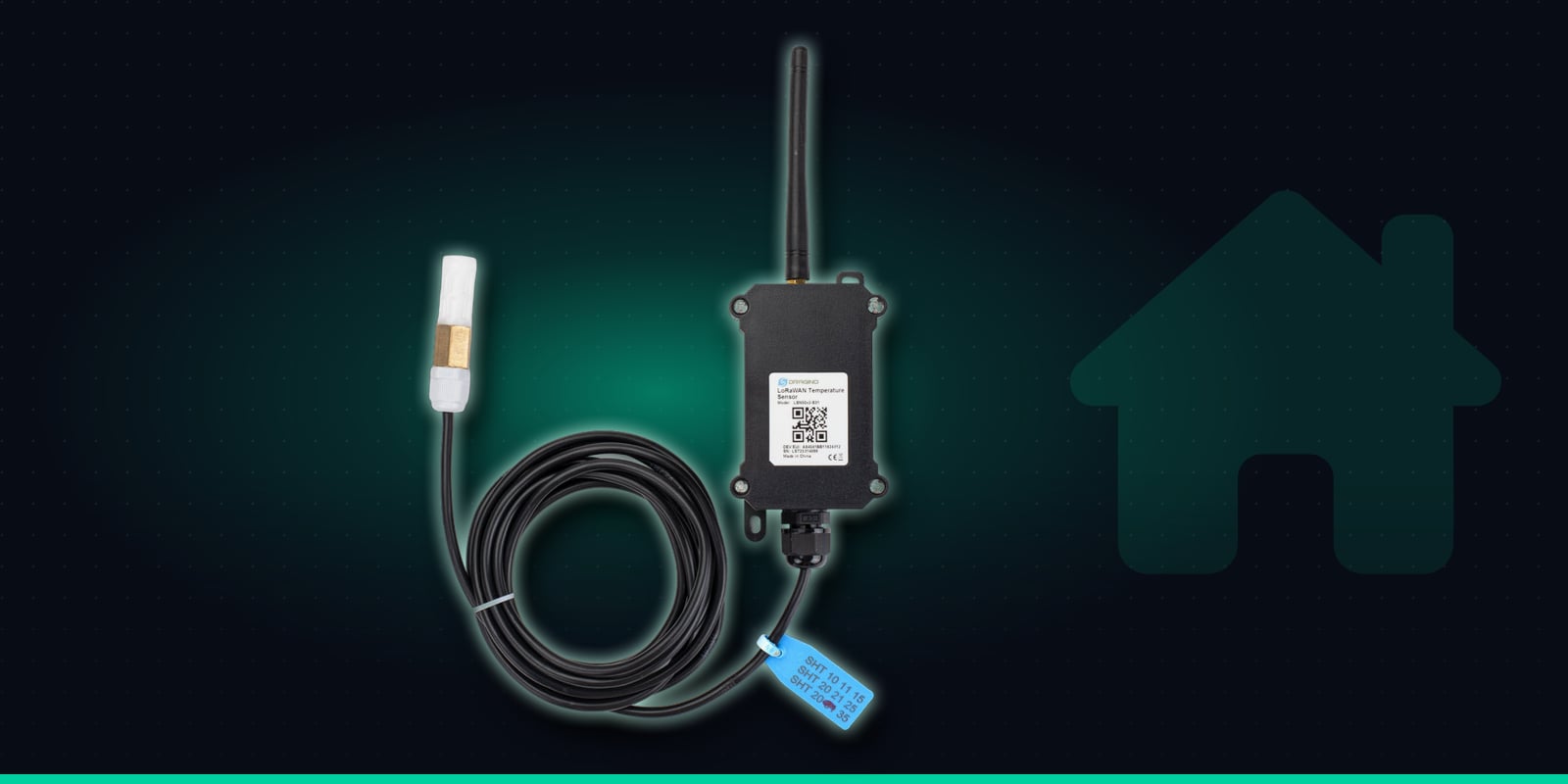
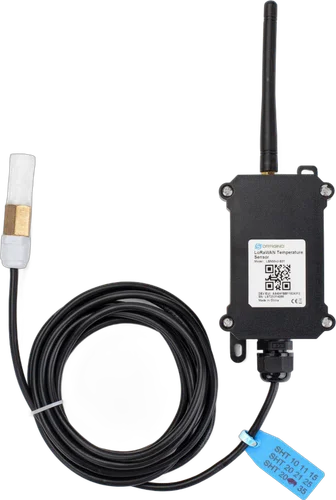
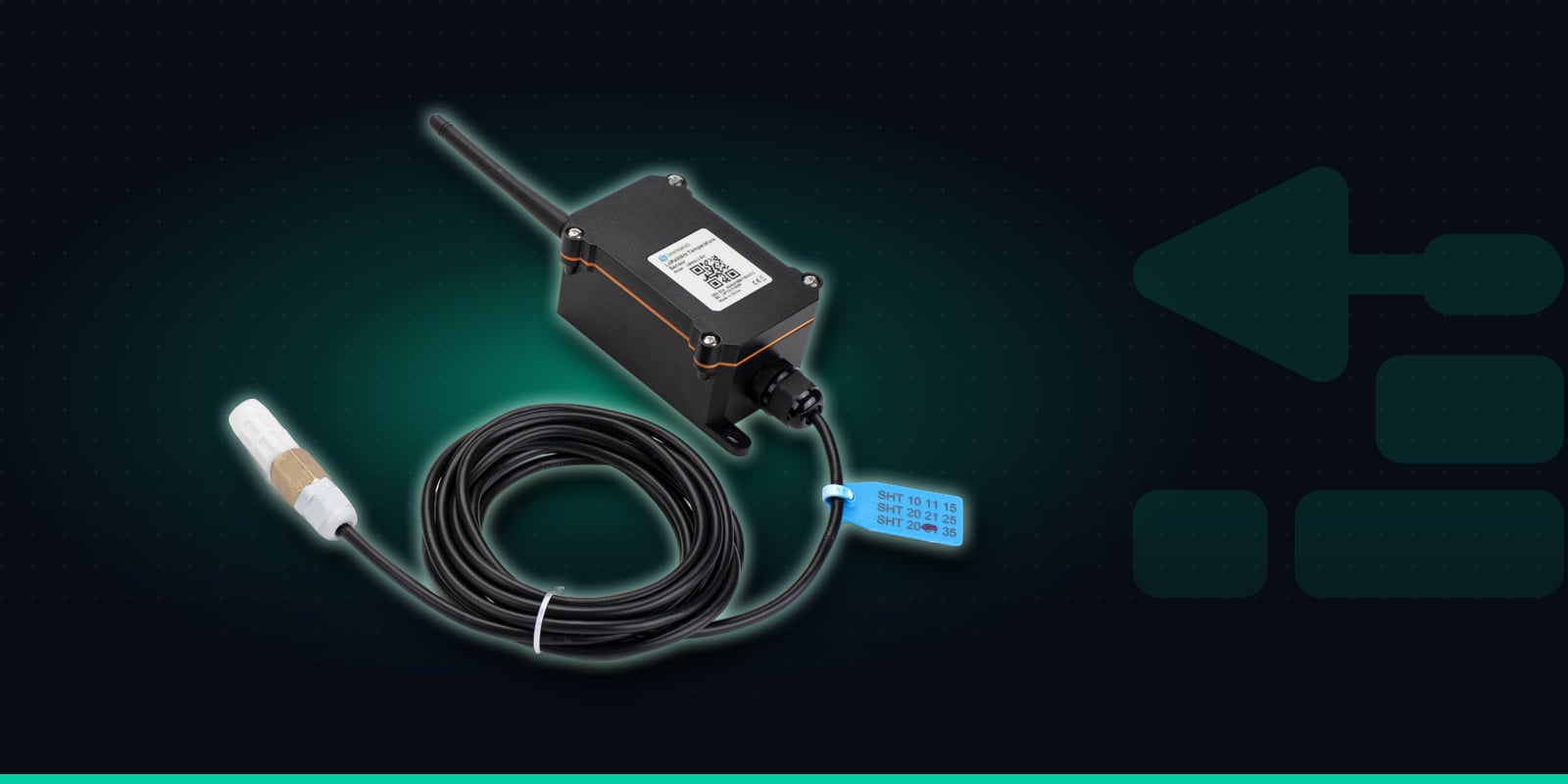
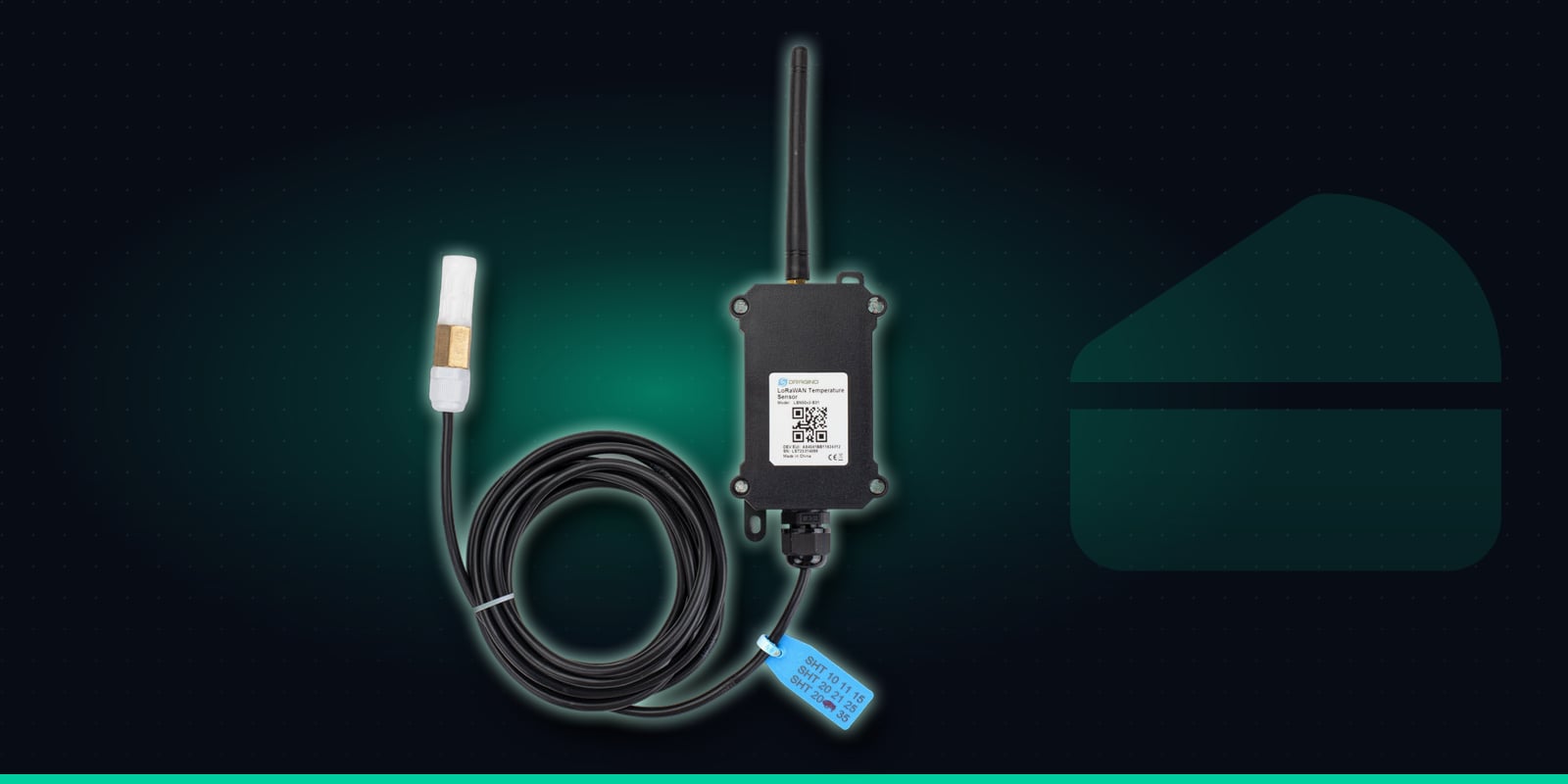
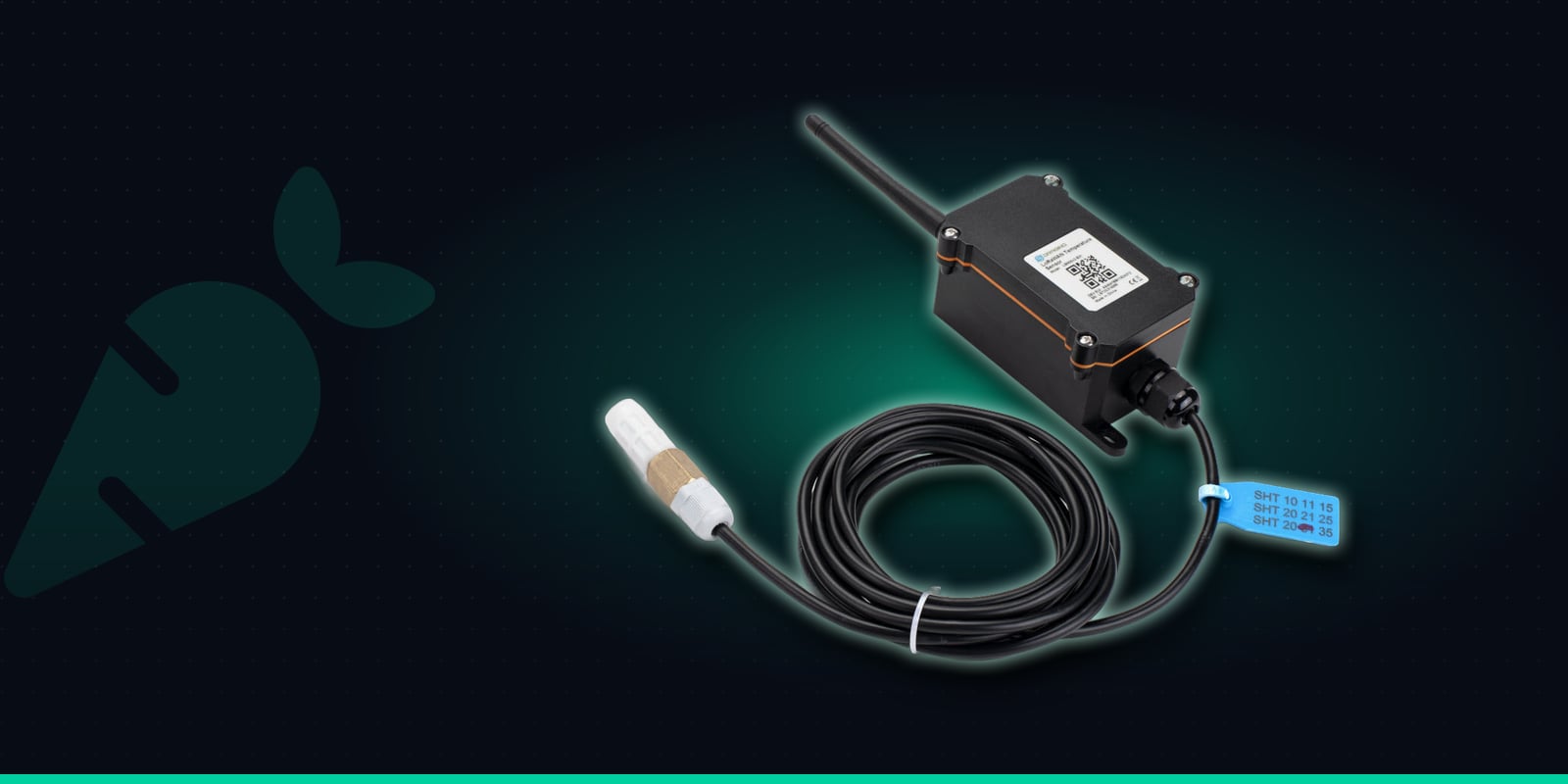
Most room sensors are a single box, which is fine on a shelf but awkward in a shallow crawl space or a cellar with poor signal. The LSN50v2-S31 splits the job in two. A Sensirion SHT31 temperature and humidity probe, in a vented, anti-condensation casing, sits on a 3 metre cable. That probe goes into the void through the loft hatch, a floor hatch or an access panel, while the rugged main unit with its battery, radio and external antenna stays outside, up to 3 metres away.
Keeping the unit outside the void makes life easier. You can check it without crawling under the floor, and the antenna isn't buried behind floorboards, stone or earth. The probe measures the air around it, so hang or fix it in free air near the timbers or area you're concerned about. It isn't designed to be pushed into wood or masonry, or left where it could sit in water.
It reports every 20 minutes by default, runs on a battery rated for up to 10 years depending on reporting interval, and uses LoRaWAN, so there's no mains, no Wi-Fi and no SIM to arrange. If coverage drops, it stores readings and sends them once it reconnects, so the history has no gaps. It can also check the probe every minute and send an alarm straight away when humidity or temperature goes outside limits set on the device.
Temperature & humidity
Sensirion SHT31 probe: -40 to 80°C (±0.2°C) and 0 to 99.9% RH (±2% RH).
3m probe cable
The probe sits in a waterproof, anti-condensation casing on a 3 metre cable.
High/low alarms
Checks every minute and reports straight away when temperature or humidity goes outside the limits you set.
Datalog
Stores readings if coverage drops and sends them once it reconnects. Reports every 20 minutes by default.
8500mAh battery
Rated for up to 10 years, depending on how often it reports.
Outdoor enclosure
Rugged main unit rated -40 to 85°C, with the probe placed where the reading matters.
Specifications from Dragino's LSN50v2-S31 documentation.
Where to Use It
Each LSN50v2-S31 has one probe, so it watches one space. In a larger building, use one per void or per end of a long loft or floor, and put the probe where you most expect trouble:
Lofts & roof spaces
Condensation on rafters, purlins and sarking, especially in cold lofts after insulation work. Probe near the roof timbers on the side that gets the least sun; unit on the landing by the hatch.
Cellars & basements
Persistent damp that spoils stored furniture, papers and equipment. Probe in the dampest corner, away from the walls; unit at the top of the steps where the signal is better.
Underfloor voids & crawl spaces
Still, humid air under suspended timber floors, where joists and wall plates can stay damp for months. Probe through a floor hatch into the void; unit in the room or cupboard above.
Churches & heritage buildings
Roof voids, crypts and floor voids in buildings heated a few hours a week, where a long record helps when planning work and talking to advisers. No mains wiring or cabling through the building.
Commercial buildings
Basement stores, roof voids above offices and shops, and floor voids in older premises, where damp can damage stock, records and the building itself before anyone notices.
Property portfolios
Landlords, housing providers and estates teams watching the buildings with a history of damp, all on one dashboard, tagged by property.
Installing the LSN50v2-S31 in a Void
Fitting takes a few minutes. The probe goes into the space you want to watch; the main unit stays outside it, within reach of the 3 metre cable.
1
Order pre-onboarded, scan and name it
Buy the LSN50v2-S31 from Hexaspot with the Pre-onboard to Trackpac option, scan its QR code in the Trackpac app and give it a clear name such as "Unit 2 - underfloor void, front room". Tag it with the property so it picks up that property's alert rules.
2
Choose the spot that matters
In a loft, that's usually near the roof timbers or the coldest slope. In a cellar, the corner that smells or feels dampest. Under a floor, the area furthest from the air bricks, where air moves least.
3
Route the probe in through a hatch
Pass the probe through the loft hatch, a floor hatch or an access panel and fix it in free air, clear of the ground and any standing water. Don't block air bricks or eaves vents to do it: they keep the void ventilated.
4
Fix the main unit outside the void
Mount the enclosure within 3 metres, on a landing wall, at the top of the cellar steps or inside a cupboard by the hatch. Keep the cable clear of the hatch lid and anything that gets moved around.
5
Watch a baseline before setting alerts
Confirm readings are arriving on the dashboard, then leave it a couple of weeks. The graph shows how the void responds to wet spells, cold nights and the heating, which tells you where to set your thresholds.
Proving Whether a Fix Worked
Damp in voids is often tackled with a change: more eaves or ridge ventilation, clearing blocked air bricks, adjusting loft insulation, a dehumidifier in the cellar, or fixing a gutter that was soaking a wall. The hard part is knowing whether it made any difference. Damp problems are seasonal, so a quick check a week later can be misleading either way.
With a sensor in place before and after the work, the Trackpac history graphs show the answer. You can see whether humidity peaks are lower, whether the void dries out faster after wet weather, and how often the Mould Risk indicator is raised compared with the same conditions before. Export the readings as CSV and you have a record of the change to keep with the building's file. If you have two voids, or a void and the outside air, a sensor in each lets you compare them side by side on the graphs.
Setting Damp Alert Rules
Humidity in a void naturally climbs during wet weather, so the aim is to alert on conditions that stay damp, not on every rainy day. Many people aim to keep relative humidity below roughly 60-65% to discourage mould, and set their alert a little above the void's normal range once they've watched a baseline. Trackpac also derives a Mould Risk indicator from temperature and humidity together, and you can alert on that directly.
Rules can alert on humidity or temperature above or below a threshold, on Mould Risk and on low battery, by email, SMS or push through the Trackpac mobile app. Each rule can target a tag, so every sensor in a property or across a portfolio shares the same contacts, and new sensors inherit the rules automatically. A few rules cover most situations:
Mould Risk raised: take a look
A Mould Risk rule emails whoever looks after the building when conditions in the void favour mould, so they can check ventilation, gutters or the dehumidifier.
Humidity high: something's changed
An above-threshold humidity rule set just above the void's normal range picks up a sudden change, such as a leak, a blocked air brick or a dehumidifier that's stopped.
Damp for days: no message flood
A void can stay above the threshold through a long wet spell. A trigger-lock interval stops every report becoming a message, while the graph keeps the full picture.
Dried out: all clear
When humidity drops back below the threshold, a "resolved" message follows, so you know the void has recovered without going to look.
Out of hours: the right person
Time windows route alerts differently at weekends or overnight, and webhooks can pass them to a maintenance or helpdesk system if you log jobs there.
Low battery: plan a visit
The battery is rated for years, and a low-battery alert gives you time to change it on a routine visit rather than lose a season of readings.
Damp builds slowly, so the 20-minute reports are usually all a Trackpac rule needs. If you want a faster layer, for example in a cellar prone to sudden water ingress, the on-device humidity and temperature alarms check the probe every minute and report straight away when a limit is crossed. Those limits are configured on the device itself, and Hexaspot or Trackpac support can help you set them. Trackpac passes the alert on; it doesn't switch on fans or dehumidifiers itself.
Evidence for Surveyors, Contractors & Owners
Damp is easier to discuss with data. A surveyor deciding whether a floor void needs more ventilation, a roofer looking at condensation in a loft, or a contractor quoting for a cellar dehumidifier can all make better decisions with weeks of readings rather than a single visit. A read-only dashboard link lets them see the sensors for that building without being able to change anything, and it's just as useful for an owner, a building committee or a client.
Across a portfolio, tag each sensor by property or building and the dashboard groups them, so the damp voids stand out at a glance. CSV exports give you a record for each building's file, useful when planning maintenance or showing what was monitored and when. If a probe is damaged or disconnected, the sensor reports an obviously invalid reading, so a fault is easy to spot.
The LSN50v2-S31 is built for places you can't easily put a box: the void, the loft, the cellar. Damp in the rooms people live in is a related but different job, and a compact indoor sensor on a wall or shelf is usually the better fit there.
If you manage rented homes, read about damp and mould monitoring in rental homes with the LHT65N for the living spaces, and use the LSN50v2-S31 for the loft, cellar or floor void underneath. Both report into the same Trackpac dashboard and can share the same alert rules by tag.
Get Started
See damp building up in the spaces nobody visits
One LSN50v2-S31 per loft, cellar or floor void, with the probe inside and the unit outside, no wiring or Wi-Fi needed - so you can spot damp early and prove whether a fix has worked.
€57.02 ex VAT from Hexaspot, our sister company in the Connect IoT group. VAT is added at checkout based on your country.
Choose Pre-onboard to Trackpac and the sensor arrives registered on Trackpac - scan the QR code and it's live on your dashboard.
Trackpac covers connectivity, dashboard, alerts and data storage from £15 / €18 per sensor per year.
What humidity level should a loft, cellar or underfloor void alert be set to?↓
There's no single right number, because every void behaves differently and humidity naturally rises and falls with the weather. Many people aim to keep relative humidity below roughly 60-65% to discourage mould, and set an alert a little above that so it only fires when conditions stay damp. Watch a couple of weeks of graphs first, then set the threshold just above the void's normal range. Trackpac's Mould Risk indicator, derived from temperature and humidity together, is another useful trigger.
Can I push the probe into a timber joist or a wall to measure damp?↓
No. The LSN50v2-S31's Sensirion SHT31 probe sits in a vented, anti-condensation casing and measures the air around it, not the moisture content of timber or masonry. Hang or fix it in free air within the void, close to the timbers or area you're worried about, rather than pressing it into material or leaving it where it could sit in standing water.
Will the sensor get a signal from a cellar or under a floor?↓
The probe sits on a 3 metre cable, so only the probe needs to be in the void. The main unit, which holds the radio and external antenna, can sit outside it: on the landing by the loft hatch, at the top of the cellar steps or beside a floor hatch. That usually helps the signal. You still need LoRaWAN coverage at the building, so check coverage before deploying, and if the network drops the sensor stores its readings and sends them once it reconnects.
Does Trackpac switch on a dehumidifier or fan when humidity is high?↓
No. Trackpac alerts the people you choose by email, SMS or push, and can forward alerts to other systems by webhook, but it doesn't control dehumidifiers, fans, heaters or vents. What it gives you is the evidence: when a void gets damp, how long it stays that way, and whether a change to ventilation, insulation or a dehumidifier actually made a difference.
Where can I buy the LSN50v2-S31 for use with Trackpac?↓
The Dragino LSN50v2-S31 is sold by Hexaspot, Trackpac's sister company in the Connect IoT group, for €57.02 ex VAT, with VAT added at checkout based on your country. Choose 'Pre-onboard to Trackpac' when ordering and Hexaspot registers the sensor on Trackpac before dispatch, so you only need to scan its QR code. A Trackpac subscription from £15 / €18 per sensor per year covers connectivity, the dashboard, alerts and data storage.